
Fresh cohort launch, safety, ER design frame, portfolio routine.
Your PLTW coursework: Biomedical Innovation ▸ Problem 1: Design of an Effective Emergency Room
What to do if absent- CER:
- Claim, Evidence, Reasoning: make a claim, back it with evidence, explain your reasoning.
- SOP:
- Standard Operating Procedure, the exact steps to follow (especially in a lab).
- Tracker:
- Your PLTW progress log where you record completed evidence.
- myPLTW:
- The PLTW course site where you do the online activities. Find it in Clever with your Microsoft sign-in, right next to Schoology.
Week overview - Launching Biomedical Innovations: safety, your design notebook, and the SDS
Set up your innovation portfolio and design notebook, then read a Data Sheet to plan safe handling, storage, and disposal of a lab chemical.
- 1Label the first page of your design notebook with your name, the course, and today's date so every entry is traceable.
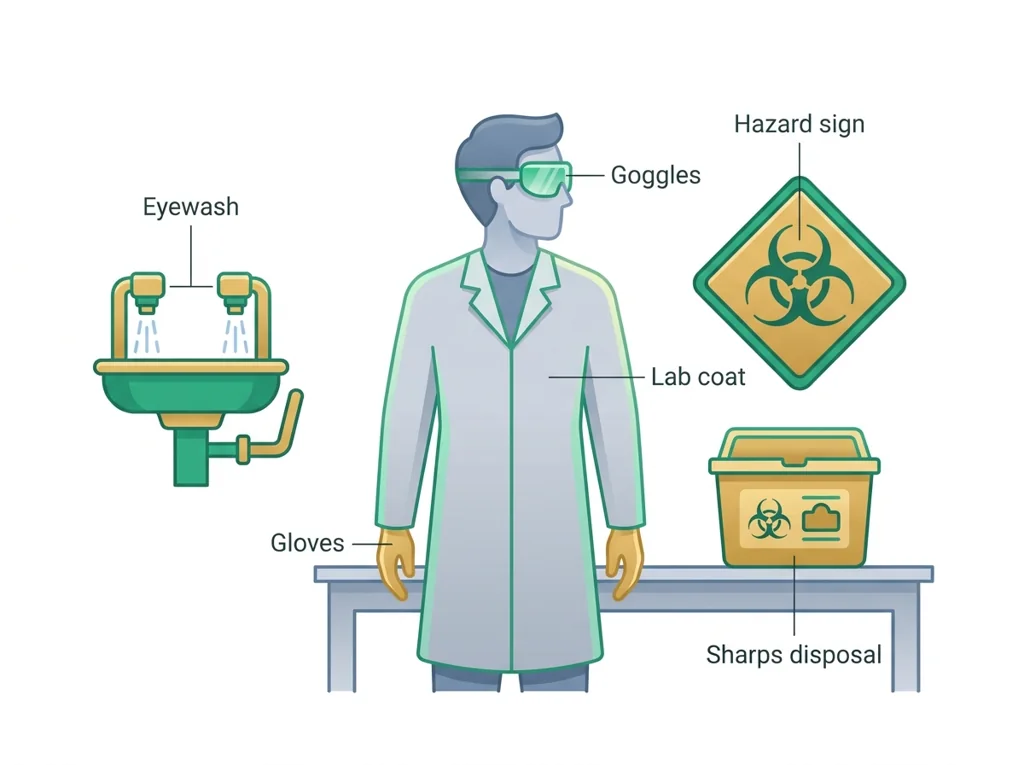
- 2Write a short list of the you see in the room and match each item to the body part it protects.
- 3Pull up the SDS for the assigned chemical and find Section 4 (first aid) and Section 7 (handling and storage).
- 4Record the recommended and one storage rule for that chemical in your notebook.
- 5Walk the room with a partner and locate the eyewash, fire blanket, and chemical waste container.
- 6End class by writing one sentence on why daily notebook evidence matters for an innovation portfolio.
- • You will be able to set up a dated, traceable design notebook entry.
- • You will be able to locate , handling, and storage information on an SDS.
- • You will be able to name the equipment and disposal route for the lab.
Open any day for its full lesson, the work due that day, and guided notes.
Initialized design notebook with four labeled sections and a dated first entry, plus a portfolio folder screenshot.
First BI evidence entry: dated problem statement, stakeholder list, one constraint, and a labeled sketch or concept note.
Written CER contribution arguing a position on ER speed versus equity, plus two debate questions and a reflection note.
One map with six or more ER stakeholders, their primary needs, relationship arrows and one labeled conflict.
- Hook: every real innovation lab starts with , because a great idea is useless if someone gets hurt building it.
- Today's goal: open your innovation portfolio and prove you can read an SDS before you ever touch a reagent.
- This week's Monday bioethics debate sets the tone: who is responsible when a is unsafe?
- Reminder: your graded notebook setup and SDS scenario live in the PLTW course shell, not on loose paper.
Do this: Begin your PLTW innovation portfolio by setting up the design notebook and completing the benchmark in the online course shell.
- • An SDS lists handling, storage, first aid, and disposal information for a chemical.
- • A design notebook is the running record of evidence for an innovation portfolio.
- • Select the correct for a given lab task.
- • Locate handling, storage, and disposal guidance on an SDS.
📋 PLTW evidence due: design notebook setup page and completed SDS handling-and-storage scenario in the course shell.
All PLTW activities are completed inside the PLTW course environment: this page only gives direction.
Use this chart to keep your place. Nothing on it is turned in through the portal.
| Day | Work | Turn in |
|---|---|---|
| Monday · Mon, Feb 1 | Design notebook setup | Initialized design notebook with four labeled sections and a dated first entry, plus a portfolio folder screenshot. |
| Tuesday · Tue, Feb 2 | First BI evidence entry | First BI evidence entry: dated problem statement, stakeholder list, one constraint, and a labeled sketch or concept note. |
| Wednesday · Wed, Feb 3 | Speed-vs-equity debate | Written CER contribution arguing a position on ER speed versus equity, plus two debate questions and a reflection note. |
| Thursday · Thu, Feb 4 | Stakeholder map | One map with six or more ER stakeholders, their primary needs, relationship arrows and one labeled conflict. |
| Friday · Fri, Feb 5 | Evidence for |
- T: /login
- W: ER frame
- Th: stakeholder map
Turn in: Fresh cohort launch, safety, ER design frame, portfolio routine. weekly work due Safety contract and BI portfolio setup.
Go to Schoology to turn this in.
Submit one PDF. Schoology attaches your name to your upload; on the page itself, write your period and code. Name the file: FirstName LastName - Assignment Title - YYYY-MM-DD.pdf.
Open Schoology PDF upload helpIf you cannot get in, see Mr. Mendoza. Do not skip the work.
4 panels from the illustrated semester.
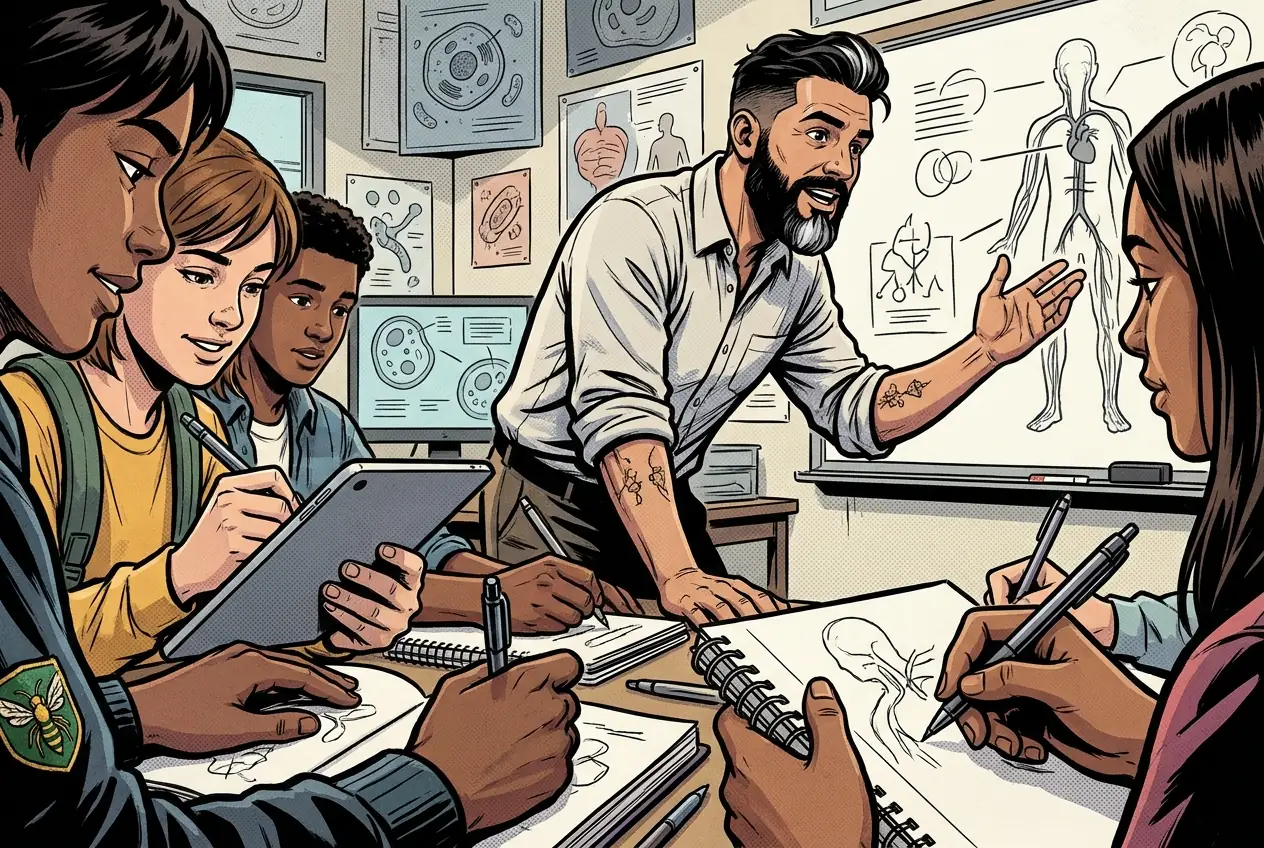
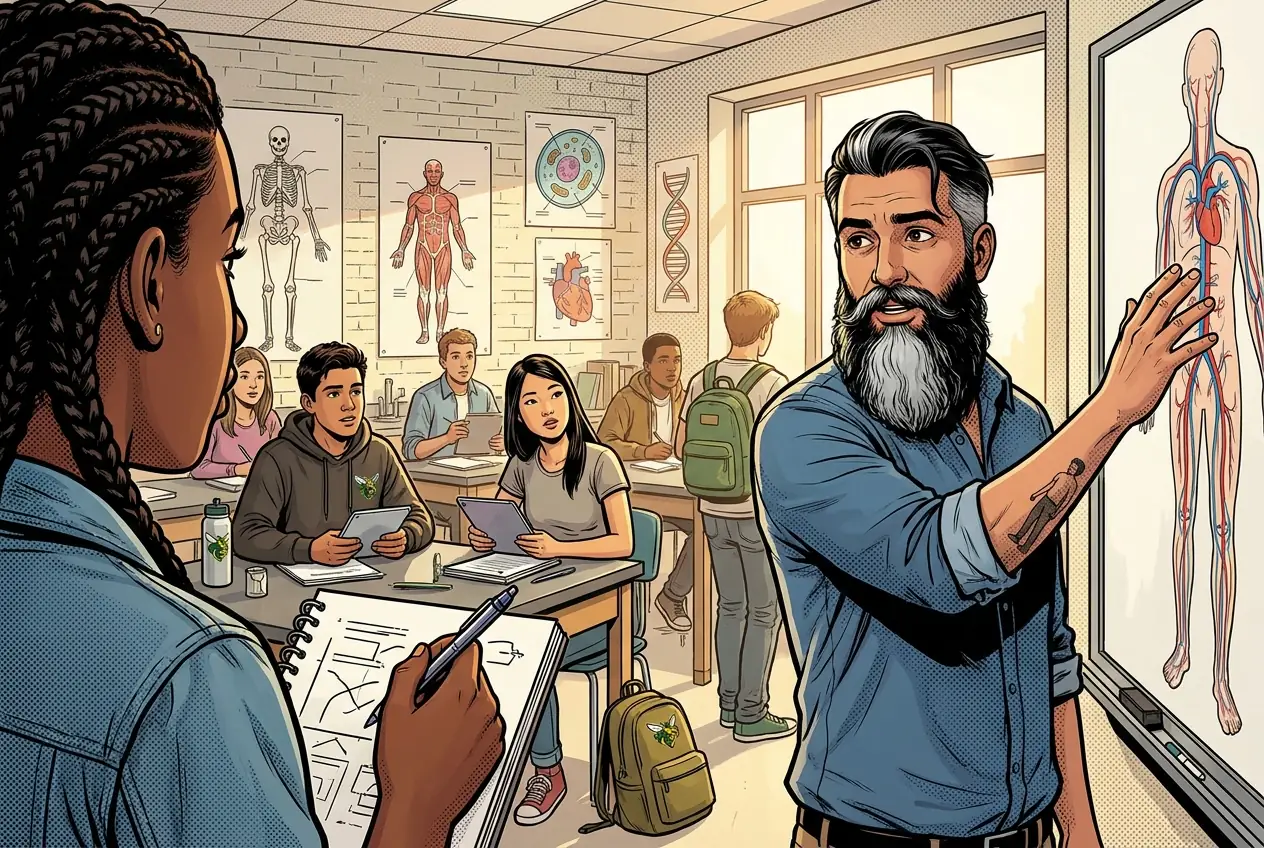
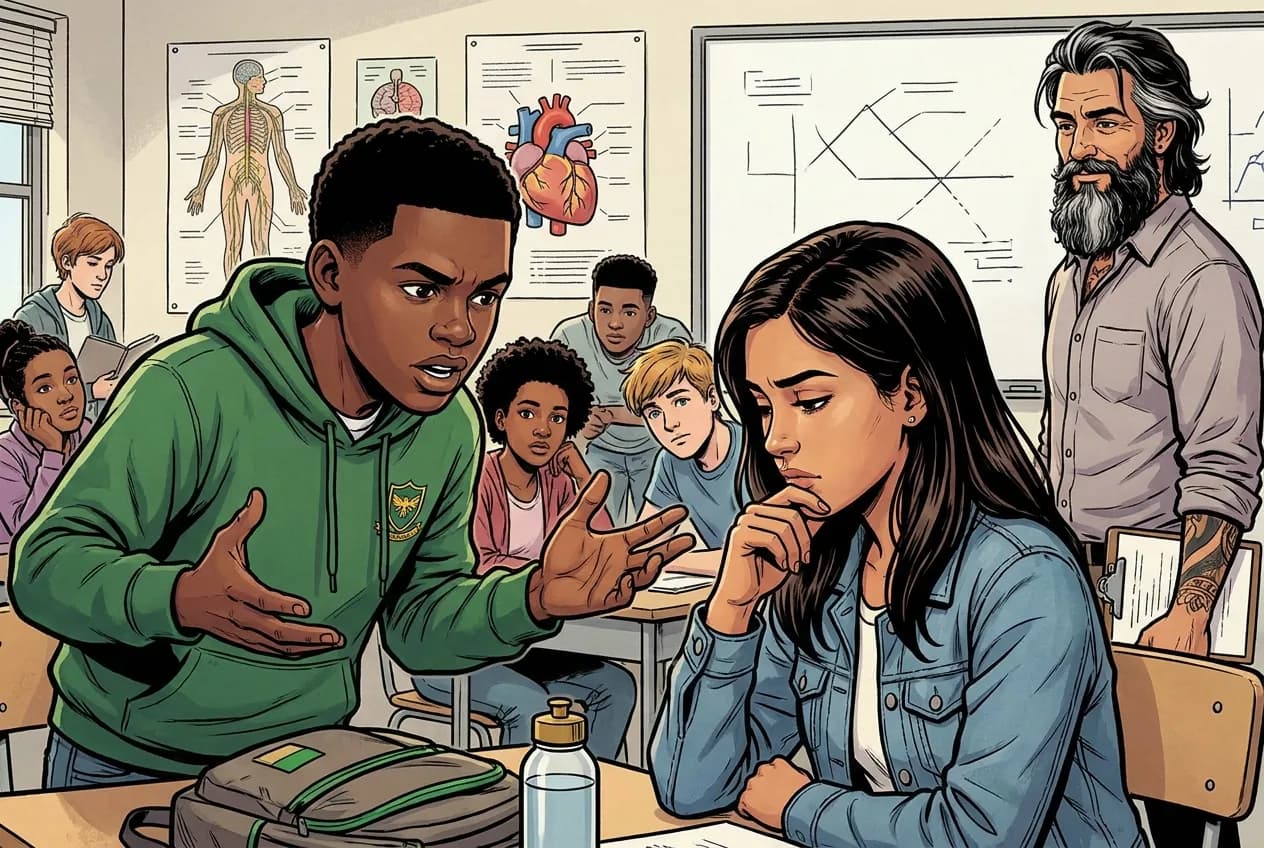
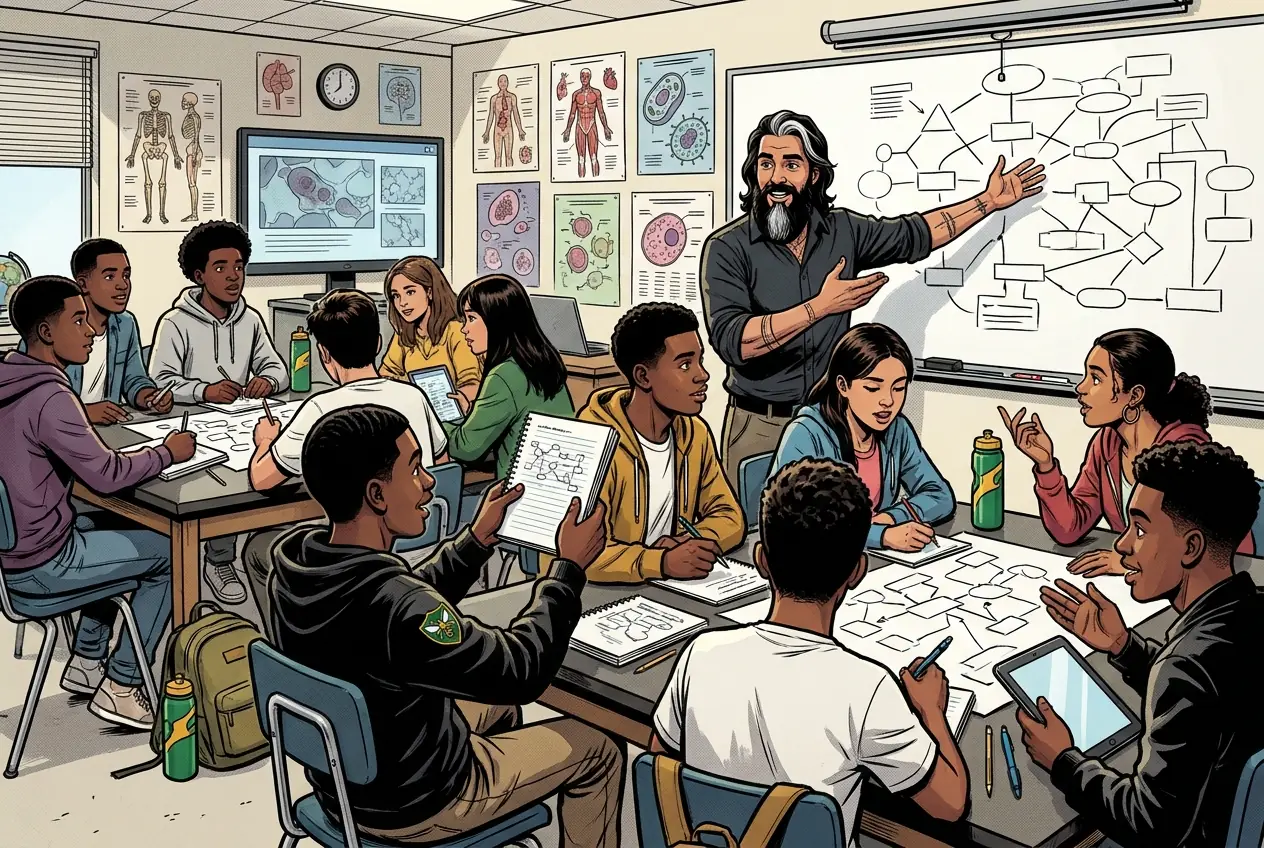
Fiction. There is no such student. The lessons, labs and dates are the real planned course; the student, the classmates and the conversations are invented.
This explainer accompanies the PLTW lab protocol: watch it before lab.
Most days, this class is your PLTW coursework: and PLTW is online and individual. So being out usually just means doing exactly what we did in class, from home.
Open Clever, then myPLTWSign in to Clever with your district Microsoft account to open Schoology or myPLTW. Follow today's posted steps. If myPLTW will not open, use the posted alternative and tell Mr. Mendoza. Turn in your completed work through the Schoology assignment.
You can't do those from home: do this instead: plus patient-flow dataset.
Class still runs. A substitute will post today's plan: complete the online activity above; it's built to be self-guided. Need the concept taught without a teacher? Use this authoritative explainer:
OSHA Hazard Communication Standard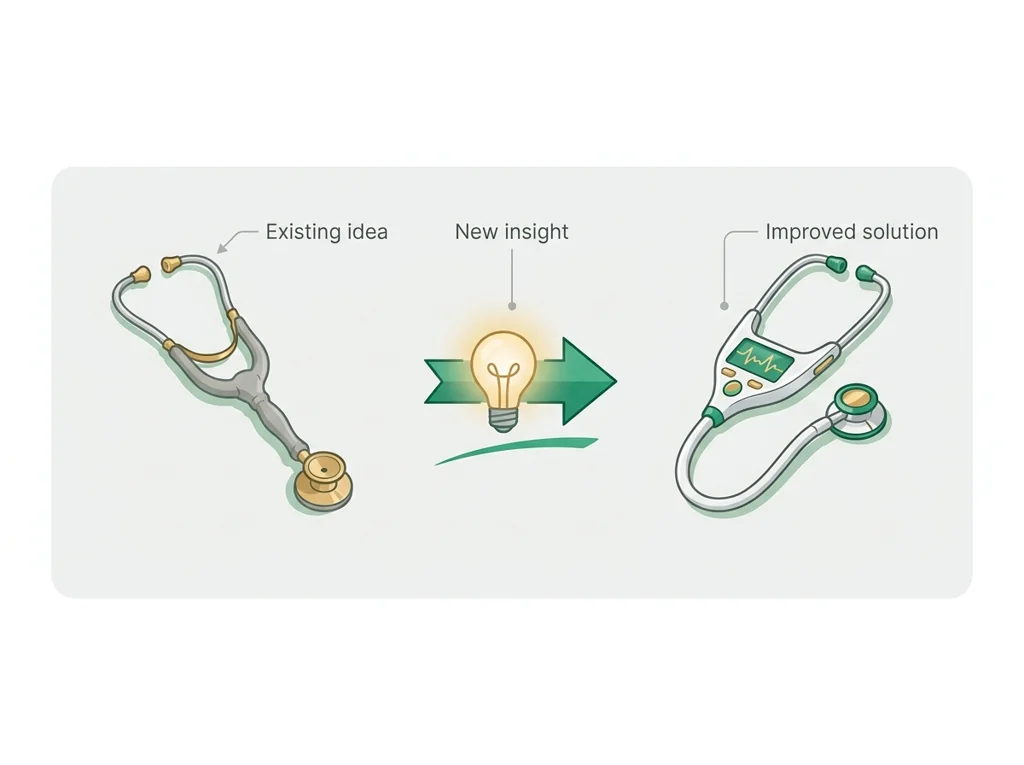
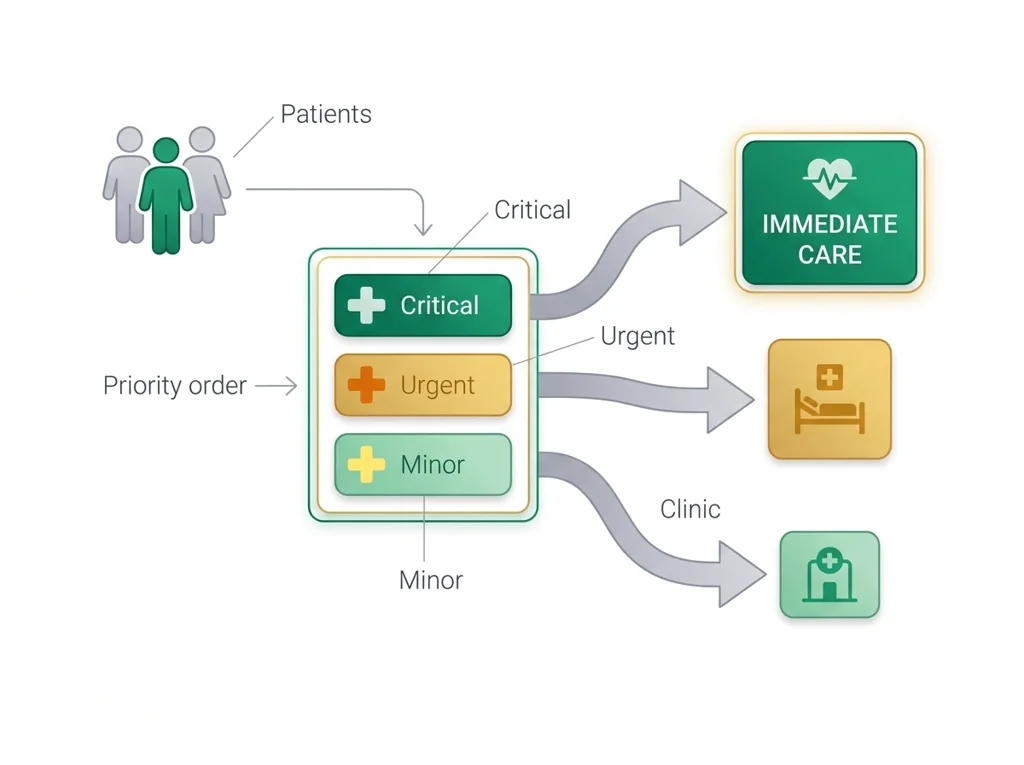
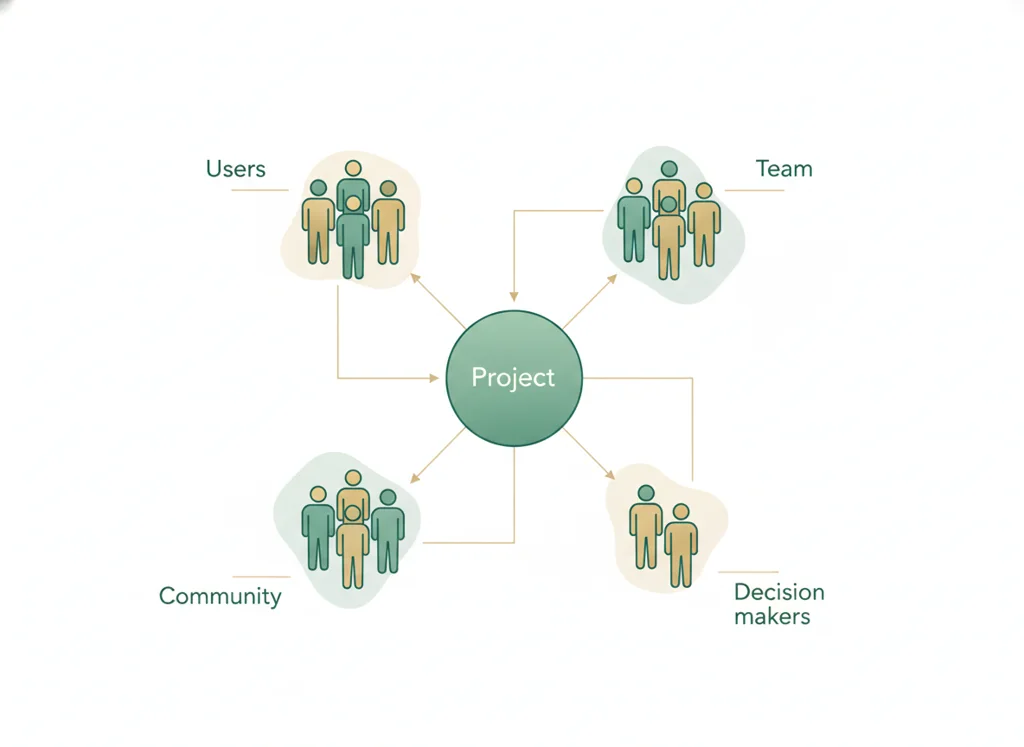
Classroom documents for this lesson are posted in Schoology. Open Clever, then Schoology, and find each one by the name shown on its card.
Use this after the required lesson work when you are ready for a harder application or a deeper connection.
Use this if you were absent, got stuck, or need another pass before you submit the lesson artifact.
Use this if you were absent, got stuck, or need another pass before you submit the lesson artifact.
Sign in to Clever with your district Microsoft account to open Schoology or myPLTW. Follow today's posted steps. If myPLTW will not open, use the posted alternative and tell Mr. Mendoza. Turn in your completed work through the Schoology assignment.