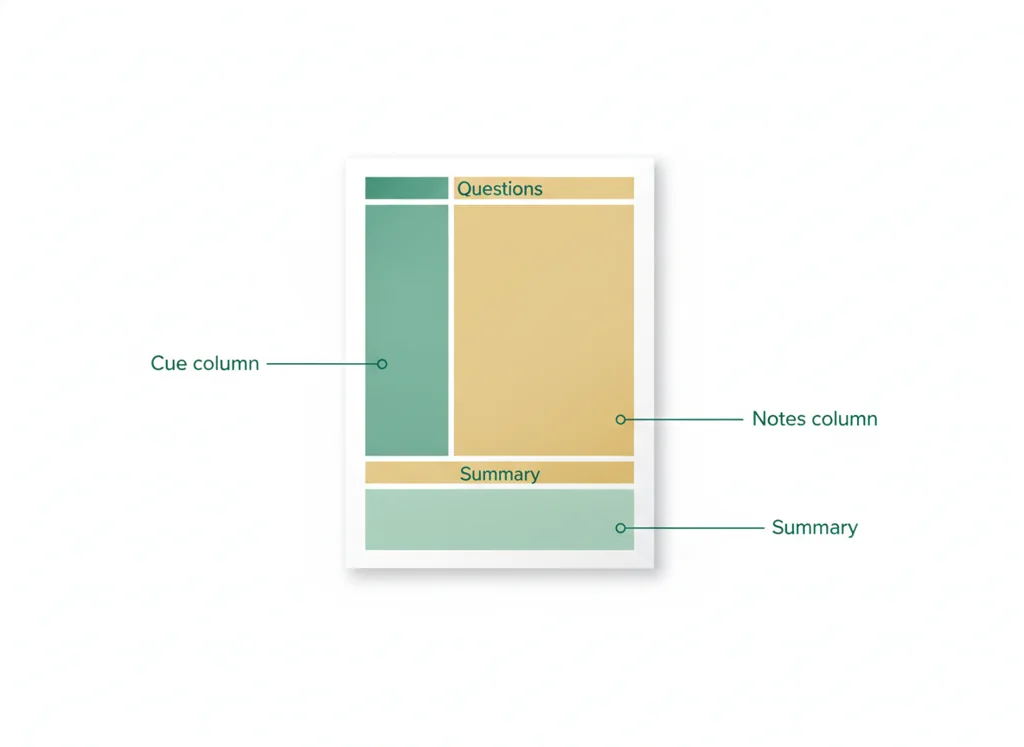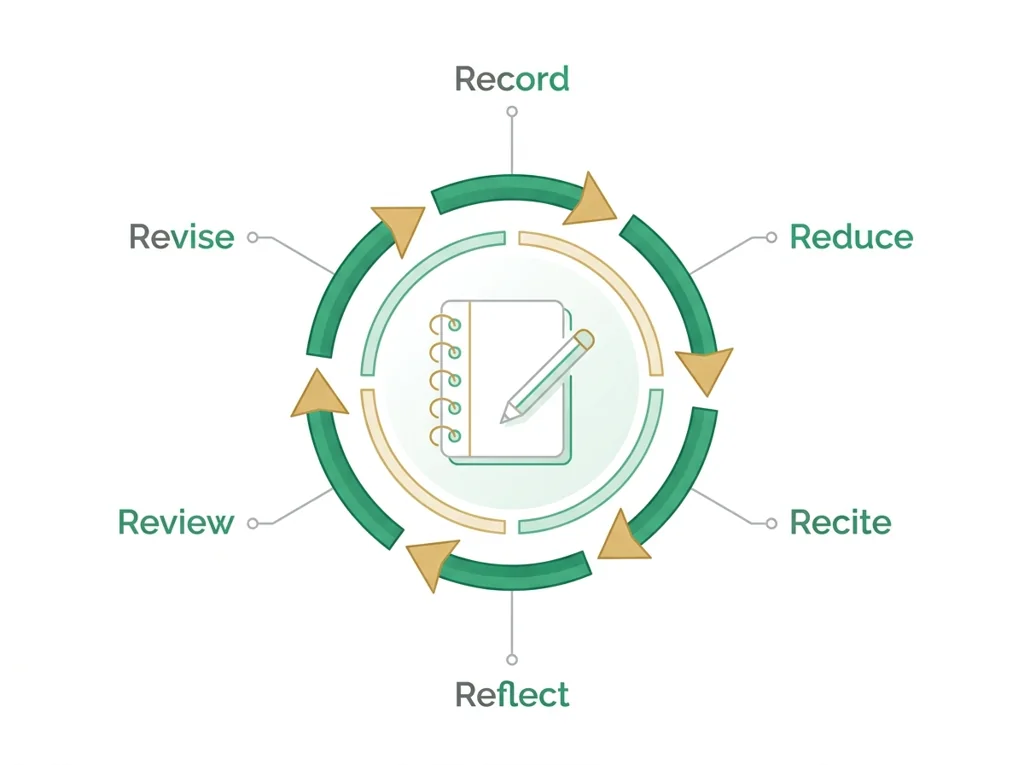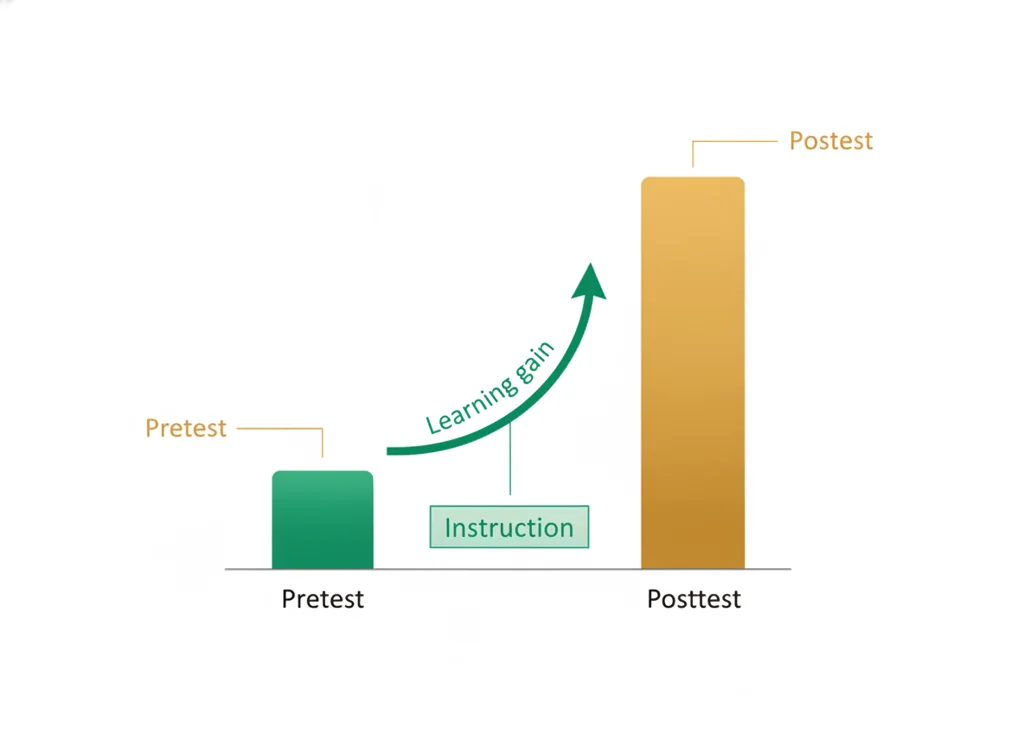
Orientation: daily icebreakers, the daily lesson pages and website, what notes should look like (Cornell + the 6 Rs), the lab notebook, lab safety, the PLTW web portal, and a Friday WebXam pretest.
What to do if absent- CER:
- Claim, Evidence, Reasoning: make a claim, back it with evidence, explain your reasoning.
- SOP:
- Standard Operating Procedure, the exact steps to follow (especially in a lab).
- Tracker:
- Your PLTW progress log where you record completed evidence.
- myPLTW:
- The PLTW course site where you do the online activities. Find it in Clever with your Microsoft sign-in, right next to Schoology.
Set up the routines, tools, notebook, lab , and the PLTW portal, and take a baseline WebXam pretest, so the rest of the semester runs on shared habits and clear expectations.
- 1Learn the daily routine and classroom expectations.
- 2Learn to navigate the class website and the daily check-in (the website for the target, Schoology for the assignment and submission).
- 3Set up and the and the lab notebook.
- 4Pass a lab- check, sign the safety contract, and tour myPLTW.
- 5Take the baseline WebXam pretest and set a mastery goal.
- • You can run our daily routine without reminders.
- • You can find the goal, materials, required steps, and turn-in directions on a day page.
- • You can take , work safely, use myPLTW, and submit evidence.
Open any day for its full lesson, the work due that day, and guided notes.
Lab- check: signed safety contract, completed safety scavenger hunt, and course-access check (login screenshot if available, or a note that access is unavailable).
Baseline WebXam pretest complete (ungraded) + a written mastery goal and a two-routine reflection.
Syllabus-and-login check confirming access to the PLTW shell, portfolio folder, and contract location.
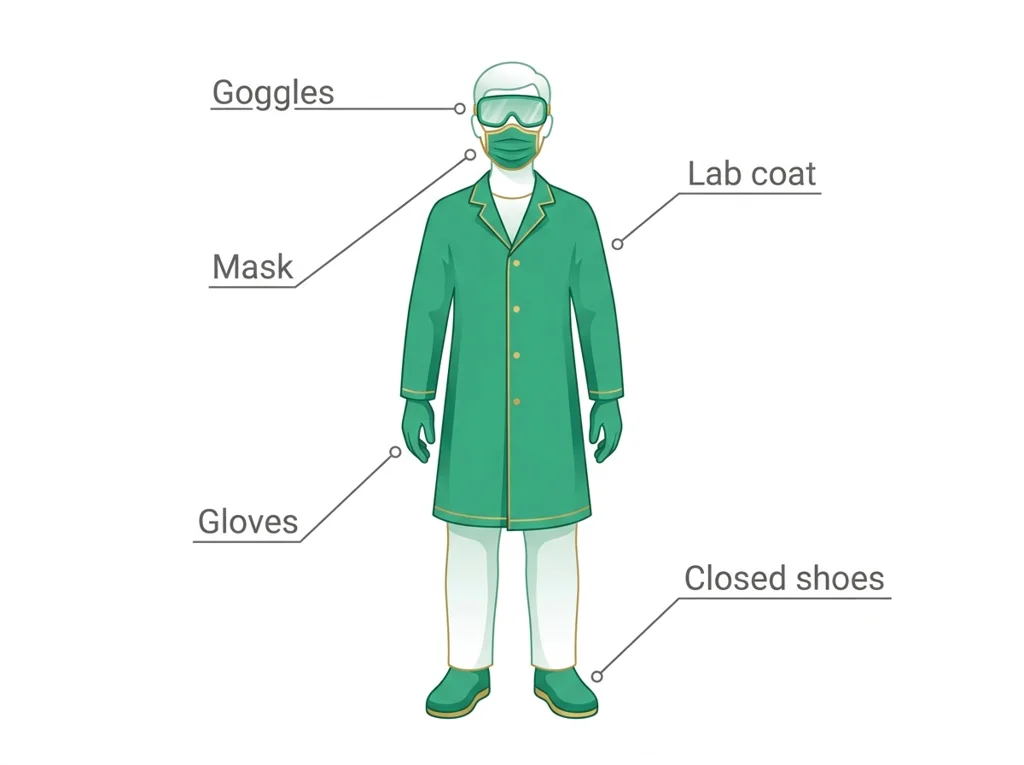
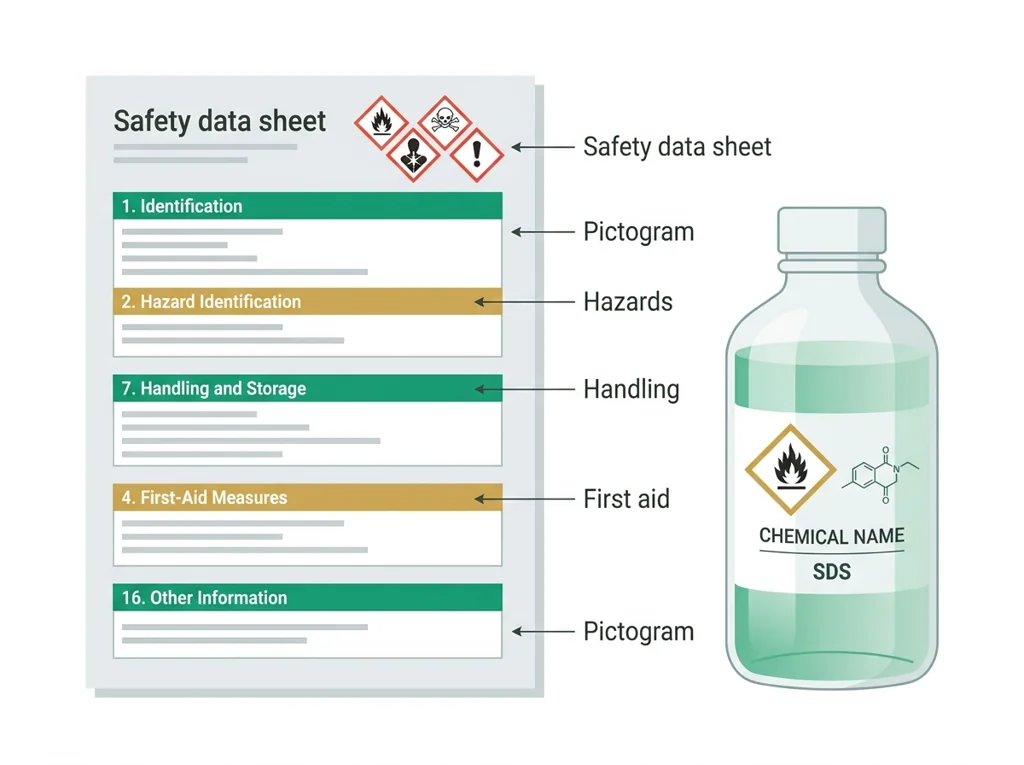
SDS reading worksheet identifying hazard class, required , and first-aid measures for one assigned chemical.
- This week is intentionally about procedures and routines, because a strong first week buys back weeks of teaching time later.
- Every day has an icebreaker to build the class community, plus one concrete system: the website, notes, , the portal, and the pretest.
- The WebXam pretest on Friday is a baseline, not a grade; it sets each student's growth target.
- Hold the same bell-to-bell expectations now that you will hold all year; this is where the pace is set.
Do this: Complete the course orientation checklist: routines, website, notebook, contract, and the . Check myPLTW course access; if it is unavailable, report it and use the posted class materials.
- • The daily page shows the goal, materials, required steps, and turn-in directions.
- • Notes follow the Cornell process and are graded against a rubric.
- • Lab work requires , an SDS, and a signed contract.
- • Navigate the website and submit each kind of work with evidence.
- • Work safely in the lab and log in to the PLTW portal.
📋 Orientation evidence: completed website scavenger hunt, a notebook sample (first Cornell page), signed contract, course-access check (login screenshot or access-unavailable note), and the baseline WebXam pretest with a mastery goal.
All PLTW activities are completed inside the PLTW course environment: this page only gives direction.
Use this chart to keep your place. Nothing on it is turned in through the portal.
| Day | Work | Turn in |
|---|---|---|
| Monday · Mon, Jan 25 | Lab safety, myPLTW, and how to submit | Lab-safety check: signed safety contract, completed safety scavenger hunt, and course-access check (login screenshot if available, or a note that access is unavailable). |
| Tuesday · Tue, Jan 26 | WebXam pretest and goal setting | Baseline WebXam pretest complete (ungraded) + a written mastery goal and a two-routine reflection. |
| Wednesday · Wed, Jan 27 | BI launch and syllabus | Syllabus-and-login check confirming access to the PLTW shell, portfolio folder, and safety contract location. |
| Thursday · Thu, Jan 28 | Evidence for | |
| Friday · Fri, Jan 29 | Lab safety and SDS | SDS reading worksheet identifying hazard class, required PPE, and first-aid measures for one assigned chemical. |
- M: routines, expectations, and a personal goal
- T: navigate the website + scavenger hunt
- W: + the + notebook setup
- F: baseline WebXam pretest + mastery goal
Turn in: Orientation: daily icebreakers, the daily lesson pages and website, what notes should look like (Cornell + the 6 Rs), the lab notebook, lab safety, the PLTW web portal, and a Friday WebXam pretest. weekly work due Orientation checklist, signed safety contract, notebook sample, and baseline WebXam pretest complete.
Go to Schoology to turn this in.
Submit one PDF. Schoology attaches your name to your upload; on the page itself, write your period and code. Name the file: FirstName LastName - Assignment Title - YYYY-MM-DD.pdf.
Open Schoology PDF upload helpIf you cannot get in, see Mr. Mendoza. Do not skip the work.
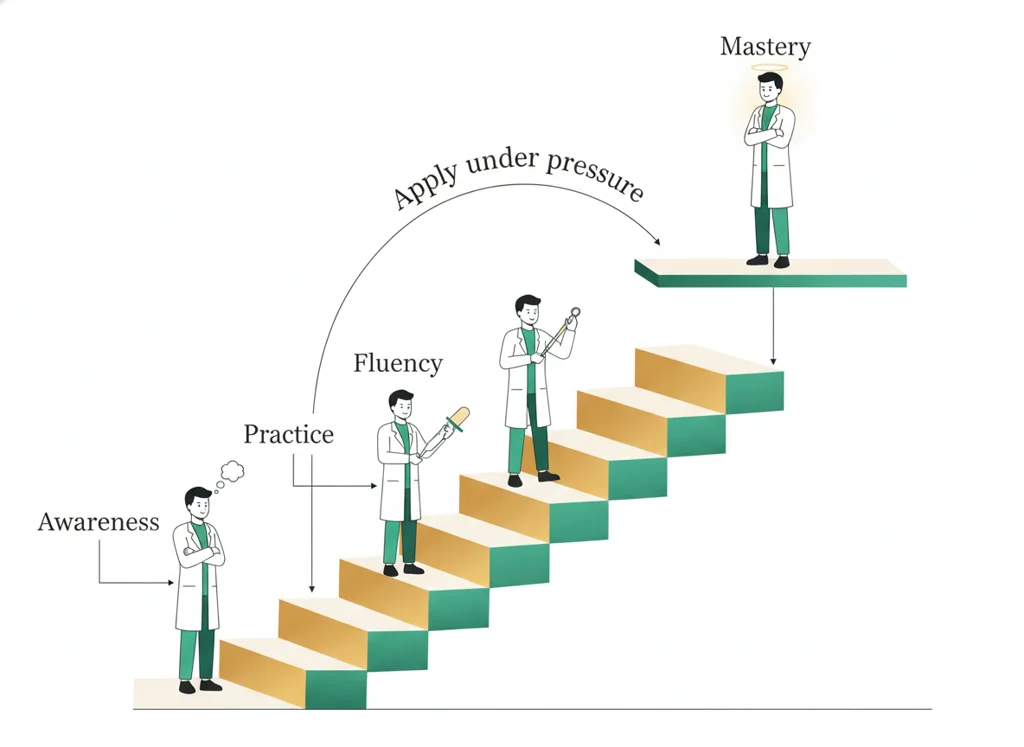
4 panels from the illustrated semester.
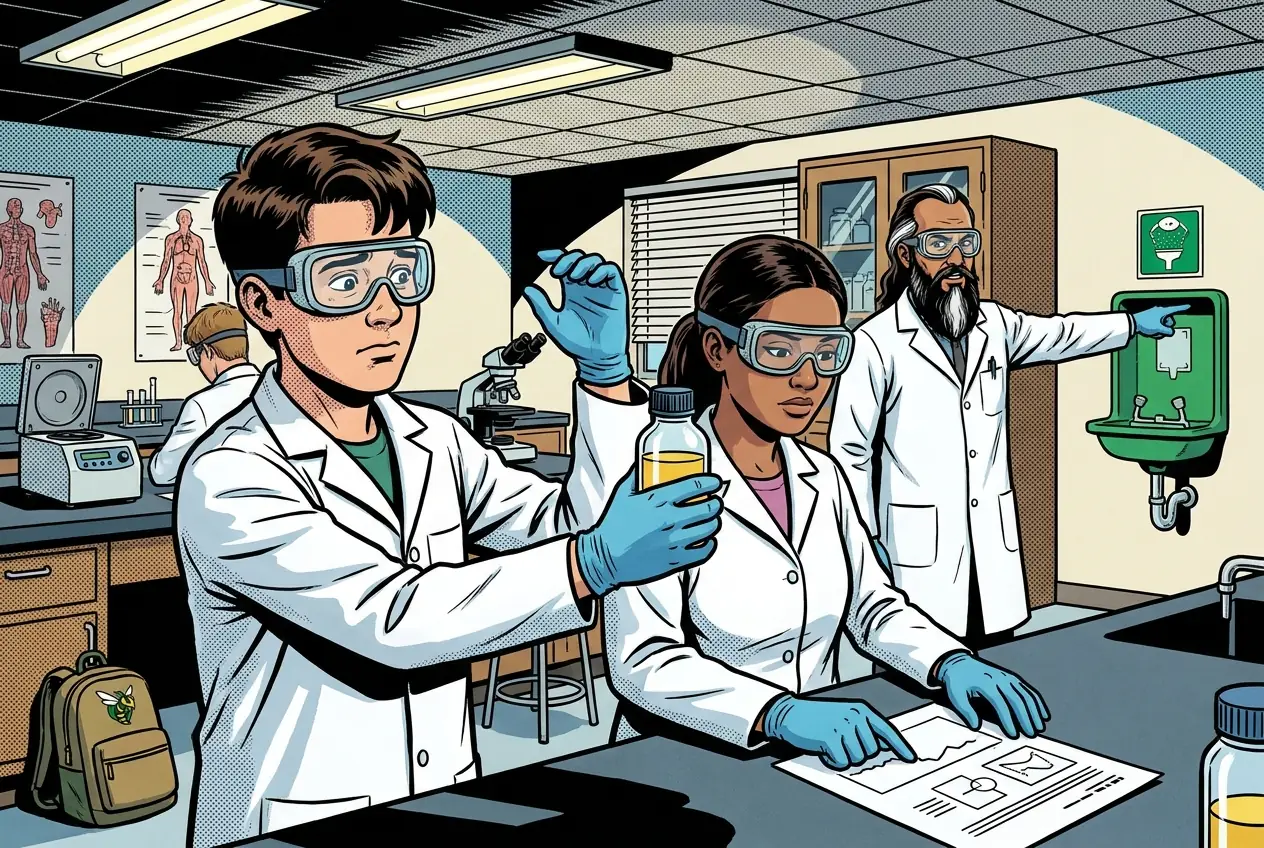
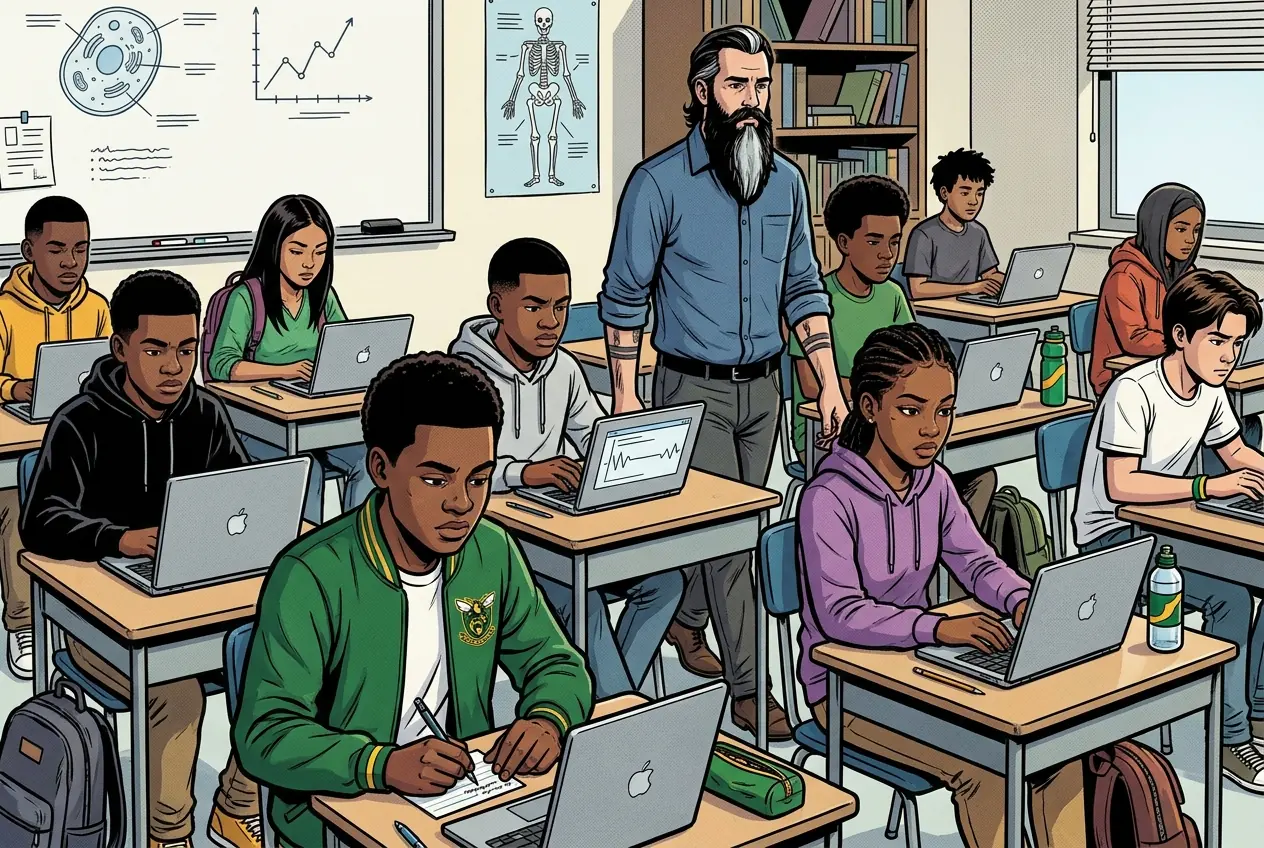
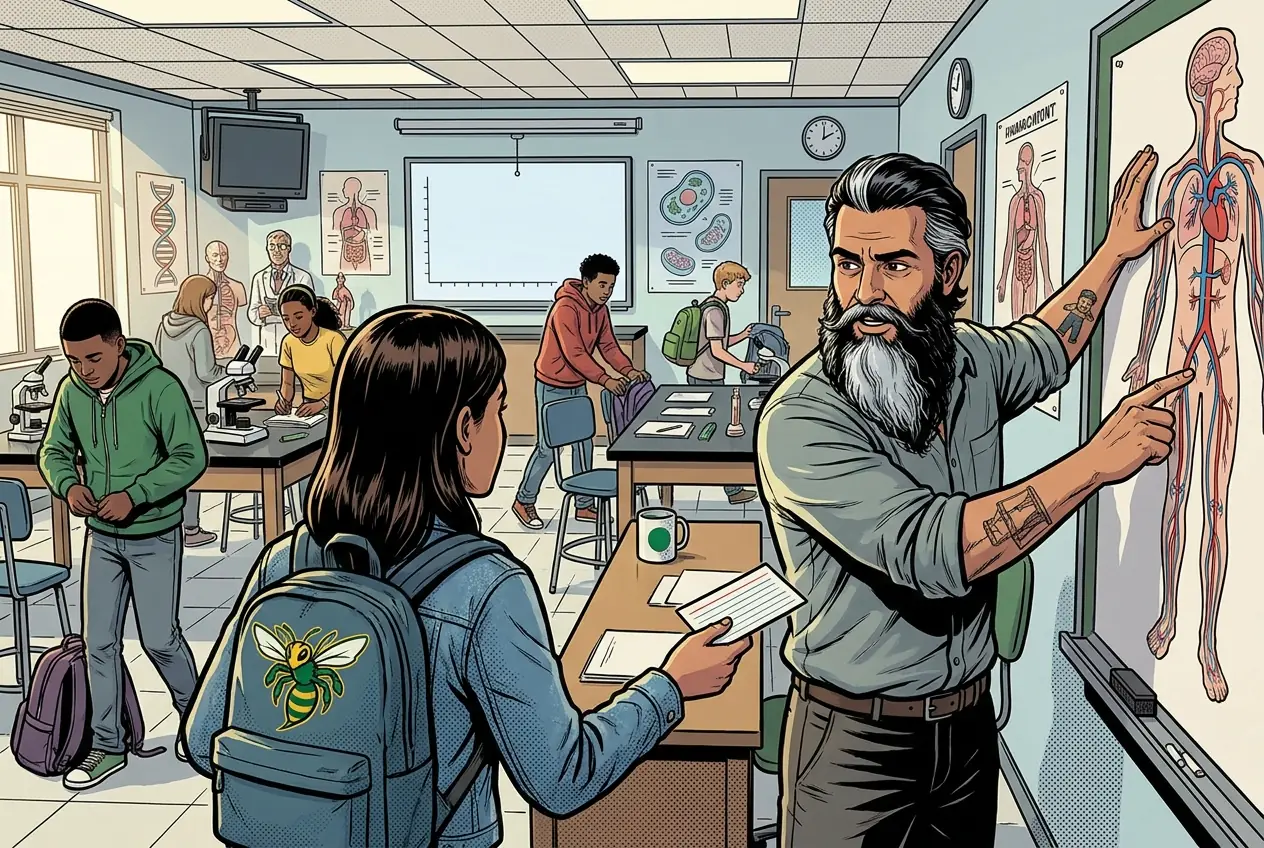
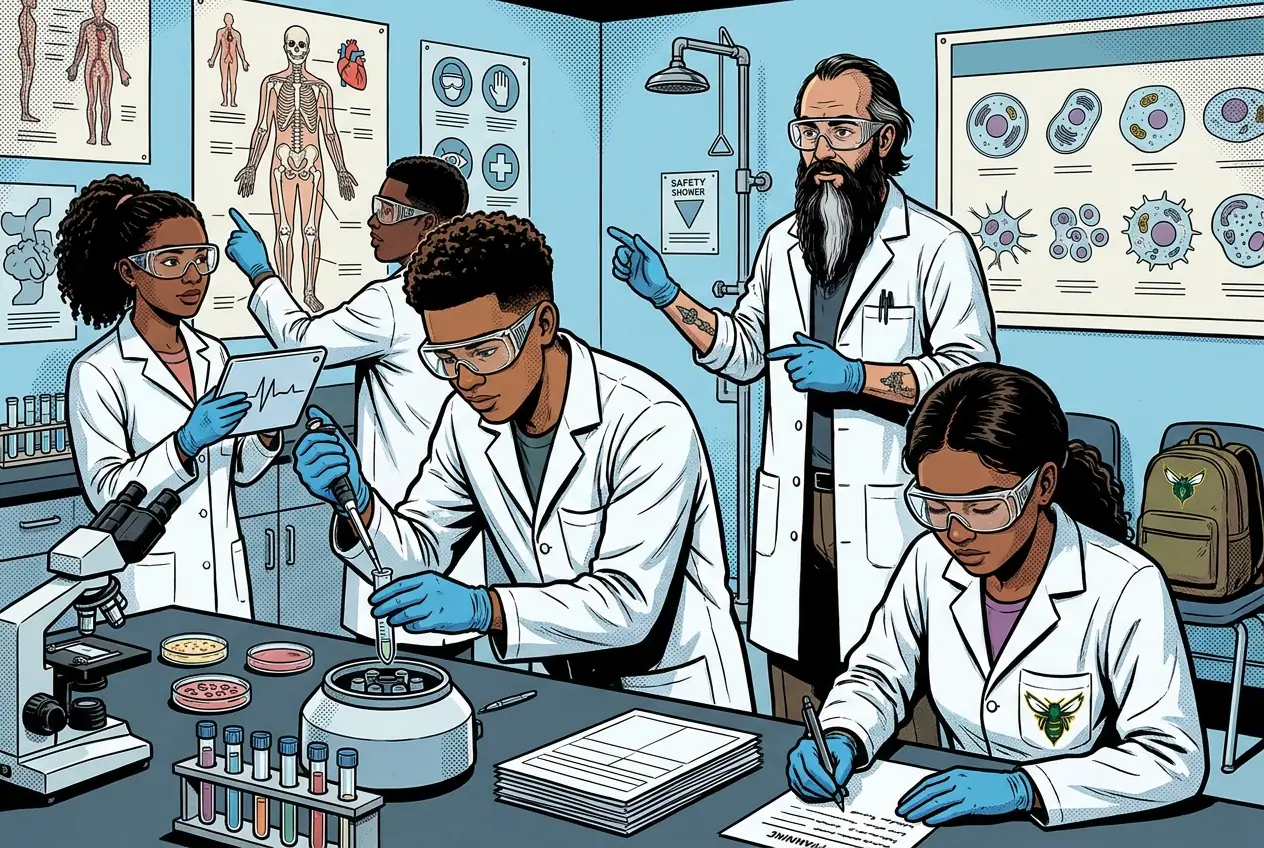
Fiction. There is no such student. The lessons, labs and dates are the real planned course; the student, the classmates and the conversations are invented.
This explainer accompanies the PLTW lab protocol: watch it before lab.
Most days, this class is your PLTW coursework: and PLTW is online and individual. So being out usually just means doing exactly what we did in class, from home.
Open Clever, then myPLTWSign in to Clever with your district Microsoft account to open Schoology or myPLTW. Follow today's posted steps. If myPLTW will not open, use the posted alternative and tell Mr. Mendoza. Turn in your completed work through the Schoology assignment.
You can't do those from home: do this instead:
Class still runs. A substitute will post today's plan: complete the online activity above; it's built to be self-guided. Need the concept taught without a teacher? Use this authoritative explainer:
CDC Laboratory Safety