

Triage, patient flow, systems constraints, stakeholder needs.
Your PLTW coursework: Biomedical Innovation ▸ Problem 1: Design of an Effective Emergency Room ▸ "Activity 1.1.1 Mission: Innovation"
What to do if absent- CER:
- Claim, Evidence, Reasoning: make a claim, back it with evidence, explain your reasoning.
- SOP:
- Standard Operating Procedure, the exact steps to follow (especially in a lab).
- Tracker:
- Your PLTW progress log where you record completed evidence.
- myPLTW:
- The PLTW course site where you do the online activities. Find it in Clever with your Microsoft sign-in, right next to Schoology.
Map the flow of a patient through an emergency room and identify where stakeholder needs and system constraints create inefficiency.
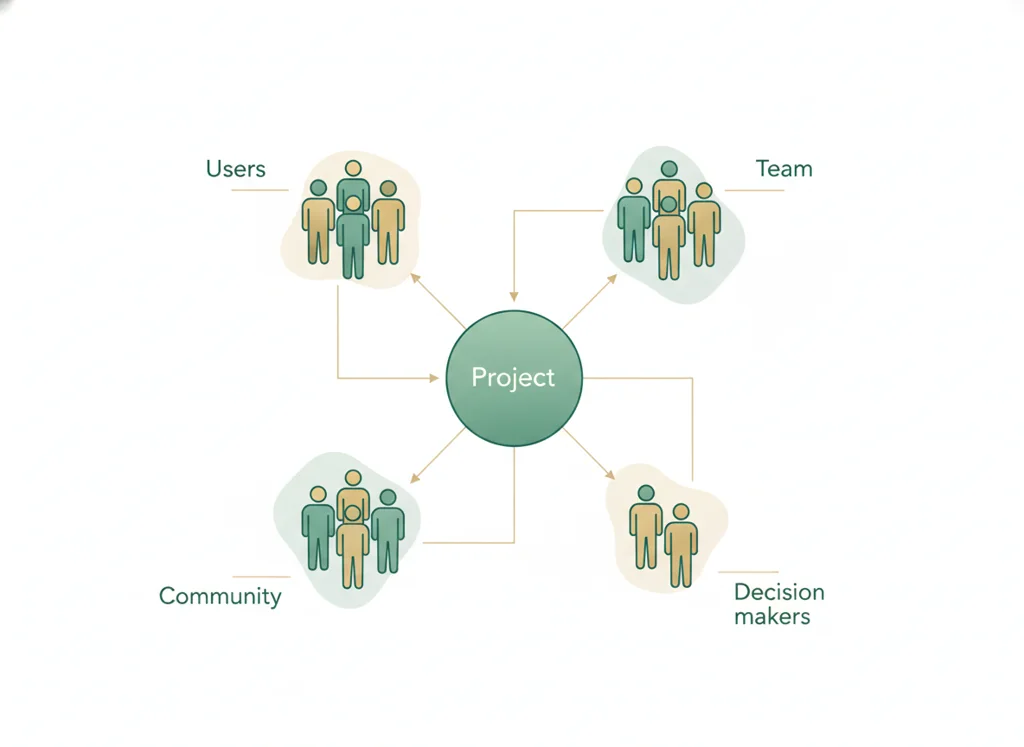
- 1Read the ER scenario and list every stakeholder who interacts with a patient from arrival to discharge.
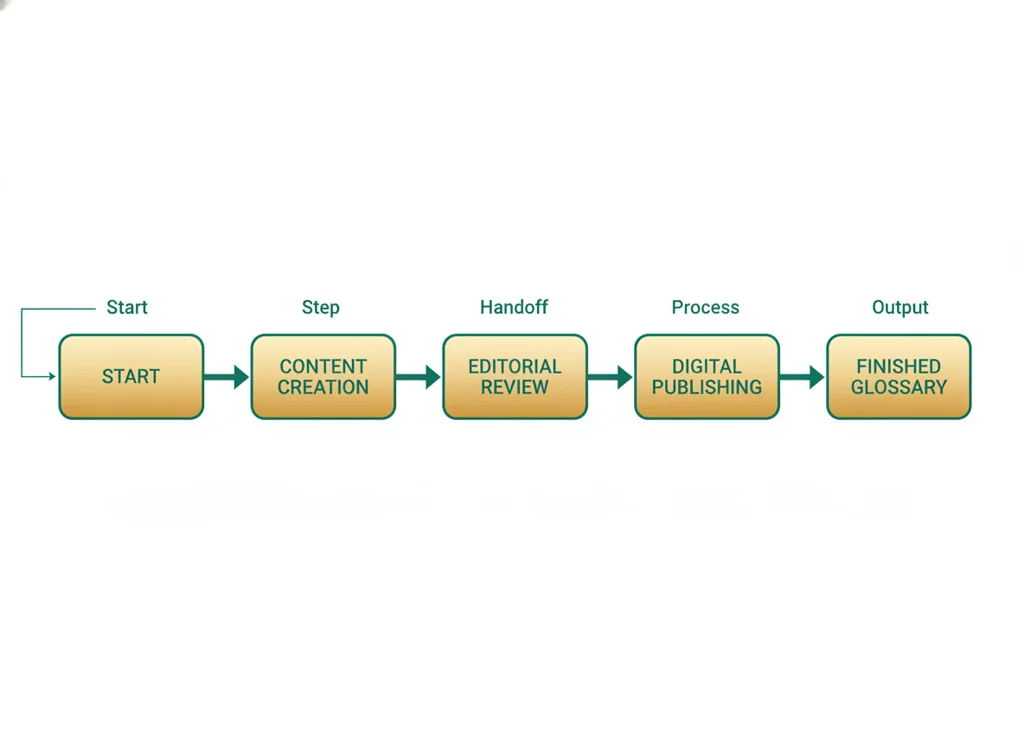
- 2Draw a simple flow diagram showing each step a patient passes through in the ER.
- 3Mark on your diagram where patients wait the longest, using the patient-flow dataset for evidence.
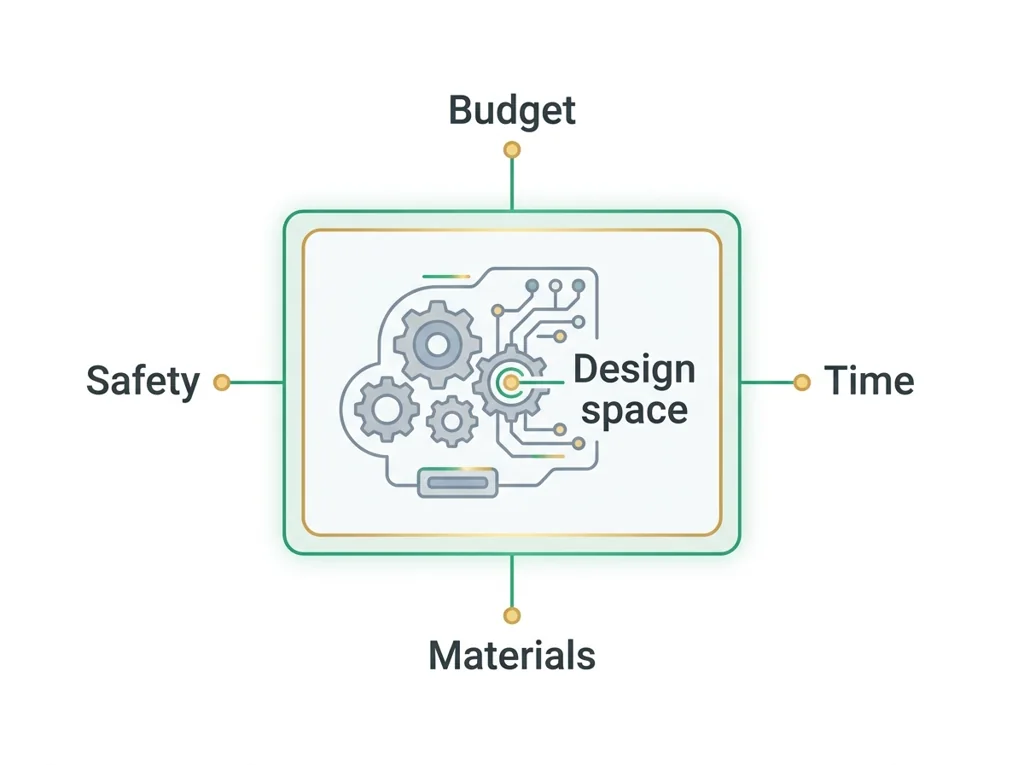
- 4Label each bottleneck with the system constraint that causes it, such as limited beds or staff.
- 5Pick one stakeholder and write what they most need from the system in one sentence.
- 6Propose one change to your flow diagram that could reduce a bottleneck without harming care.
- • You will be able to map a patient's flow through an ER system.
- • You will be able to identify a bottleneck and name its constraint.
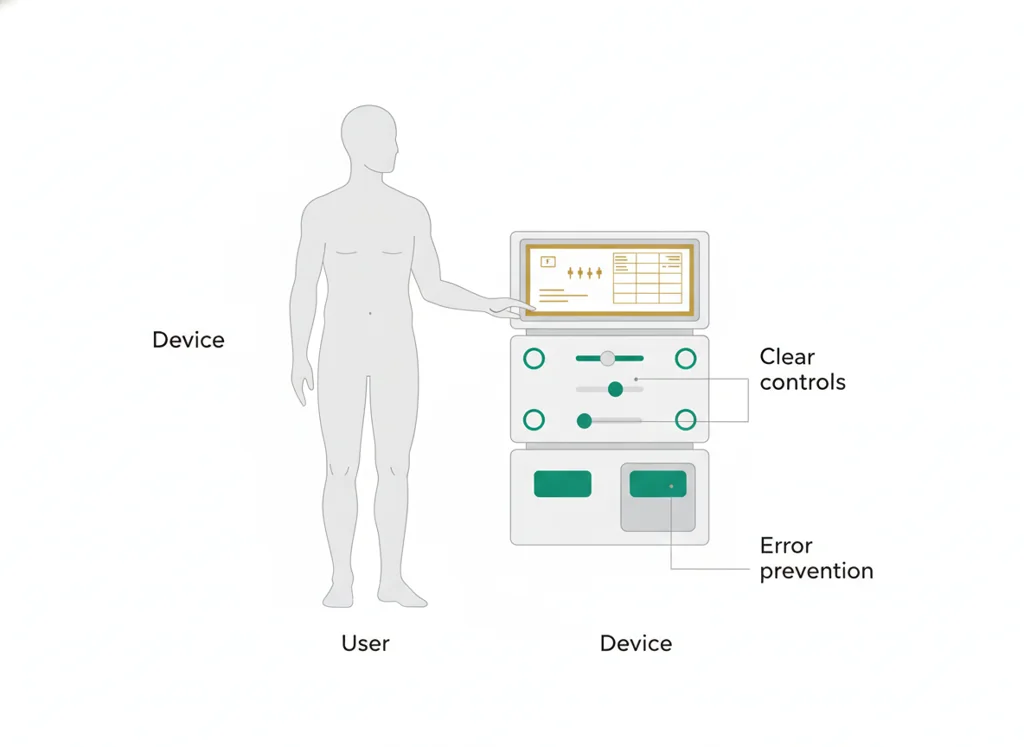
- • You will be able to connect a stakeholder need to a design decision.
Open any day for its full lesson, the work due that day, and guided notes.
Patient-flow diagram and evidence-based explanation
ER inefficiency brief: specific bottleneck observation, stakeholder harm linked to the map, and a one-sentence design problem statement.
One notebook research record: a typed summary of one learner-selected source, APA citations for both sources, the summarized article attached, and author/purpose/content credibility checks. Use one scientific journal article and one news article. Submit your notebook research record to Wk4 Lab notebook: Annotation and citation (8544611457) in BI Schoology by the end of class on February 10. If upload fails, save the same work and tell your teacher; do not mark it submitted.
- Hook: the ER you design has to work for a scared patient, a busy nurse, and a tight budget all at once.
- Today's goal: turn a messy patient journey into a clear flow map and find where it breaks down.
- Monday's bioethics debate, speed versus equity, lives right inside : who gets seen first, and why?
- Reminder: your graded flow map and stakeholder analysis live in the PLTW course shell.
Do this: Advance PLTW Problem 1 by completing the ER patient-flow and stakeholder-needs analysis in the online course shell.
- • is the process of ranking patients by urgency of need.
- • A bottleneck is a step where flow slows because demand exceeds capacity.
- • Map a patient's through a system.
- • Identify a system constraint behind an inefficiency.
📋 PLTW evidence due: ER patient-flow map and stakeholder-needs analysis completed in myPLTW for Problem 1.
All PLTW activities are completed inside the PLTW course environment: this page only gives direction.
Use this chart to keep your place. Nothing on it is turned in through the portal.
| Day | Work | Turn in |
|---|---|---|
| Monday · Mon, Feb 8 | Trace a patient route and find the delay | Patient-flow diagram and evidence-based explanation |
| Tuesday · Tue, Feb 9 | ER inefficiency brief | ER inefficiency brief: specific bottleneck observation, stakeholder harm linked to the map, and a one-sentence design problem statement. |
| Wednesday · Wed, Feb 10 | Annotation and citation | One notebook research record: a typed summary of one learner-selected source, APA citations for both sources, the summarized article attached, and author/purpose/content credibility checks. Use one scientific journal article and one news article. Submit your notebook research record to Wk4 Lab notebook: Annotation and citation (8544611457) in BI Schoology by the end of class on February 10. If upload fails, save the same work and tell your teacher; do not mark it submitted. |
| Thursday · Thu, Feb 11 | Evidence for |
- M: ER equity debate
- T: stakeholder map
- W: notes
Turn in: Triage, patient flow, systems constraints, stakeholder needs. weekly work due ER stakeholder map and design brief.
Go to Schoology to turn this in.
Submit one PDF. Schoology attaches your name to your upload; on the page itself, write your period and code. Name the file: FirstName LastName - Assignment Title - YYYY-MM-DD.pdf.
Open Schoology PDF upload helpIf you cannot get in, see Mr. Mendoza. Do not skip the work.
2 panels from the illustrated semester.
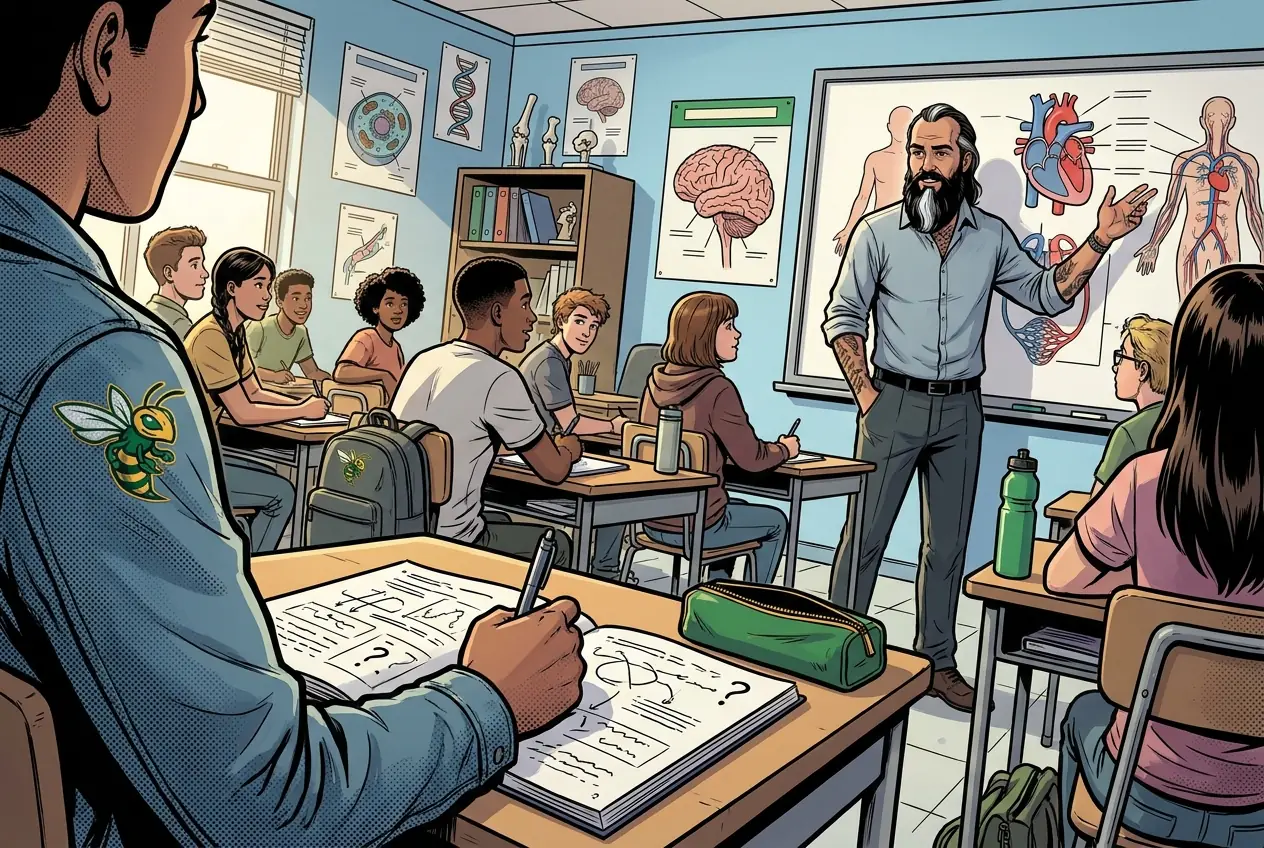
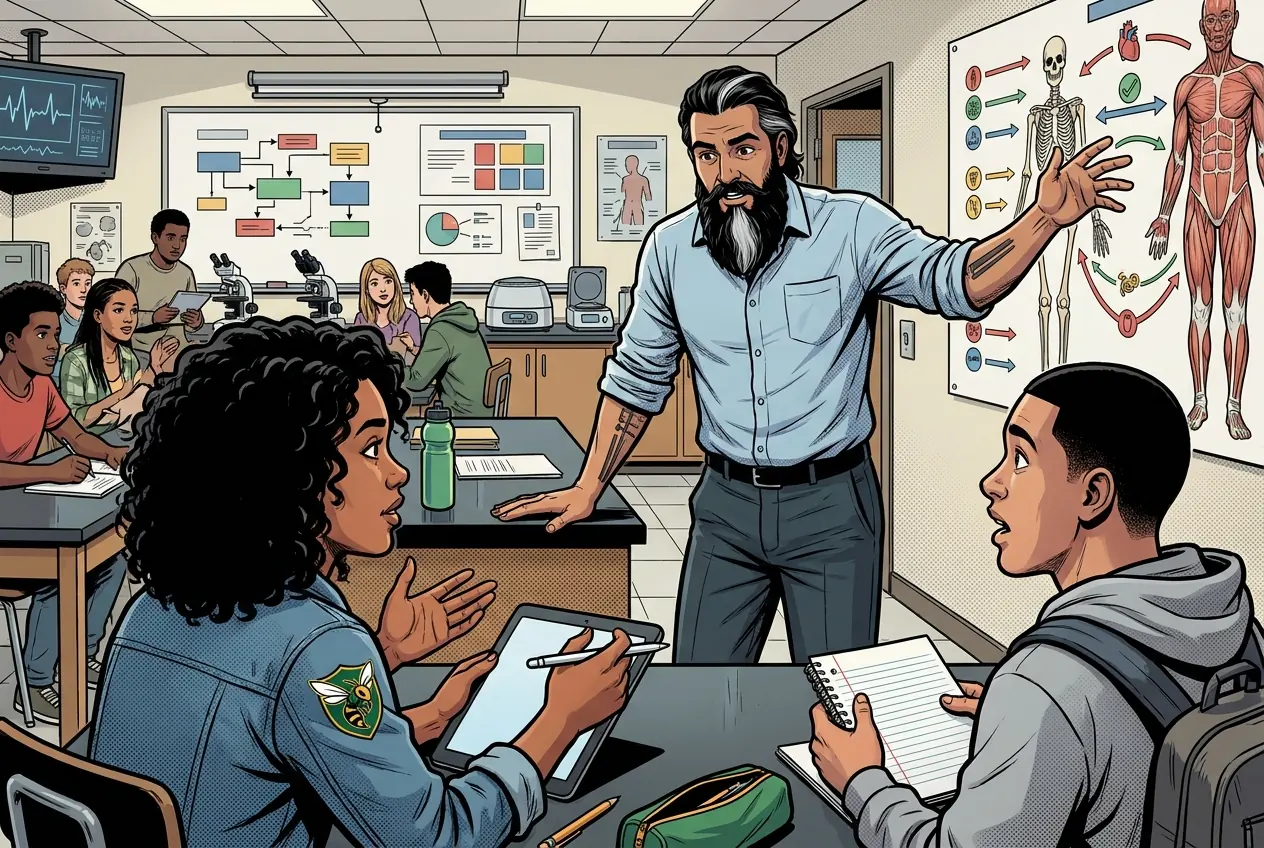
Fiction. There is no such student. The lessons, labs and dates are the real planned course; the student, the classmates and the conversations are invented.
Most days, this class is your PLTW coursework: and PLTW is online and individual. So being out usually just means doing exactly what we did in class, from home.
Open Clever, then myPLTWSign in to Clever with your district Microsoft account to open Schoology or myPLTW. Follow today's posted steps. If myPLTW will not open, use the posted alternative and tell Mr. Mendoza. Turn in your completed work through the Schoology assignment.
You can't do those from home: do this instead: Patient-flow dataset.
Class still runs. A substitute will post today's plan: complete the online activity above; it's built to be self-guided. Need the concept taught without a teacher? Use this authoritative explainer:
CDC Emergency Department Data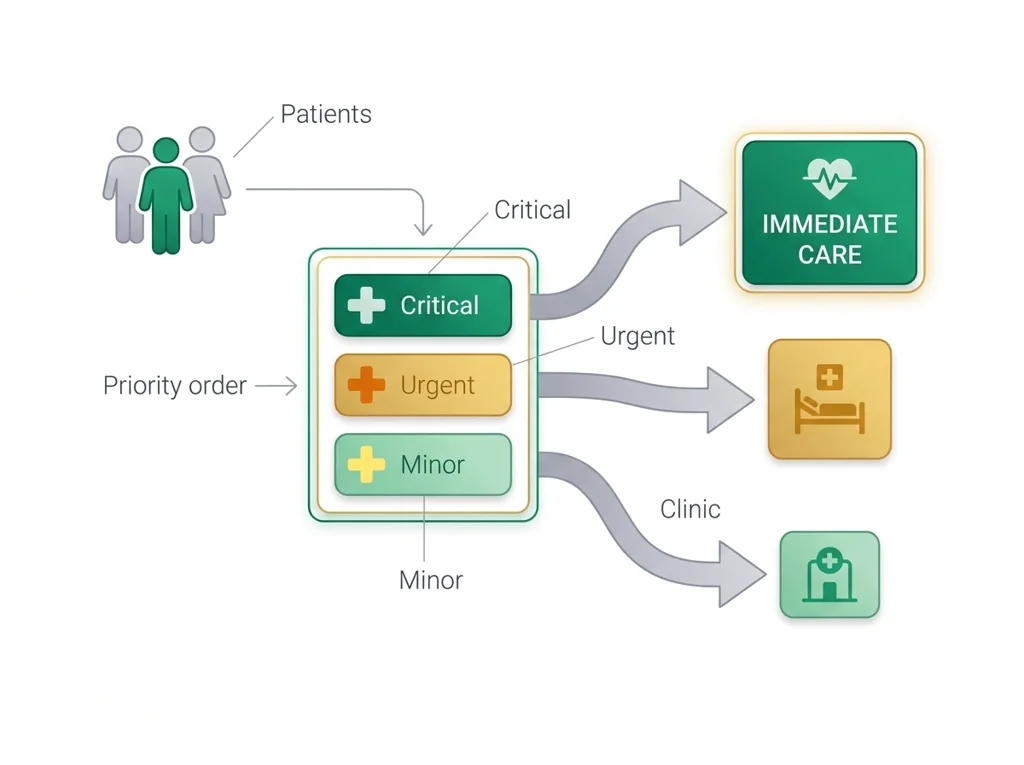
Classroom documents for this lesson are posted in Schoology. Open Clever, then Schoology, and find each one by the name shown on its card.
Open this when the class reaches this activity and use it to complete the required lesson artifact.
Open this when the class reaches this activity and use it to complete the required lesson artifact.
Use this as the classroom resource for Emergency room design and .
Sign in to Clever with your district Microsoft account to open Schoology or myPLTW. Follow today's posted steps. If myPLTW will not open, use the posted alternative and tell Mr. Mendoza. Turn in your completed work through the Schoology assignment.