

Credible sources, prior art, citation, source bias, needs assessment.
Your PLTW coursework: Biomedical Innovation ▸ Problem 1: Design of an Effective Emergency Room ▸ "Activity 1.1.2 Research and Documentation"
What to do if absent- CER:
- Claim, Evidence, Reasoning: make a claim, back it with evidence, explain your reasoning.
- SOP:
- Standard Operating Procedure, the exact steps to follow (especially in a lab).
- Tracker:
- Your PLTW progress log where you record completed evidence.
- myPLTW:
- The PLTW course site where you do the online activities. Find it in Clever with your Microsoft sign-in, right next to Schoology.
Evaluate sources for credibility and bias, survey , and write a focused for your ER redesign.
- 1List three questions your ER redesign still needs answered before you can design well.
- 2Find one source for each question and record its author, date, and publisher.
- 3Rate each source for credibility and note any possible in one phrase.
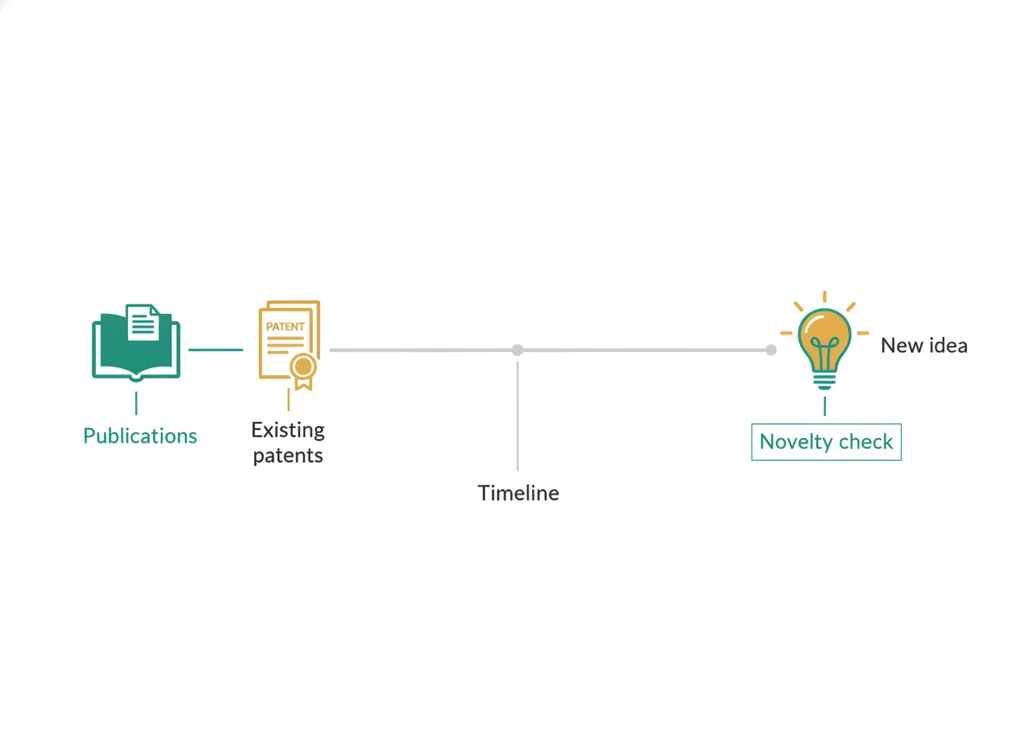
- 4Search for : find one existing ER solution others have already tried.
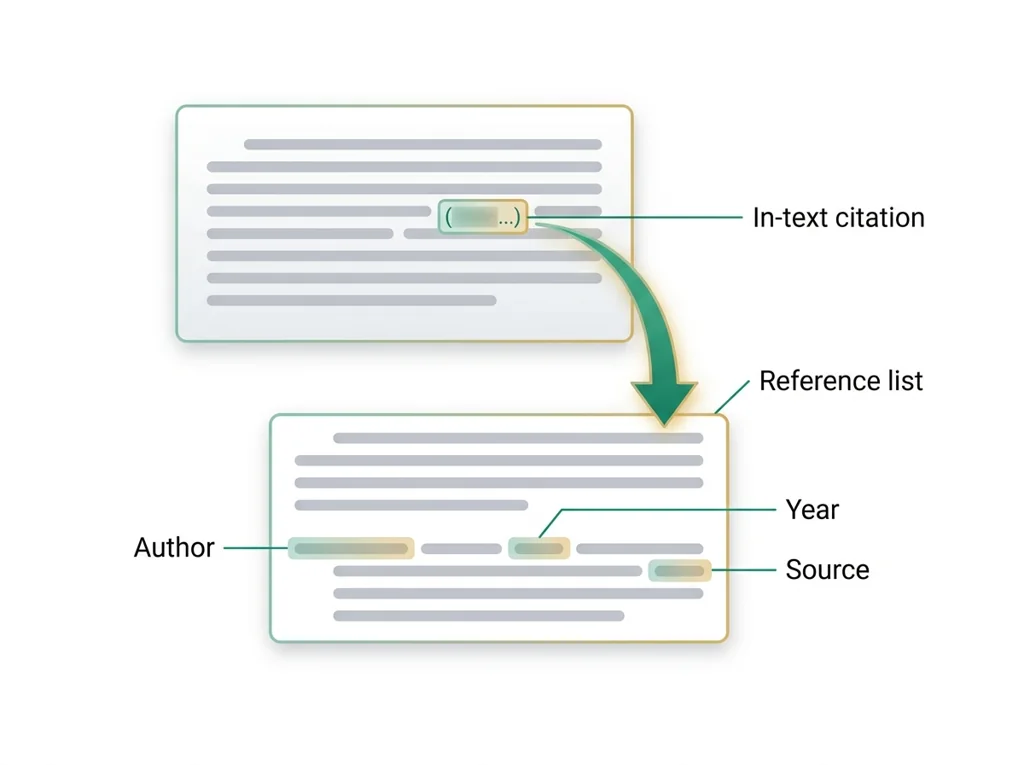
- 5Add a citation for every source to your annotated source packet using a consistent format.
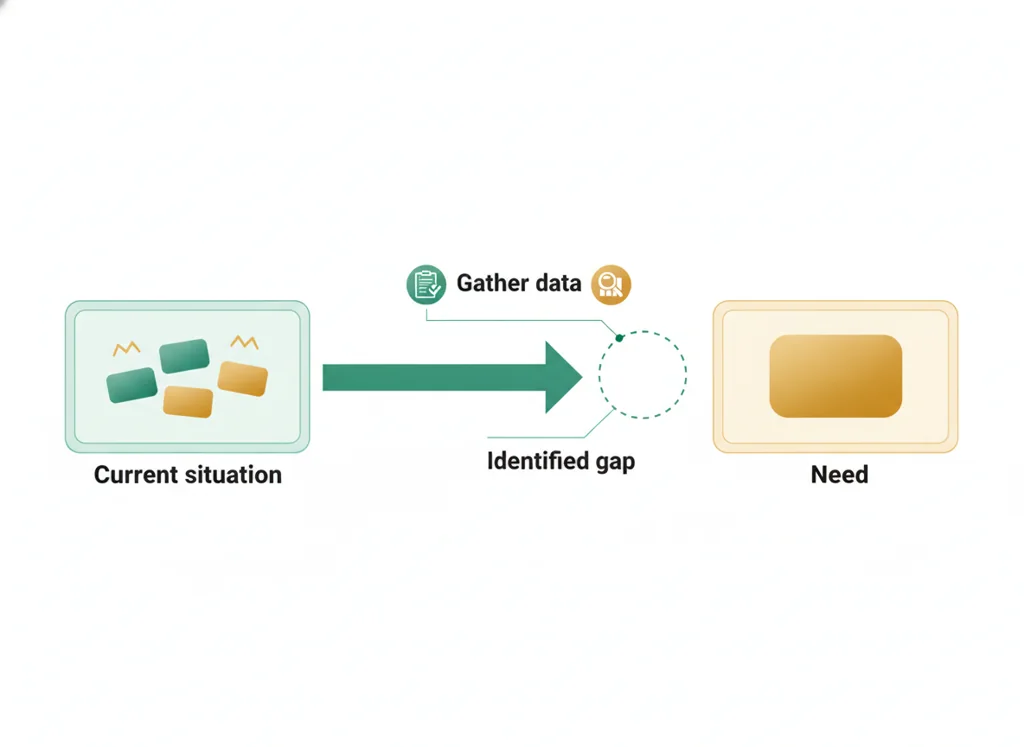
- 6Write a two-sentence naming the gap your design will address.
- • You will be able to judge a source's credibility and possible bias.
- • You will be able to cite sources in a consistent format.
- • You will be able to write a focused .
Open any day for its full lesson, the work due that day, and guided notes.
Annotated ER research notes packet: research questions, credible sources with annotations and citations, needs-assessment summary, and one evidence gap.
CER contribution on an ER layout ethics tradeoff (e.g., privacy versus visibility), plus two questions and a reflection connecting the ethics to a decision.
One scaled plan with eight room labels, scale bar, area arithmetic, two profile-based patient paths and one explained innovation
Patient-flow process flowchart using standard symbols, annotated with one human-factors principle, and verified against the February 18, 2027 .
- Hook: a good designer borrows from everyone who solved part of the problem before, then cites them honestly.
- Today's goal: build an annotated source packet you can actually trust to guide your ER design.
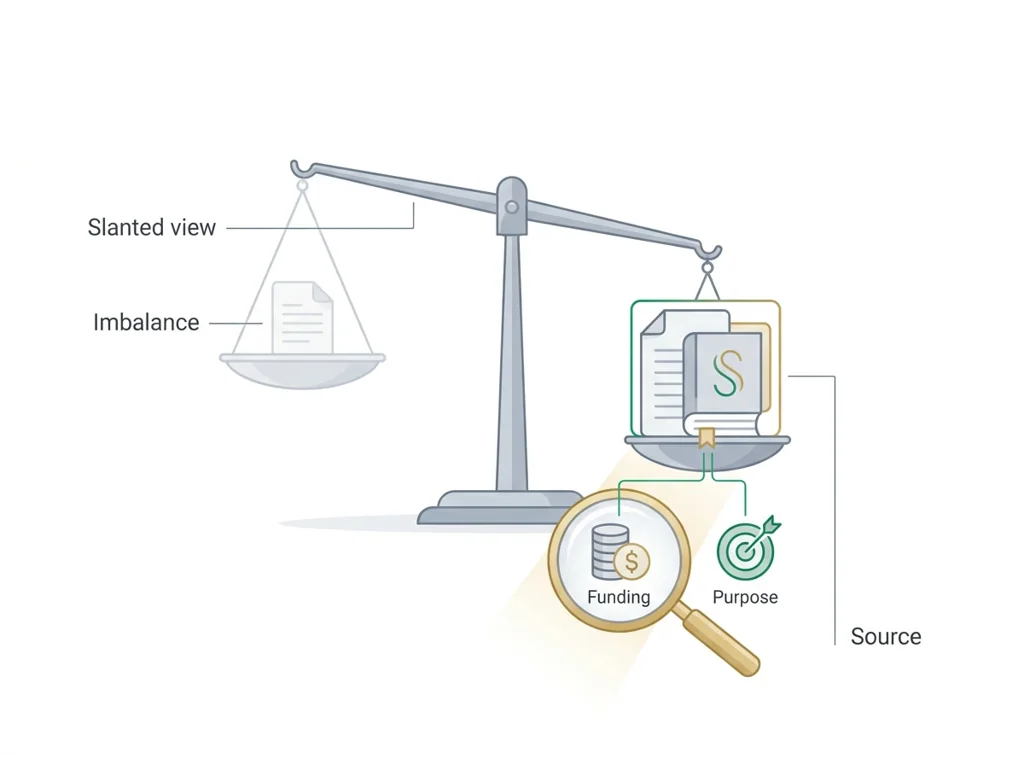
- Monday's bioethics debate on matters here: who funded a study can shape what it claims.
- Reminder: your graded source packet and live in the PLTW course shell.
Do this: Advance PLTW Problem 1 by completing the research and needs-assessment benchmark in the online course shell.
- • Credibility depends on the author, evidence, and publisher behind a source.
- • is existing work that addresses part of your problem.
- • Detect possible in a reference.
- • Write a citation in a consistent format.
📋 PLTW evidence due: annotated source packet with citations and a written in the course shell.
All PLTW activities are completed inside the PLTW course environment: this page only gives direction.
Use this chart to keep your place. Nothing on it is turned in through the portal.
| Day | Work | Turn in |
|---|---|---|
| Tuesday · Tue, Feb 16 | Submit research notes | Annotated ER research notes packet: research questions, credible sources with annotations and citations, needs-assessment summary, and one evidence gap. |
| Wednesday · Wed, Feb 17 | ER-ethics debate | CER contribution on an ER layout ethics tradeoff (e.g., privacy versus visibility), plus two questions and a reflection connecting the ethics to a prototype decision. |
| Thursday · Thu, Feb 18 | CAD floor plan modeling | One scaled plan with eight room labels, scale bar, area arithmetic, two profile-based patient paths and one explained innovation |
| Friday · Fri, Feb 19 | Process flowchart | Patient-flow process flowchart using standard symbols, annotated with one human-factors principle, and verified against the February 18, 2027 floor plan. |
- T: research kickoff
- W: shortened-day source check
- Th: annotations
- F: research notes submit
Turn in: Credible sources, prior art, citation, source bias, needs assessment. weekly work due Annotated ER research notes.
Go to Schoology to turn this in.
Submit one PDF. Schoology attaches your name to your upload; on the page itself, write your period and code. Name the file: FirstName LastName - Assignment Title - YYYY-MM-DD.pdf.
Open Schoology PDF upload helpIf you cannot get in, see Mr. Mendoza. Do not skip the work.
4 panels from the illustrated semester.
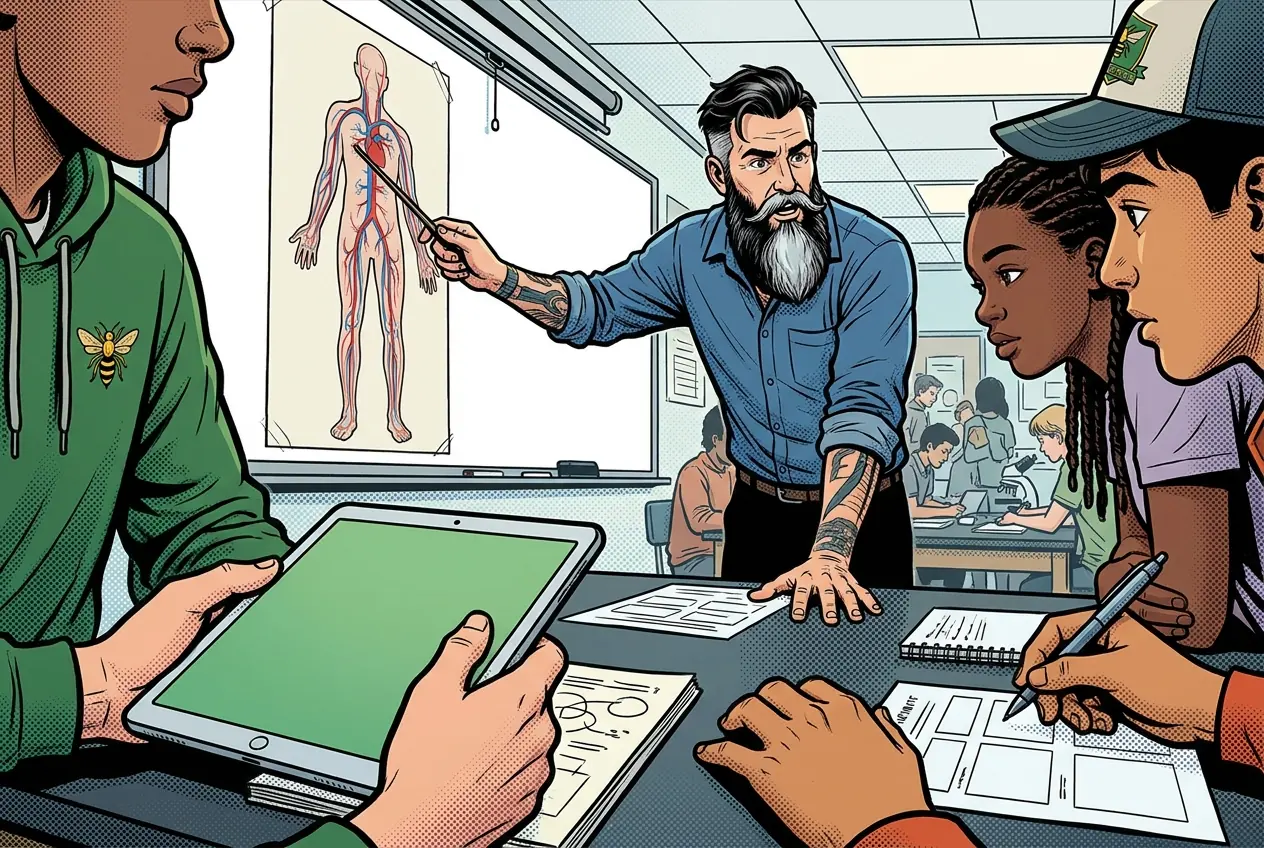
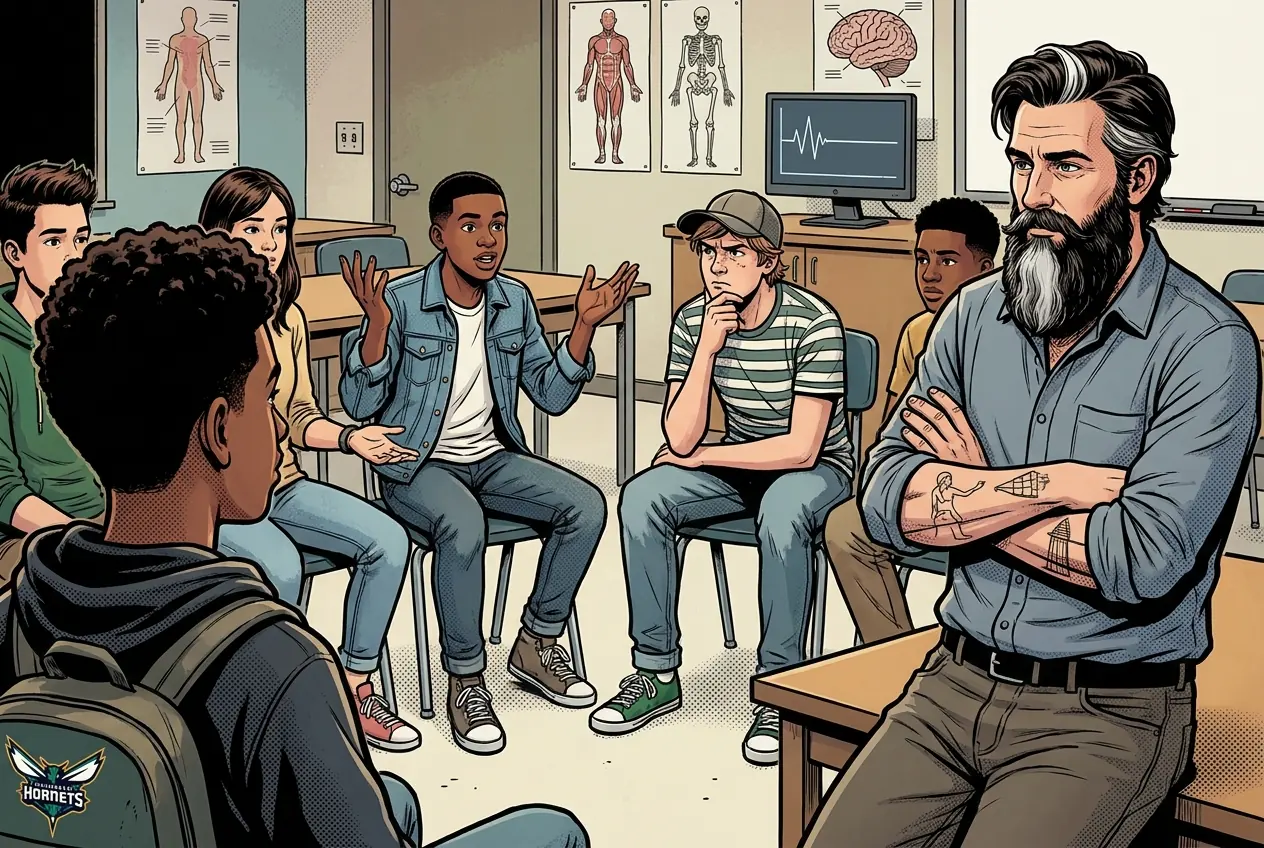
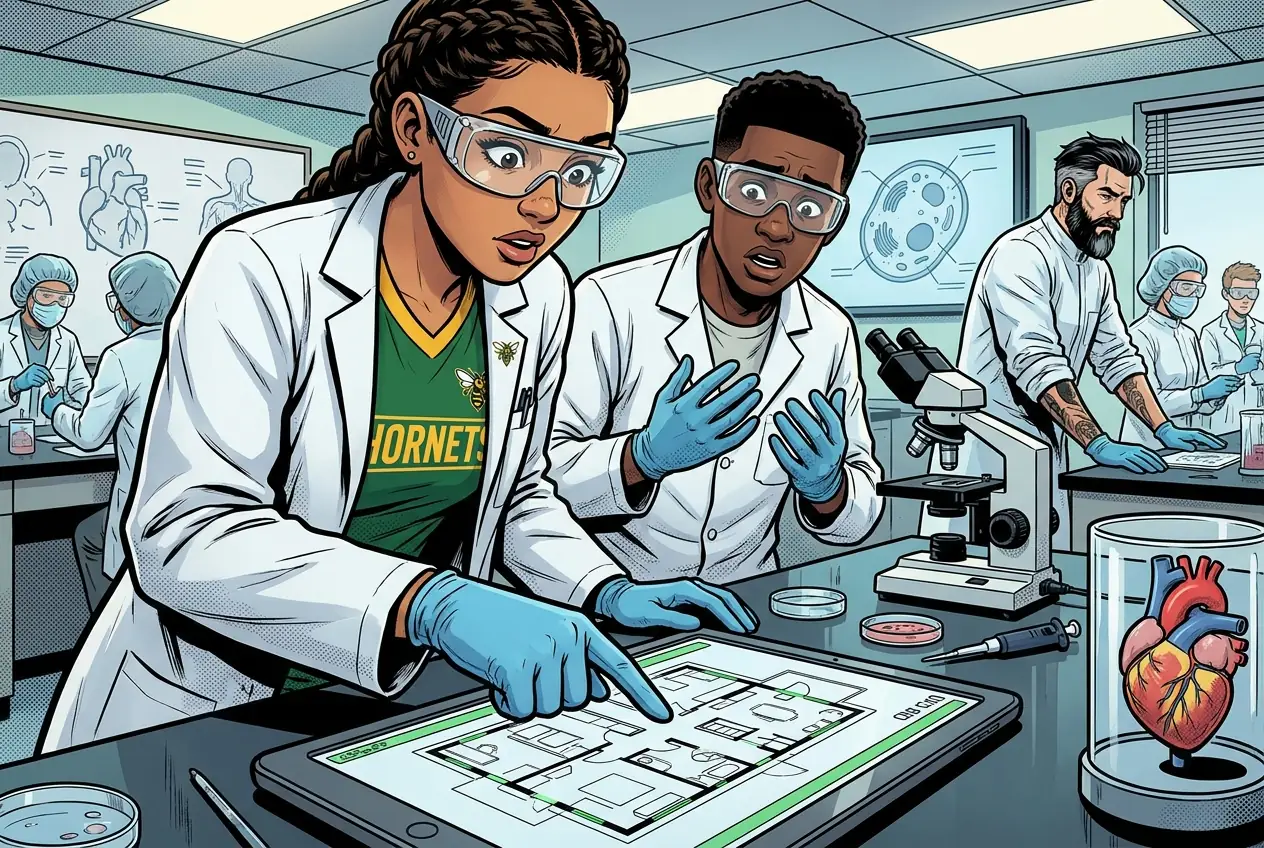
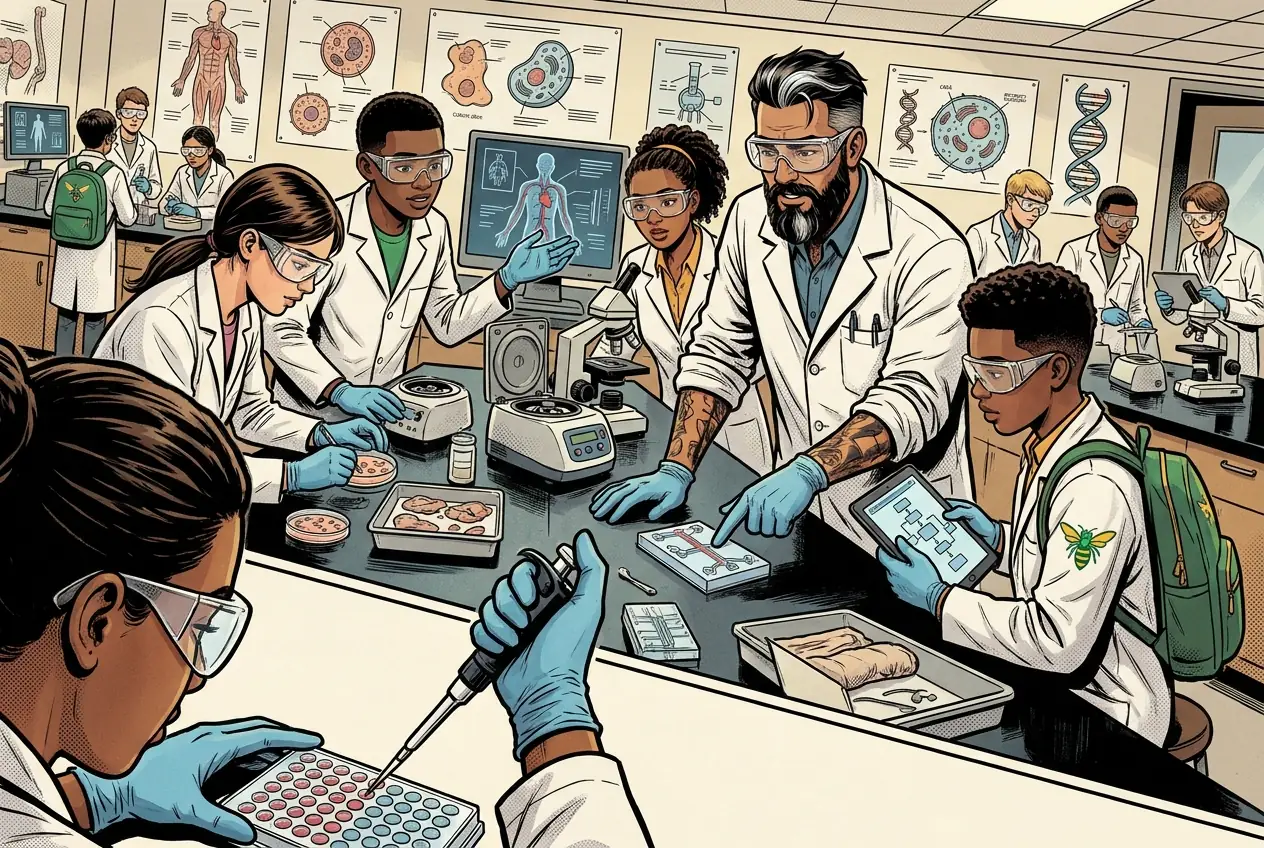
Fiction. There is no such student. The lessons, labs and dates are the real planned course; the student, the classmates and the conversations are invented.
Most days, this class is your PLTW coursework: and PLTW is online and individual. So being out usually just means doing exactly what we did in class, from home.
Open Clever, then myPLTWSign in to Clever with your district Microsoft account to open Schoology or myPLTW. Follow today's posted steps. If myPLTW will not open, use the posted alternative and tell Mr. Mendoza. Turn in your completed work through the Schoology assignment.
You can't do those from home: do this instead: Annotated source packet.
Class still runs. A substitute will post today's plan: complete the online activity above; it's built to be self-guided. Need the concept taught without a teacher? Use this authoritative explainer:
MedlinePlus Evaluating Health Information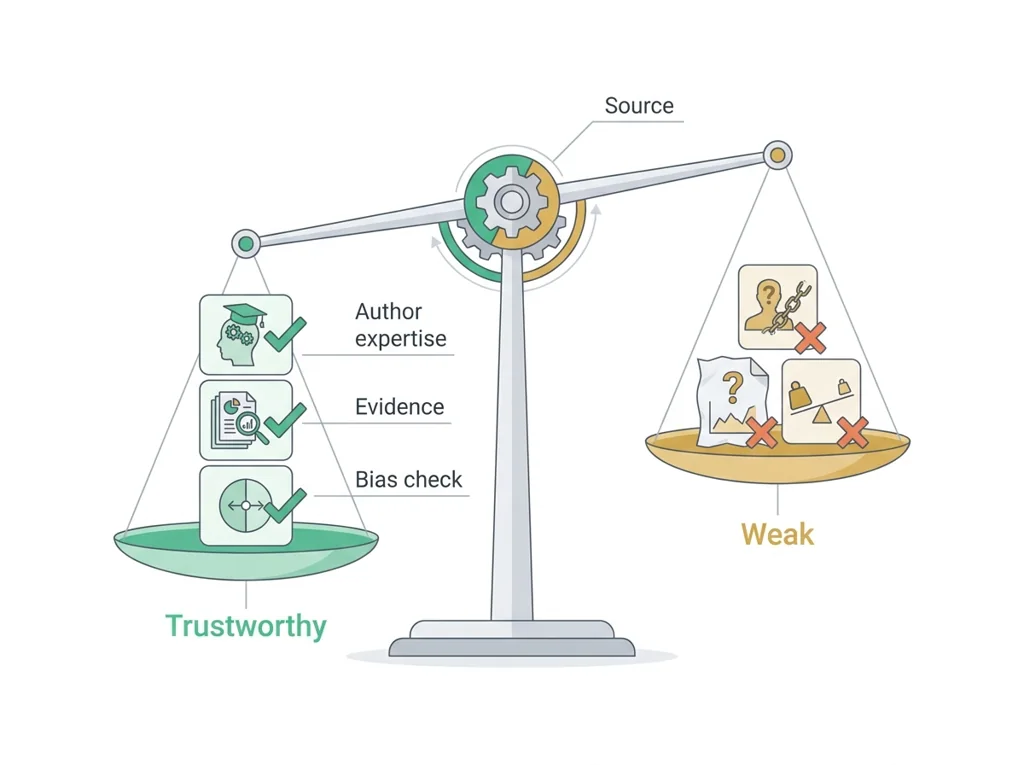
Classroom documents for this lesson are posted in Schoology. Open Clever, then Schoology, and find each one by the name shown on its card.
Open this when the class reaches this activity and use it to complete the required lesson artifact.
Open this when the class reaches this activity and use it to complete the required lesson artifact.
Open this when the class reaches this activity and use it to complete the required lesson artifact.
Sign in to Clever with your district Microsoft account to open Schoology or myPLTW. Follow today's posted steps. If myPLTW will not open, use the posted alternative and tell Mr. Mendoza. Turn in your completed work through the Schoology assignment.