

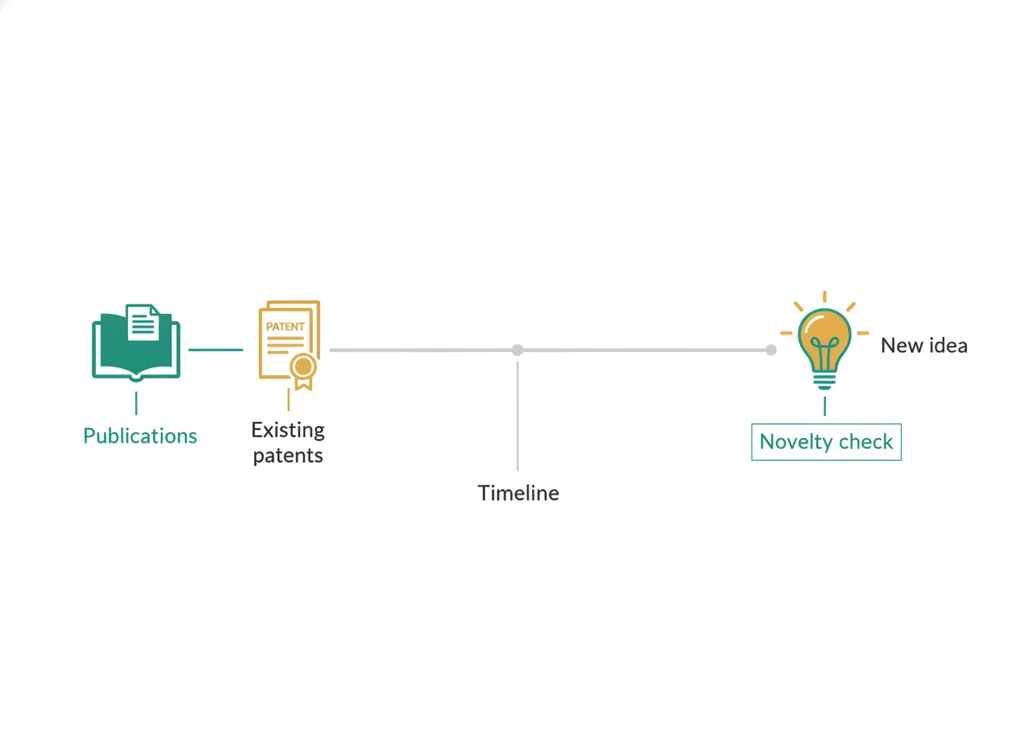
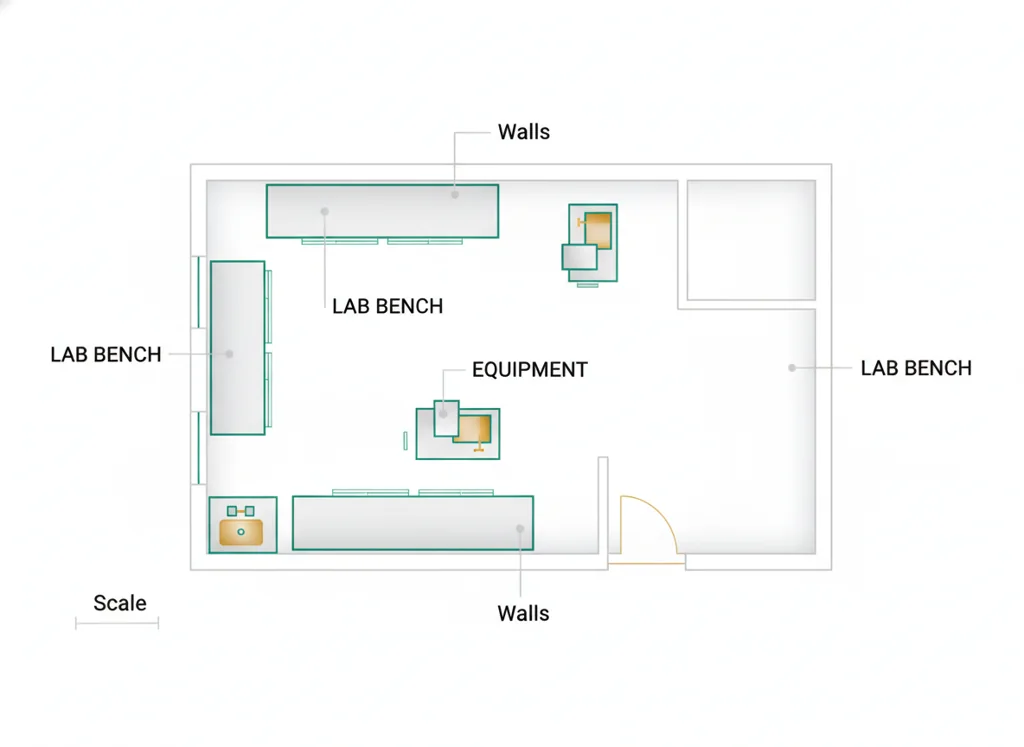
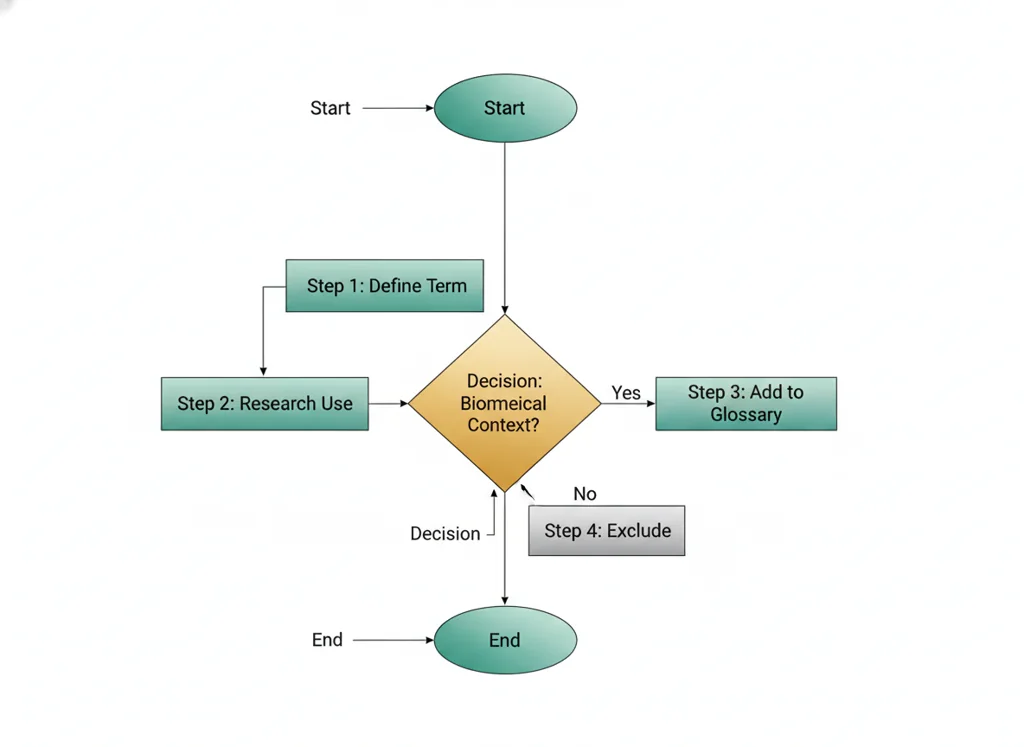
Credible sources, prior art, floor plan logic, process flow.
Your PLTW coursework: Biomedical Innovation ▸ Problem 1: Design of an Effective Emergency Room ▸ "Activity 1.1.2 Research and Documentation"
What to do if absent- CER:
- Claim, Evidence, Reasoning: make a claim, back it with evidence, explain your reasoning.
- SOP:
- Standard Operating Procedure, the exact steps to follow (especially in a lab).
- Tracker:
- Your PLTW progress log where you record completed evidence.
- myPLTW:
- The PLTW course site where you do the online activities. Find it in Clever with your Microsoft sign-in, right next to Schoology.
Use or modeling tools to draft an ER that supports efficient , safe staffing, and good .
- 1Write a one-line stating who your ER serves and the top problem it solves.
- 2Open the or modeling tool and place the major ER zones: , treatment, and waiting.
- 3Draw the path a patient takes between zones and check it for backtracking.
- 4Mark where staff stand so they can see and reach patients, addressing .
- 5Add at least one feature, such as a clear path to an exit or to equipment.
- 6Save and export your , then write one sentence defending a layout choice.
- • You will be able to draft an ER in a modeling tool.
- • You will be able to lay out zones to support efficient .
- • You will be able to justify a layout choice using .
Open any day for its full lesson, the work due that day, and guided notes.
One revision log: accepted changes tied to criteria or evidence, at least one rejected alternative with reasoning, and a four-panel presentation draft appendix.
CER contribution on pre-release testing requirements for medical innovations, plus two questions and a reflection linking the argument to the ER .
Delivered ER design presentation with peer feedback notes and a written note on the one unanswered question and how you would address it.
Problem 2 launch: chosen physiological measure, identified independent/dependent/controlled variables, and a testable hypothesis.
- Hook: where you put a door can save a life, because seconds and sightlines matter in an emergency.
- Today's goal: turn your research into a real that a nurse could actually work in.
- Monday's bioethics debate on ER ethics carries in: a layout decides who is seen and how fast.
- Reminder: your graded and live in the PLTW course shell.
Do this: Advance PLTW Problem 1 by drafting and uploading your ER floor-plan in the online course shell.
- • describes how people and work move through a space.
- • design fits a system to the people who use it.
- • Lay out zones to reduce patient backtracking.
- • Justify a staffing or layout choice with human-factors reasoning.
📋 PLTW evidence due: ER floor-plan and one-line completed in myPLTW for Problem 1.
All PLTW activities are completed inside the PLTW course environment: this page only gives direction.
Use this chart to keep your place. Nothing on it is turned in through the portal.
| Day | Work | Turn in |
|---|---|---|
| Monday · Mon, Feb 22 | Prototype revision log | One prototype revision log: accepted changes tied to criteria or evidence, at least one rejected alternative with reasoning, and a four-panel presentation draft appendix. |
| Tuesday · Tue, Feb 23 | Evidence for | |
| Wednesday · Wed, Feb 24 | Innovation-safety debate | CER contribution on pre-release safety testing requirements for medical innovations, plus two questions and a reflection linking the argument to the ER prototype. |
| Thursday · Thu, Feb 25 | ER presentation | Delivered ER design presentation with peer feedback notes and a written note on the one unanswered question and how you would address it. |
| Friday · Fri, Feb 26 | Physiology variables | Problem 2 launch: chosen physiological measure, identified independent/dependent/controlled variables, and a testable hypothesis. |
- M: debate
- W:
- Th: flowchart
- F: revision log
Turn in: Credible sources, prior art, floor plan logic, process flow. weekly work due ER research/prototype revision log.
Go to Schoology to turn this in.
Submit one PDF. Schoology attaches your name to your upload; on the page itself, write your period and code. Name the file: FirstName LastName - Assignment Title - YYYY-MM-DD.pdf.
Open Schoology PDF upload helpIf you cannot get in, see Mr. Mendoza. Do not skip the work.
4 panels from the illustrated semester.
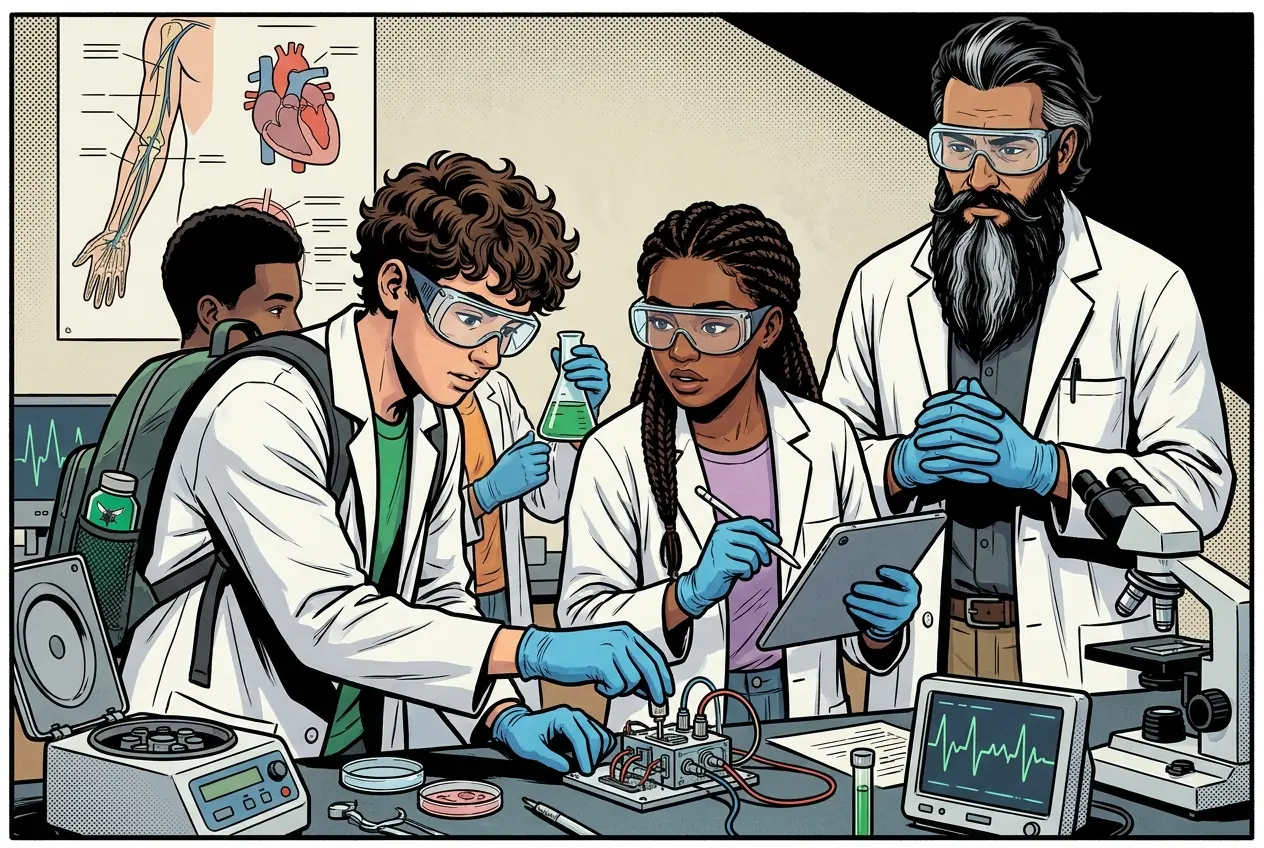
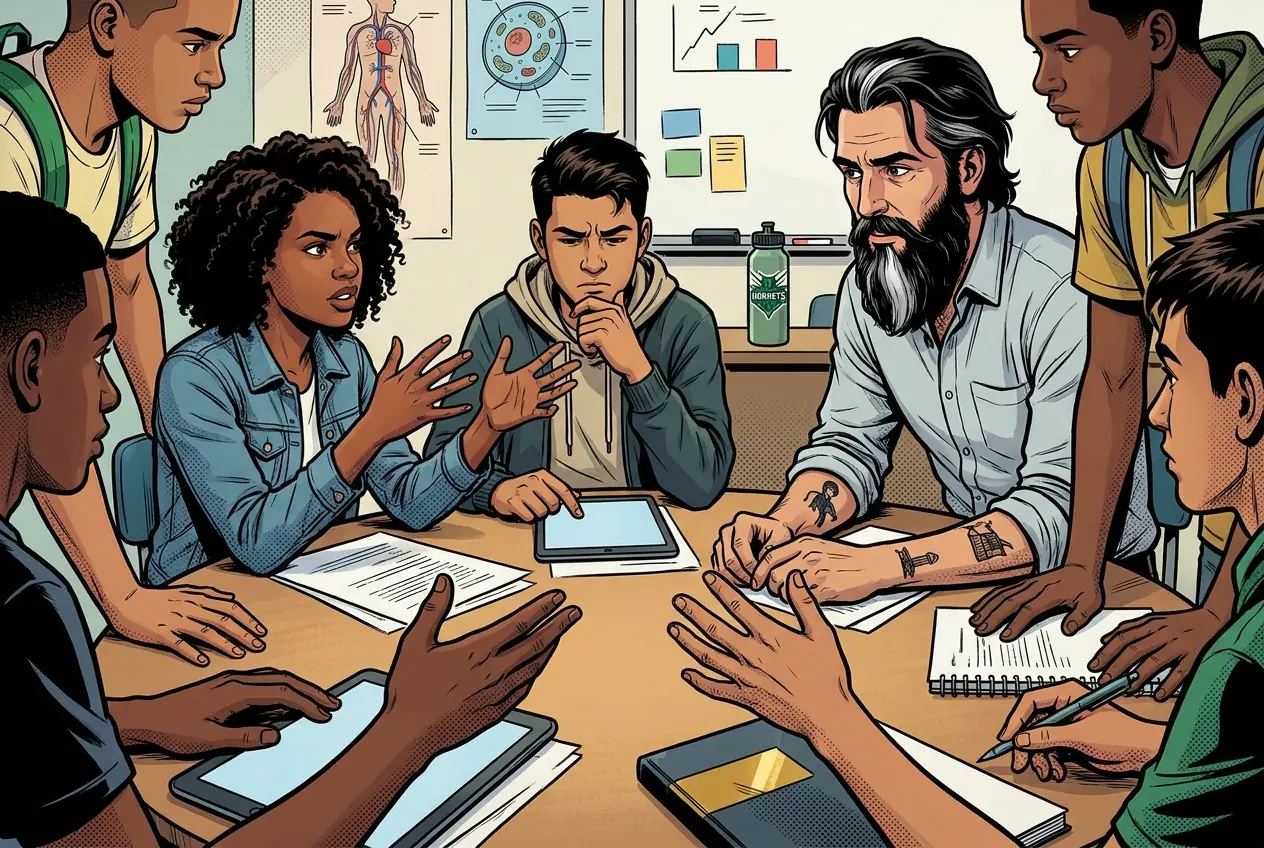
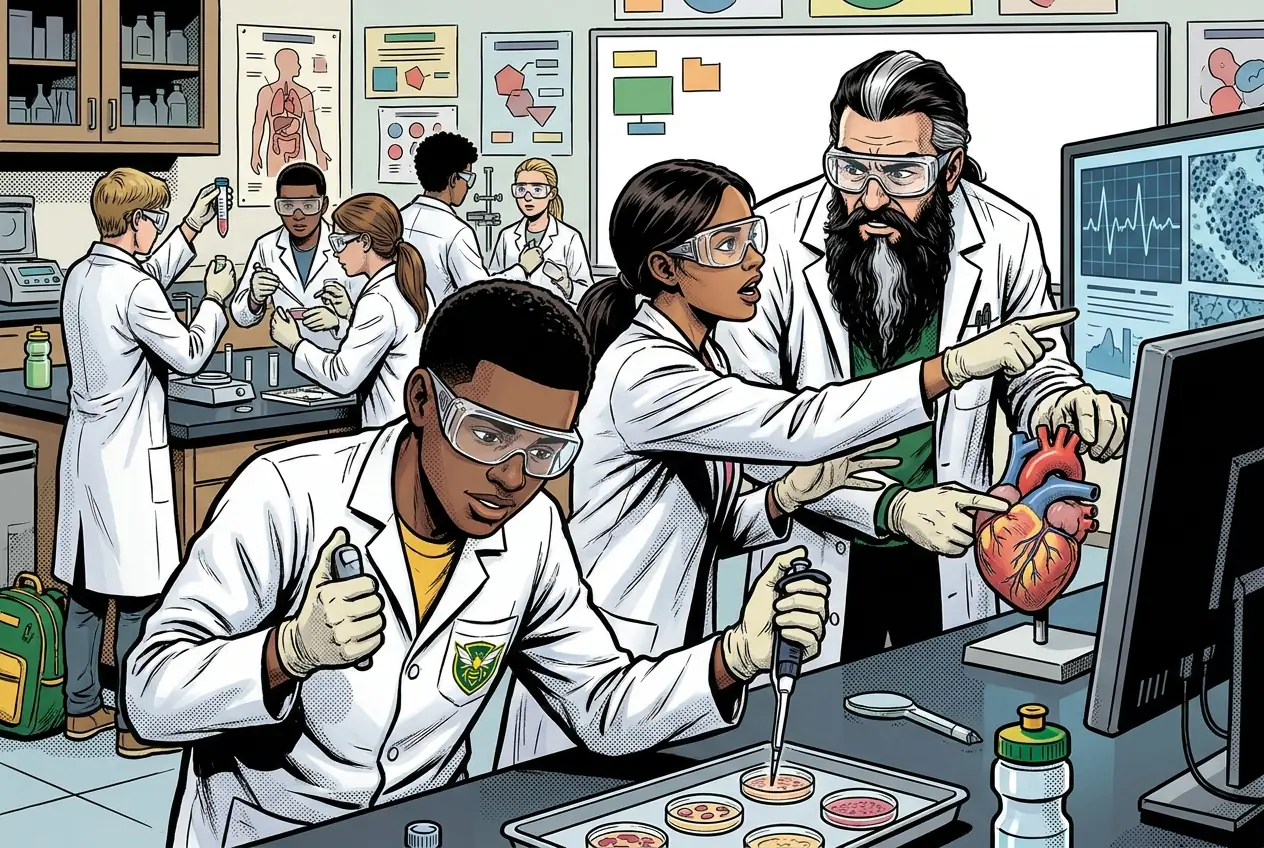
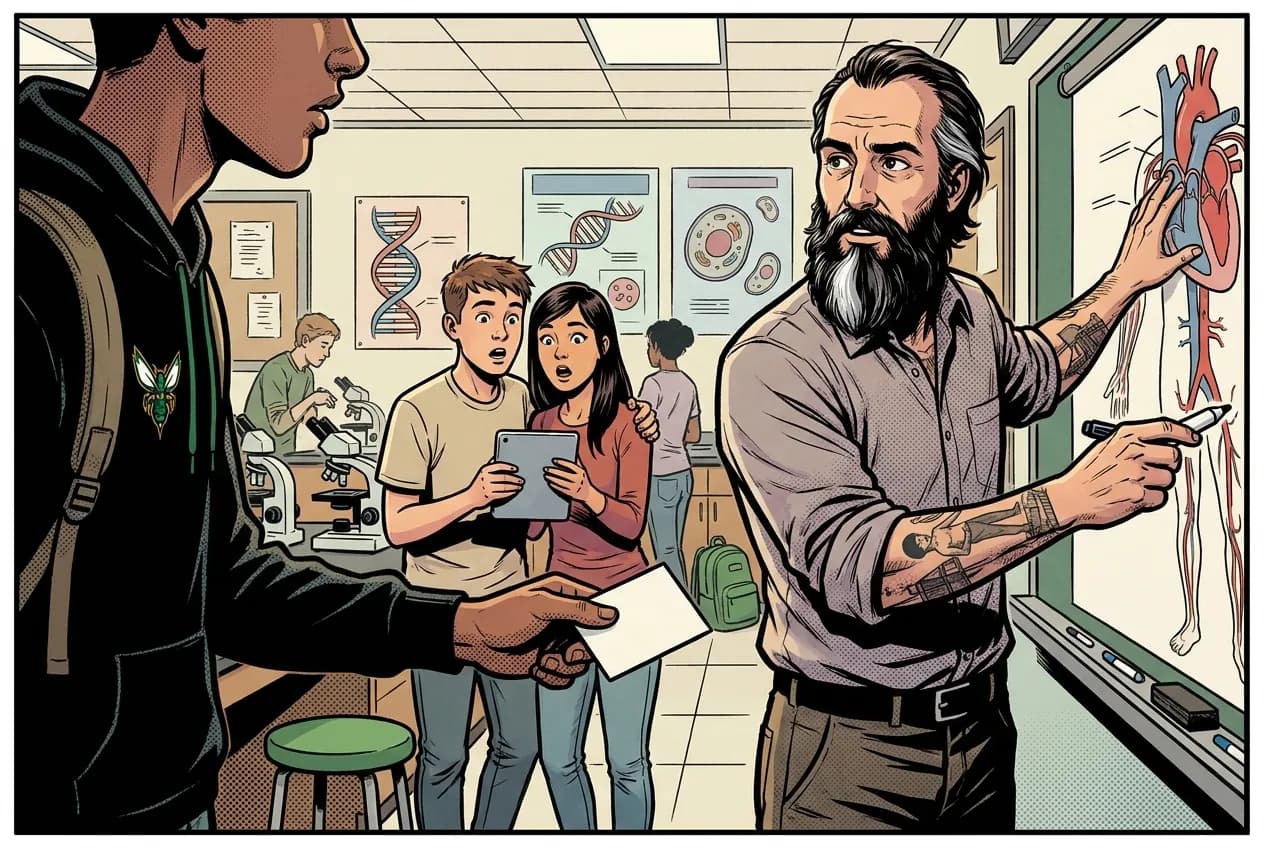
Fiction. There is no such student. The lessons, labs and dates are the real planned course; the student, the classmates and the conversations are invented.
This explainer accompanies the PLTW lab protocol: watch it before lab.
Most days, this class is your PLTW coursework: and PLTW is online and individual. So being out usually just means doing exactly what we did in class, from home.
Open Clever, then myPLTWSign in to Clever with your district Microsoft account to open Schoology or myPLTW. Follow today's posted steps. If myPLTW will not open, use the posted alternative and tell Mr. Mendoza. Turn in your completed work through the Schoology assignment.
You can't do those from home: do this instead: Paper/digital .
Class still runs. A substitute will post today's plan: complete the online activity above; it's built to be self-guided. Need the concept taught without a teacher? Use this authoritative explainer:
NGSS Engineering Design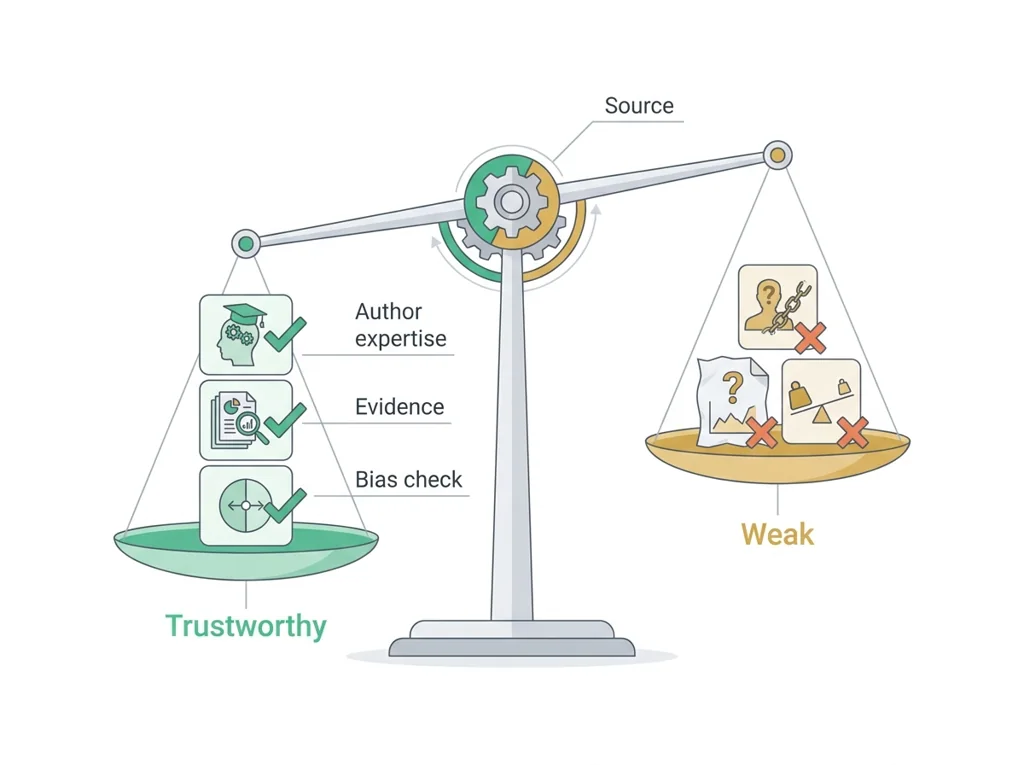
Classroom documents for this lesson are posted in Schoology. Open Clever, then Schoology, and find each one by the name shown on its card.
Open this when the class reaches this activity and use it to complete the required lesson artifact.
Use this if you were absent, got stuck, or need another pass before you submit the lesson artifact.
Open this when the class reaches this activity and use it to complete the required lesson artifact.
Sign in to Clever with your district Microsoft account to open Schoology or myPLTW. Follow today's posted steps. If myPLTW will not open, use the posted alternative and tell Mr. Mendoza. Turn in your completed work through the Schoology assignment.