

Research design, variables, sample size, reliability, ethics of biometric data.
Your PLTW coursework: Biomedical Innovation ▸ Problem 2: Exploring Human Physiology ▸ "Project 2.1.1 Scientific Research"
What to do if absent- CER:
- Claim, Evidence, Reasoning: make a claim, back it with evidence, explain your reasoning.
- SOP:
- Standard Operating Procedure, the exact steps to follow (especially in a lab).
- Tracker:
- Your PLTW progress log where you record completed evidence.
- myPLTW:
- The PLTW course site where you do the online activities. Find it in Clever with your Microsoft sign-in, right next to Schoology.
Present your ER design for evidence-based feedback, revise one element, and design a simple physiology study with a hypothesis, variable, and control.
- 1Record a short walkthrough of your ER design that names the problem and your solution.
- 2Trade walkthroughs with a partner and give one piece of usability feedback backed by evidence.
- 3Pick the strongest feedback you received and revise one element of your design.
- 4Write a testable hypothesis for a simple physiology question, such as heart rate and activity.
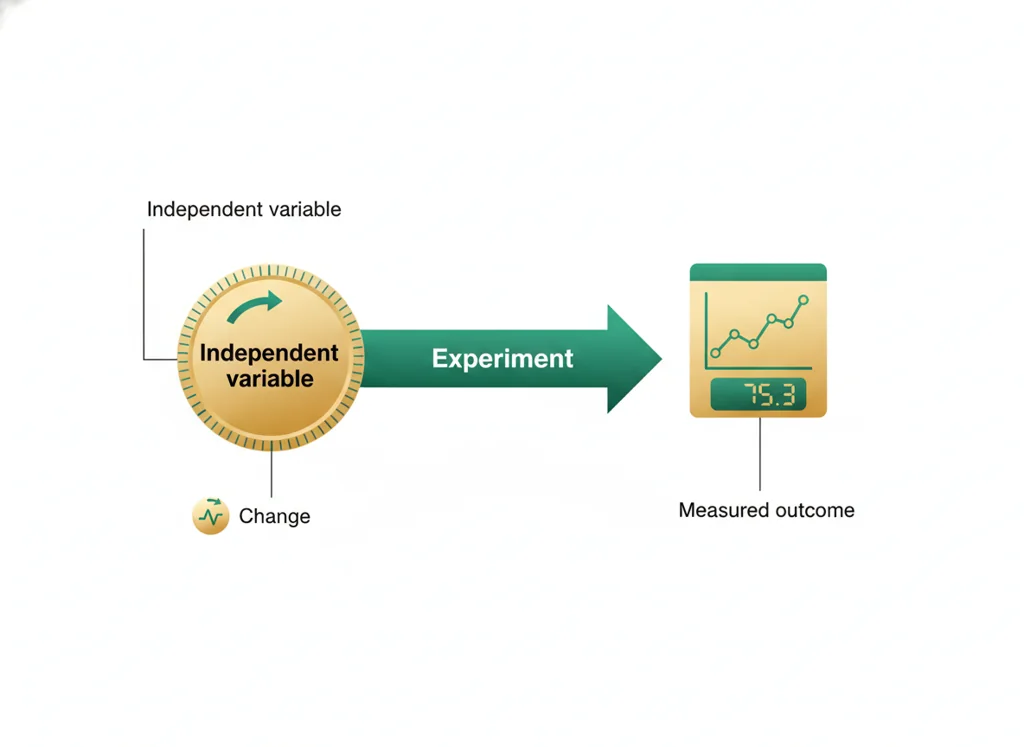
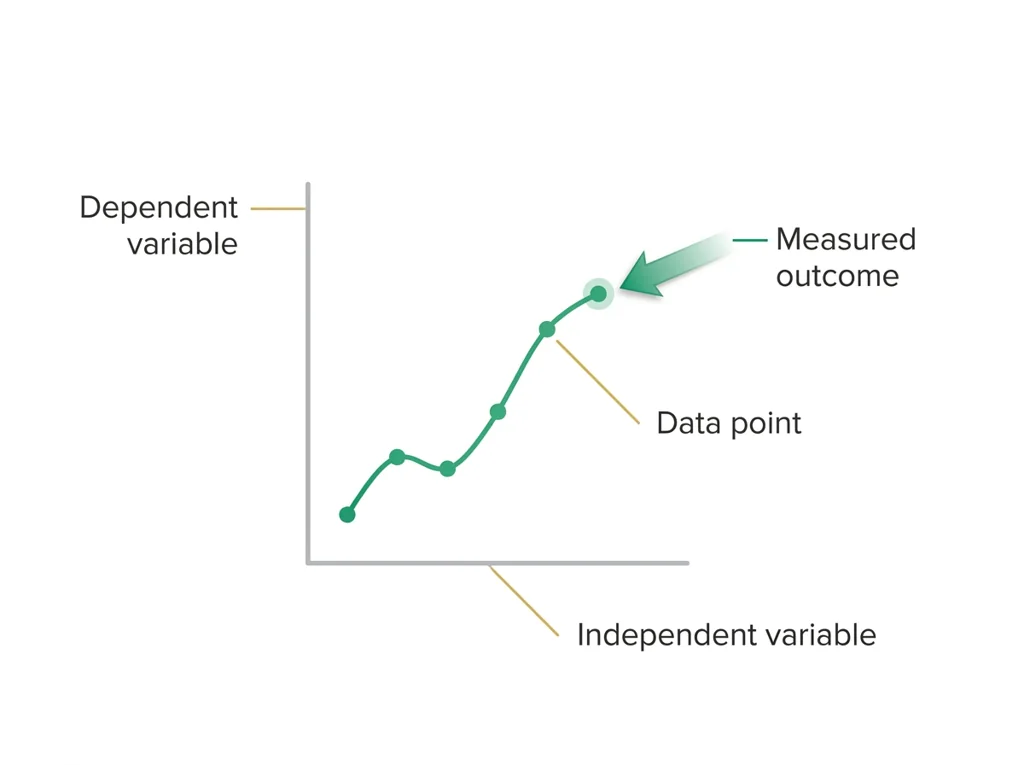
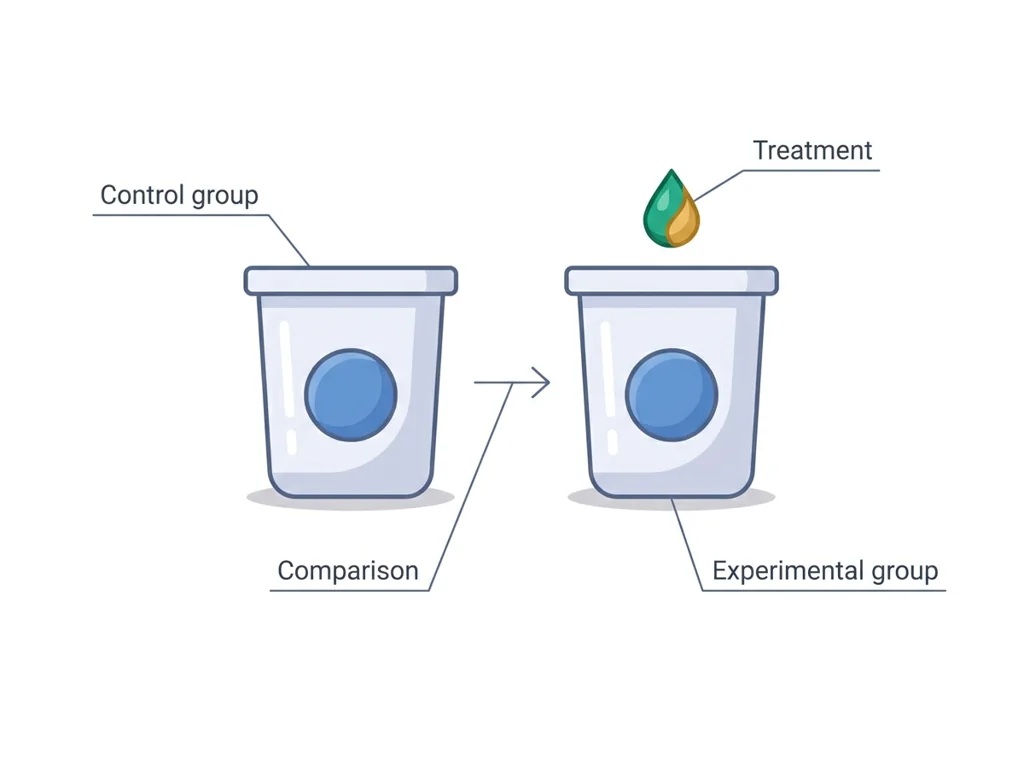
- 5Identify the , , and control for that study.
- 6Critique one classmate's study design for a missing variable or control.
- • You will be able to give and receive evidence-based design feedback.
- • You will be able to revise a design based on usability feedback.
- • You will be able to write a hypothesis with a variable and a control.
Open any day for its full lesson, the work due that day, and guided notes.
Problem 2 research design ticket: study critique identifying variable/control/limitation flaws, plus a proposed sound design with hypothesis, variables, and planned measurements.
CER contribution arguing an ethical limit for physiological data collection and storage, plus two questions and a reflection connecting the argument to the Thursday, March 4, 2027 lab plan.
Raw physiology : labeled trials, baseline and treatment conditions, measurement values with units, and a brief condition-control note.
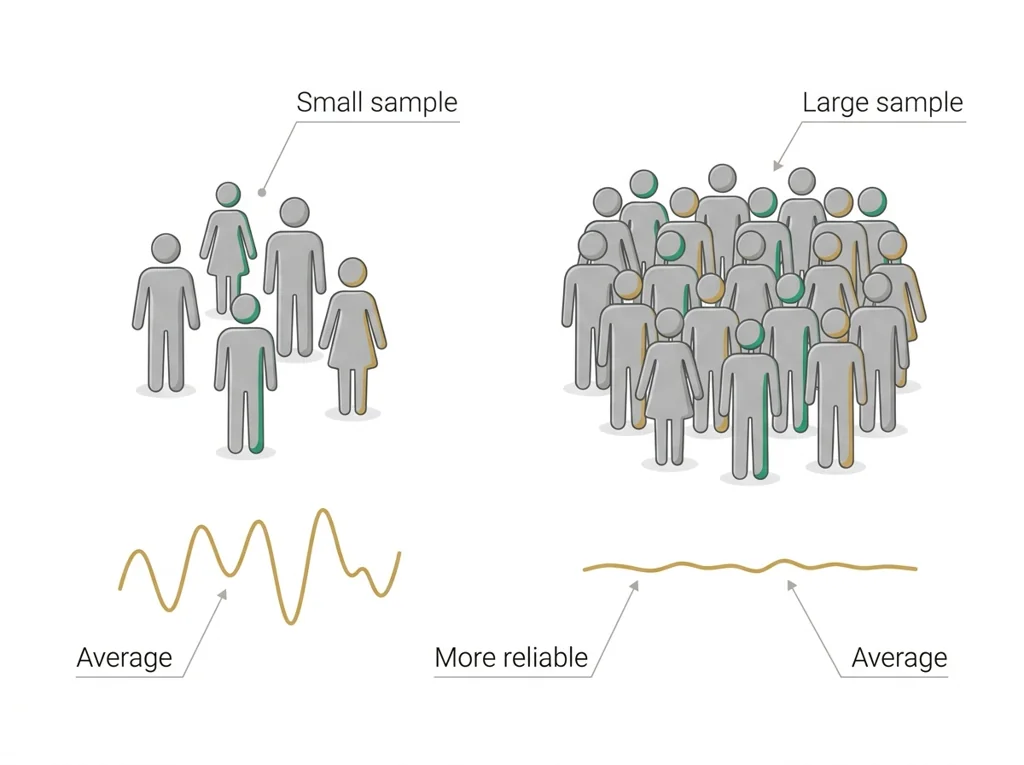
Statistics practice: mean and calculated for each condition with steps shown, plus a written explanation of what a t-test compares and whether it applies to the data.
- Hook: the best designers improve fastest because they ask for honest feedback and act on it.
- Today's goal: defend your ER design, revise one part, then step into physiology with a real study question.
- This week opened with a Monday bioethics debate; carry that habit of arguing from evidence into your critiques.
- Reminder: your graded walkthrough and study critique live in the PLTW course shell.
Do this: Advance from PLTW Problem 1 into Problem 2 by submitting your revised ER walkthrough and first study-design draft in the online course shell.
- • Iteration means improving a design across repeated feedback cycles.
- • A controlled study isolates one variable while holding others constant.
- • Revise a design using usability feedback.
- • Identify the , , and control in a study.
📋 PLTW evidence due: recorded ER walkthrough, one documented revision, and a study-design critique in the course shell.
All PLTW activities are completed inside the PLTW course environment: this page only gives direction.
Use this chart to keep your place. Nothing on it is turned in through the portal.
| Day | Work | Turn in |
|---|---|---|
| Monday · Mon, Mar 1 | Evidence for | |
| Tuesday · Tue, Mar 2 | Research design ticket | Problem 2 research design ticket: study critique identifying variable/control/limitation flaws, plus a proposed sound design with hypothesis, variables, and planned measurements. |
| Wednesday · Wed, Mar 3 | Data-ethics debate | CER contribution arguing an ethical limit for physiological data collection and storage, plus two questions and a reflection connecting the argument to the Thursday, March 4, 2027 lab plan. |
| Thursday · Thu, Mar 4 | Physiology sensor lab: paper preparation | Raw physiology data table: labeled trials, baseline and treatment conditions, measurement values with units, and a brief condition-control note. |
| Friday · Fri, Mar 5 | Mean, SD, t-test | Statistics practice: mean and standard deviation calculated for each condition with steps shown, plus a written explanation of what a t-test compares and whether it applies to the data. |
- T: variable practice
- W: shortened-day design ticket
- Th: quiz
Turn in: Research design, variables, sample size, reliability, ethics of biometric data. weekly work due Research design ticket.
Go to Schoology to turn this in.
Submit one PDF. Schoology attaches your name to your upload; on the page itself, write your period and code. Name the file: FirstName LastName - Assignment Title - YYYY-MM-DD.pdf.
Open Schoology PDF upload helpIf you cannot get in, see Mr. Mendoza. Do not skip the work.
3 panels from the illustrated semester.

Fiction. There is no such student. The lessons, labs and dates are the real planned course; the student, the classmates and the conversations are invented.
Most days, this class is your PLTW coursework: and PLTW is online and individual. So being out usually just means doing exactly what we did in class, from home.
Open Clever, then myPLTWSign in to Clever with your district Microsoft account to open Schoology or myPLTW. Follow today's posted steps. If myPLTW will not open, use the posted alternative and tell Mr. Mendoza. Turn in your completed work through the Schoology assignment.
You can't do those from home: do this instead: Study critique packet.
Class still runs. A substitute will post today's plan: complete the online activity above; it's built to be self-guided. Need the concept taught without a teacher? Use this authoritative explainer:
Khan Academy Scientific Method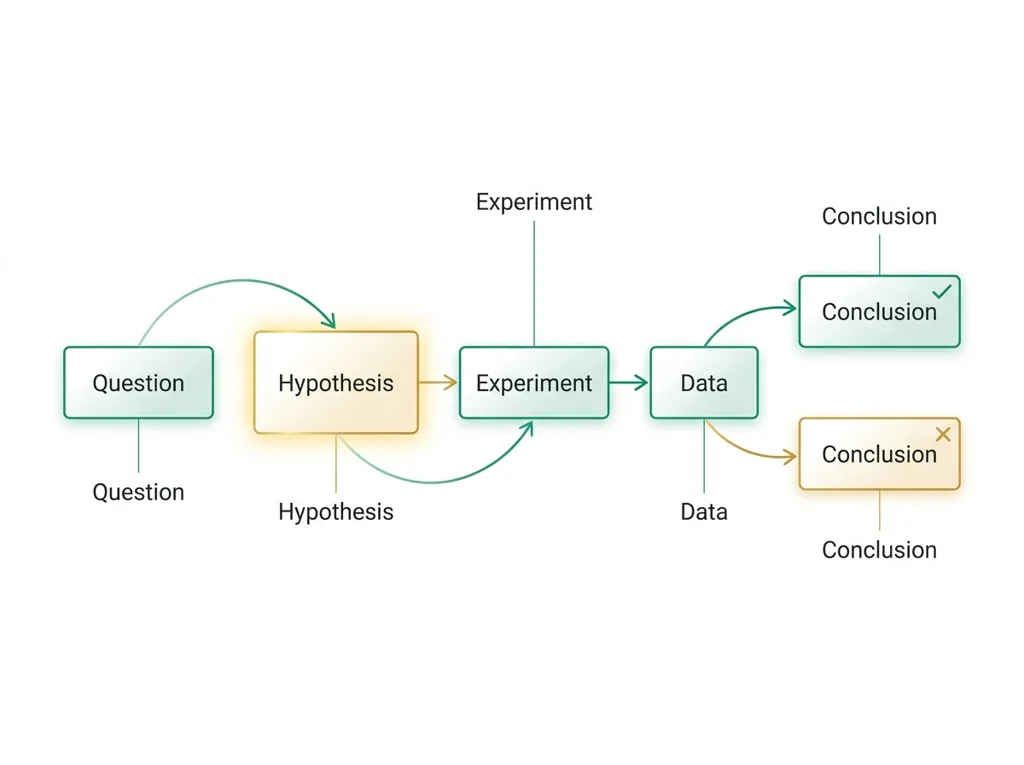
Classroom documents for this lesson are posted in Schoology. Open Clever, then Schoology, and find each one by the name shown on its card.
Use this if you were absent, got stuck, or need another pass before you submit the lesson artifact.
Open this when the class reaches this activity and use it to complete the required lesson artifact.
Open this when the class reaches this activity and use it to complete the required lesson artifact.
Sign in to Clever with your district Microsoft account to open Schoology or myPLTW. Follow today's posted steps. If myPLTW will not open, use the posted alternative and tell Mr. Mendoza. Turn in your completed work through the Schoology assignment.