


Earn the badge.
Seven steps stand between you and a badge at a hospital that treats patients from every neighborhood in this city. You can start the first one today.
Summer wave: July · flu shot window Nov 1 to Mar 31 · reply within 24 hours
Start step oneA hospital badge before you can vote. Shadowing, rotations, and mentors who learn your name.
The RedCarpetMailer email is real, not spam. And three weeks of silence ends your onboarding, so reply within 24 hours.
Seven steps, a parent permission slip, and your vaccine records. Skip the CPR and background-check tasks. Our group is exempt.
The trail to your badge
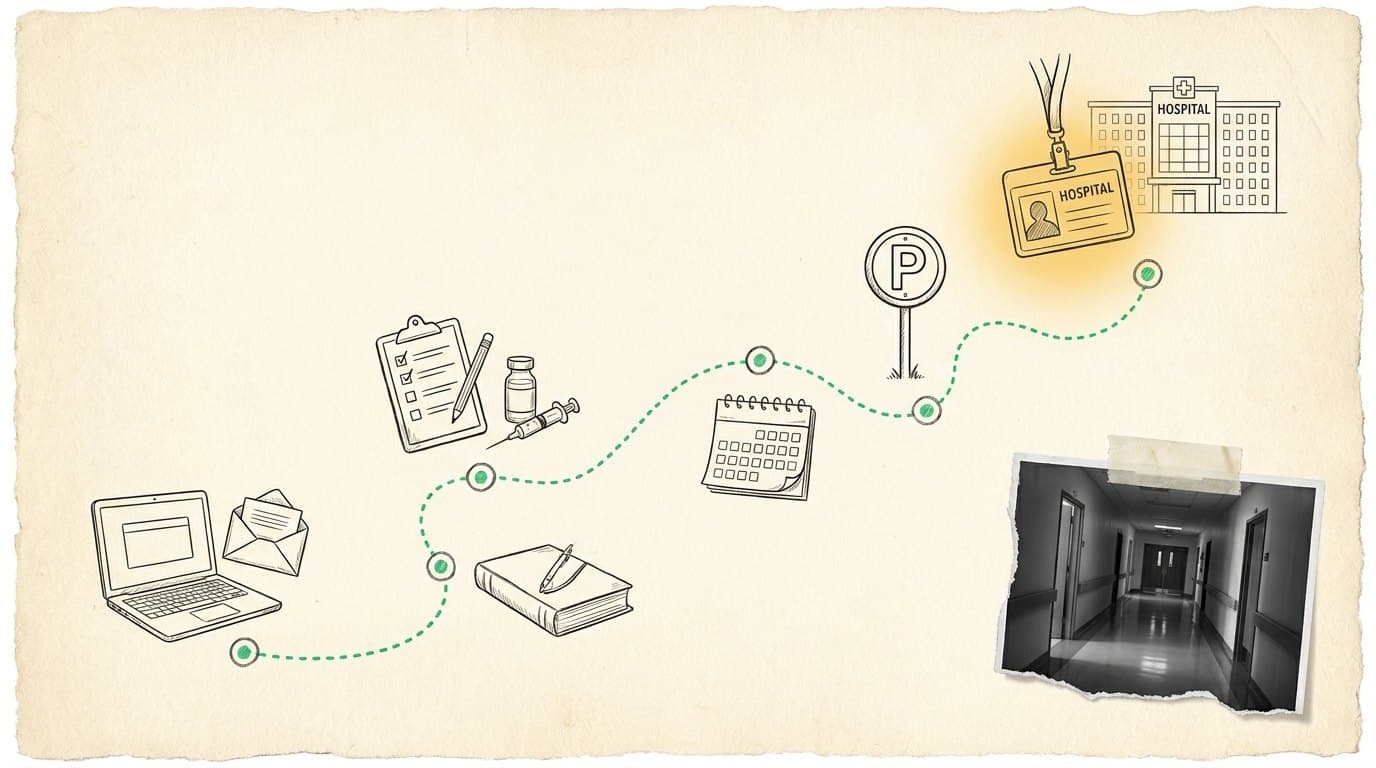
- 01Apply and log in
Clinician Nexus first, then the SilkRoad welcome email carries your login.
- 02Clear your tasks
Finish every red-asterisk task and the coursework before the three-week clock runs out.
- 03Health documents
Permission slip to the nurse, then upload TB, MMR, Varicella, Tdap, Hep B, and the seasonal flu shot.
- 04Dates, parking, badge
Confirm your rotation dates, register for parking if you drive, then pick up the badge with a photo ID.
Almost everyone stalls somewhere in the middle of this list, usually on a document. That is normal, and it is fixable in one afternoon.
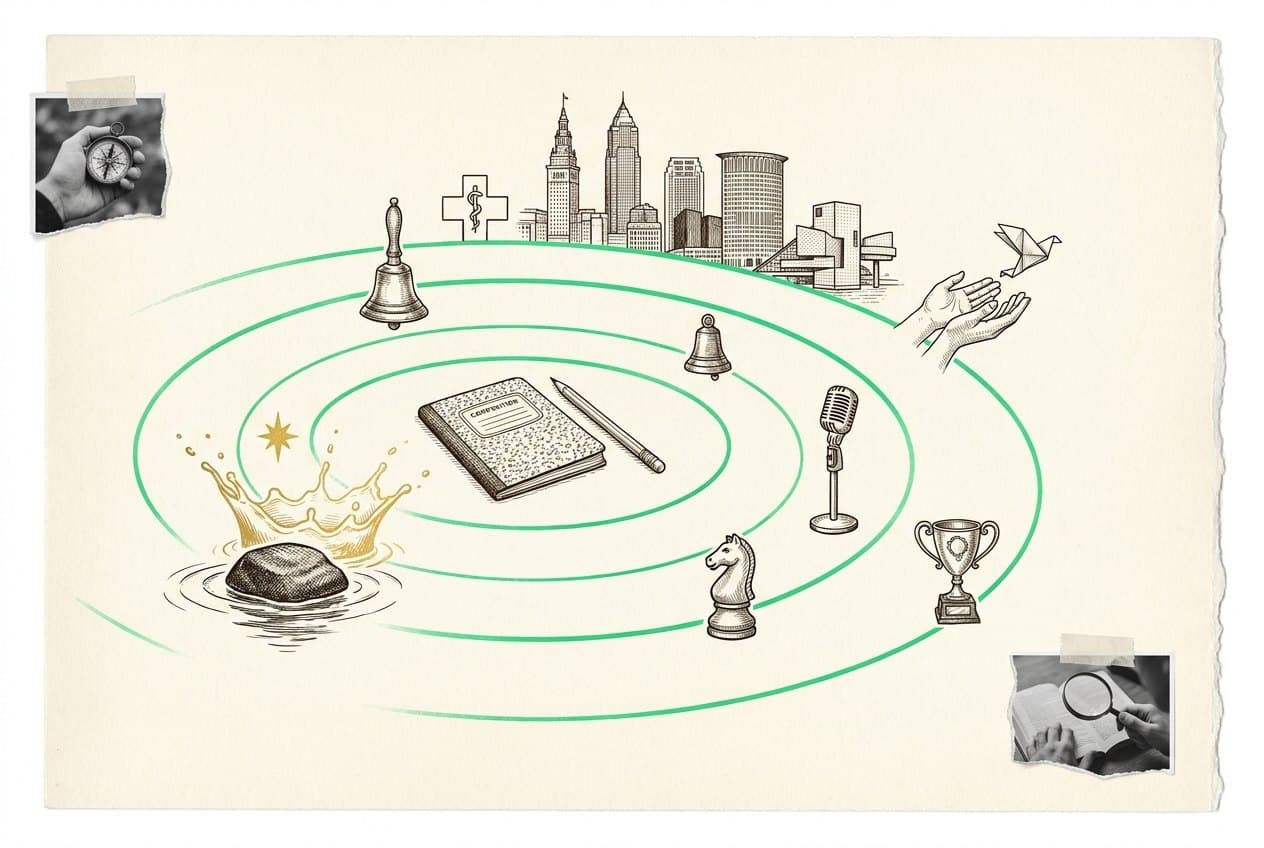
You
A hospital badge before you can vote. Shadowing, rotations, and mentors who learn your name, plus the professionalism habits a hospital expects.
John Hay
Every badge earned is a John Hay student trusted inside a working hospital. That is what the Cleveland Clinic partnership exists to make possible.
Cleveland
Hospitals need people from the neighborhoods they serve. This pipeline starts in Room 381 and ends in a building that treats the whole city.
Careers
Where this points
The skills you practice here are the same ones these jobs run on. Every card carries pay and outlook read straight from O*NET, the US Department of Labor's occupation site, the schools that train for it, and an honest read on what AI is likely to change.
- Registered Nurse
- Surgical Technologist
- EMT and Paramedic
- Medical Assistant
- +1 more
Next meeting
No confirmed date posted yet.
Check this card again after the group calendar is updated.
Inside Clinic Onboarding
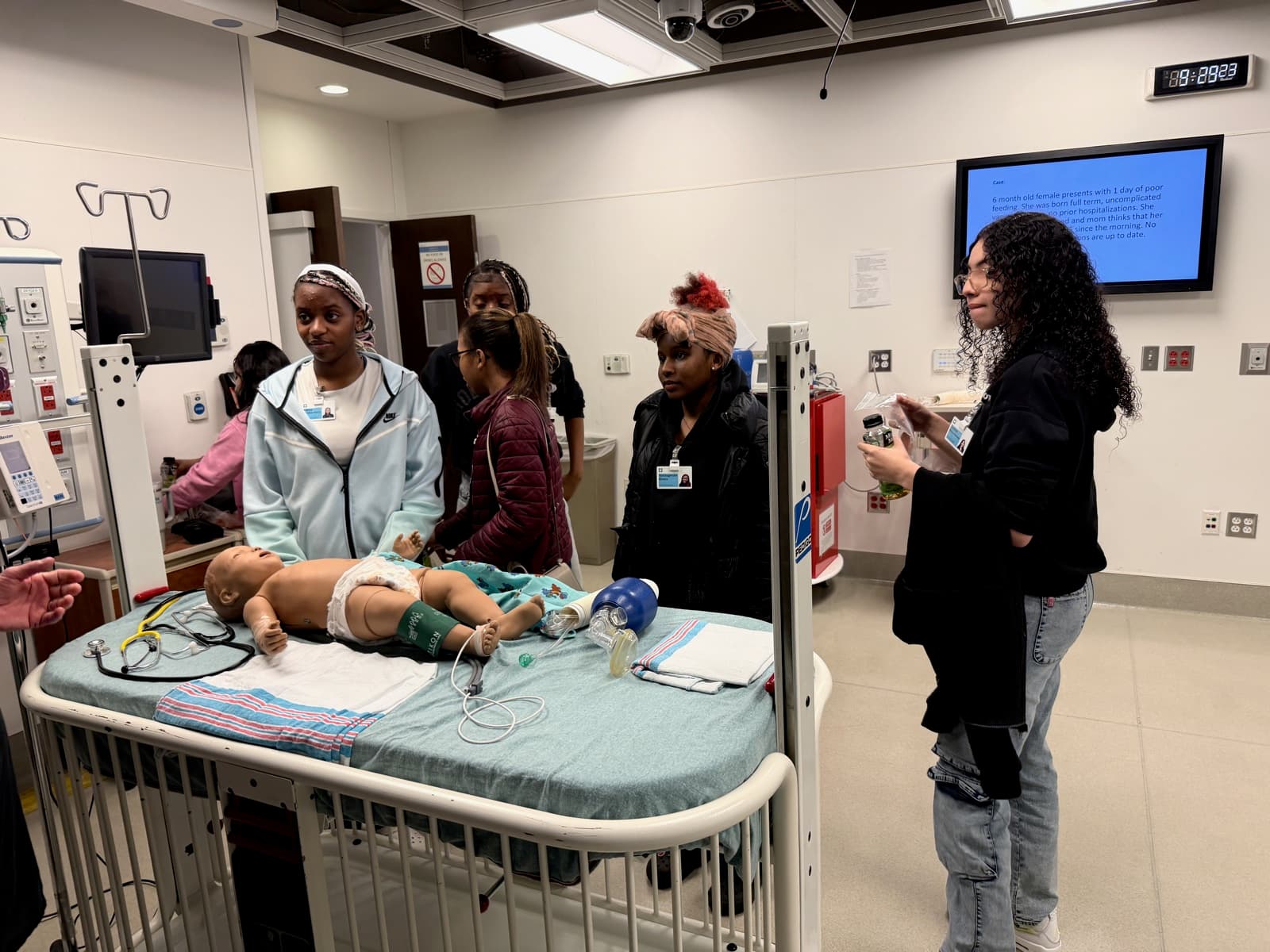
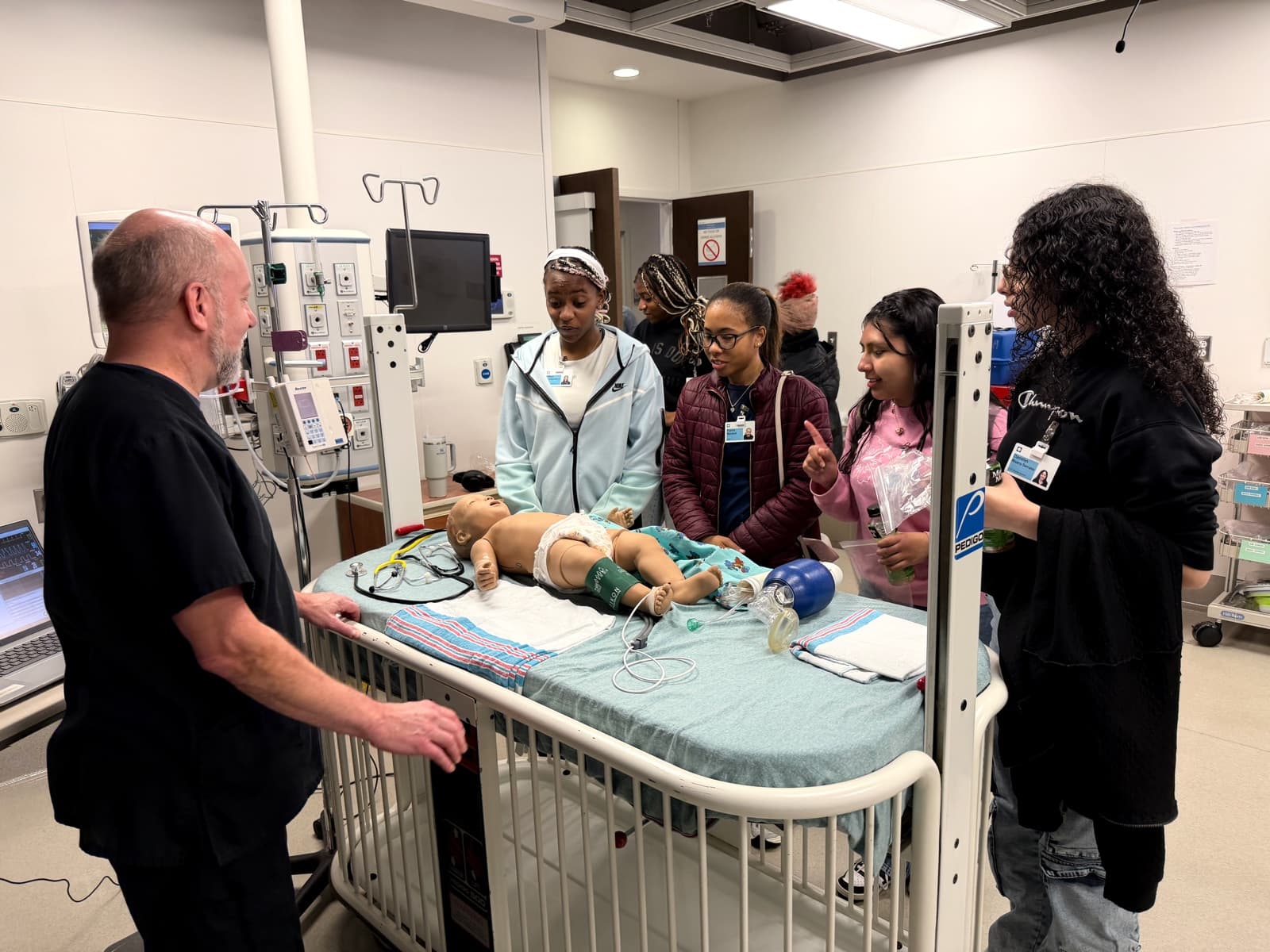
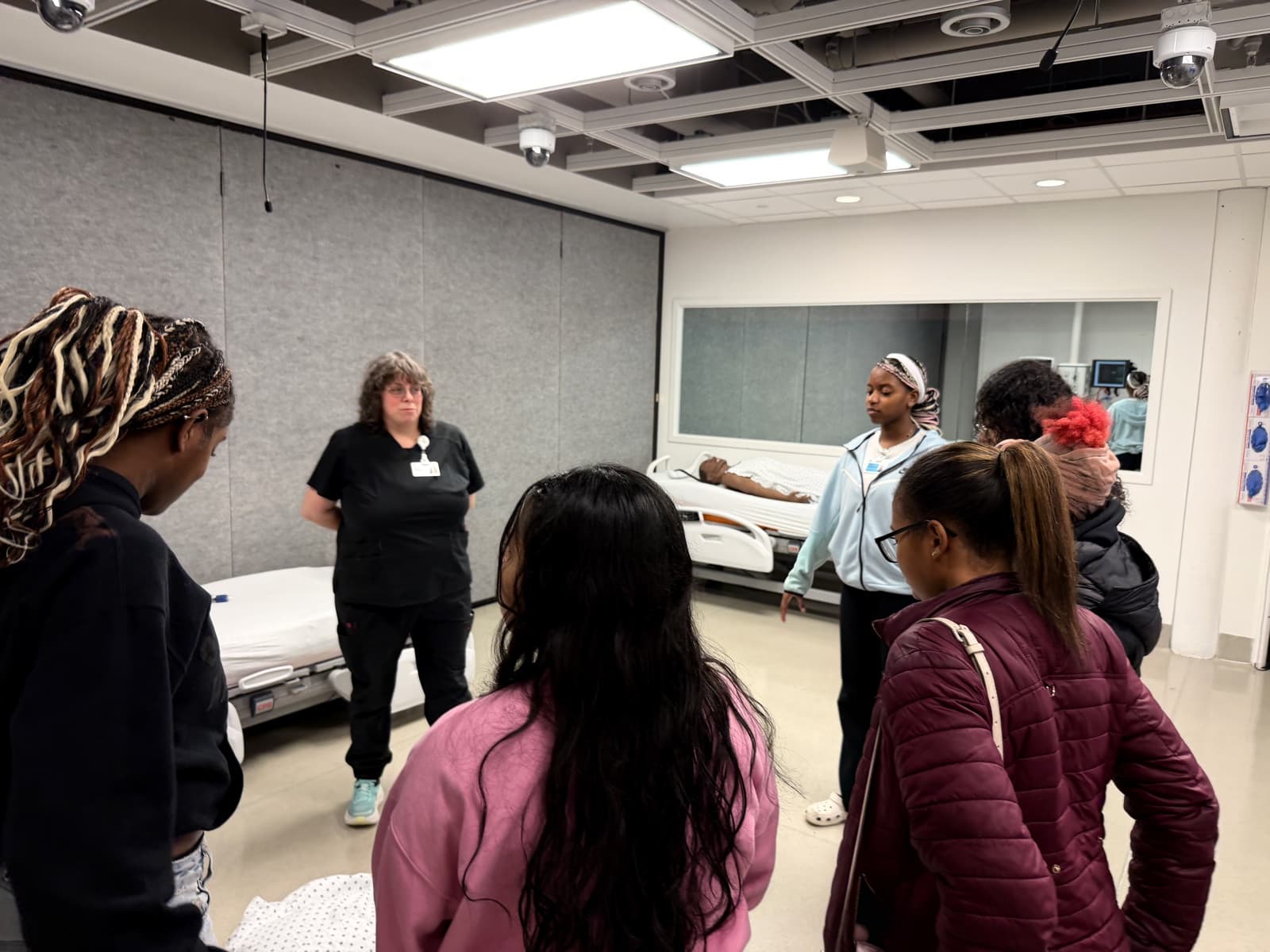
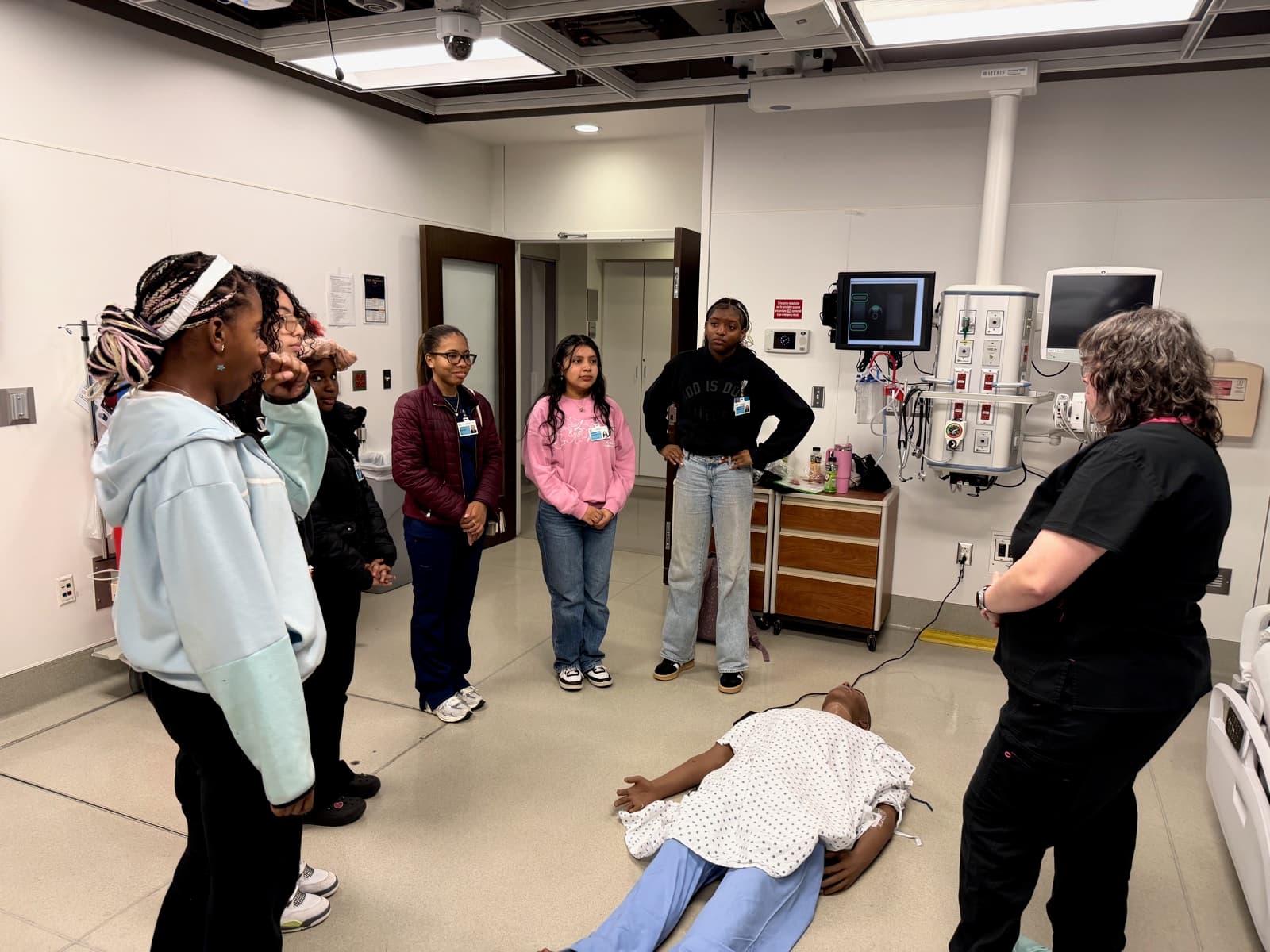
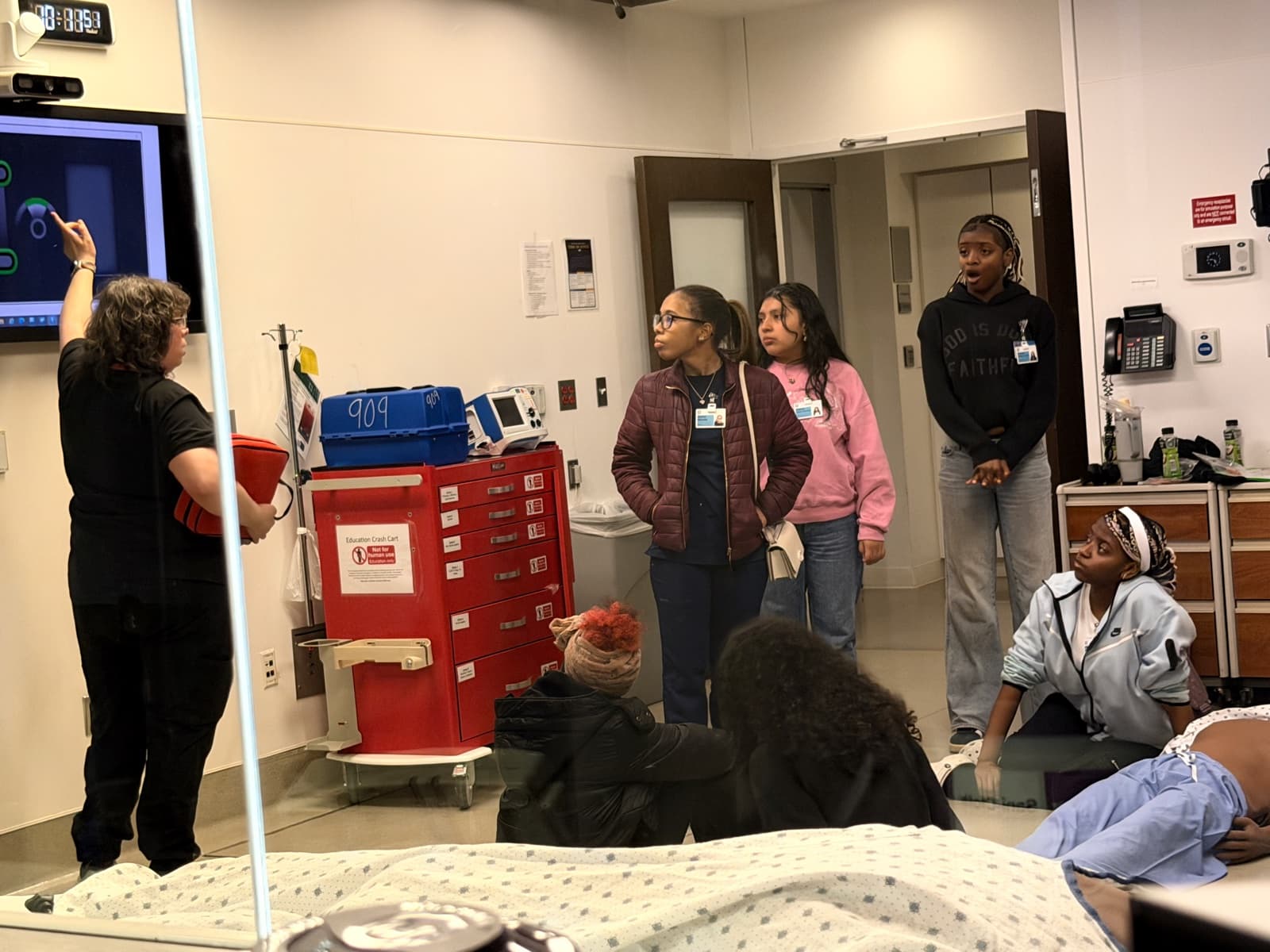
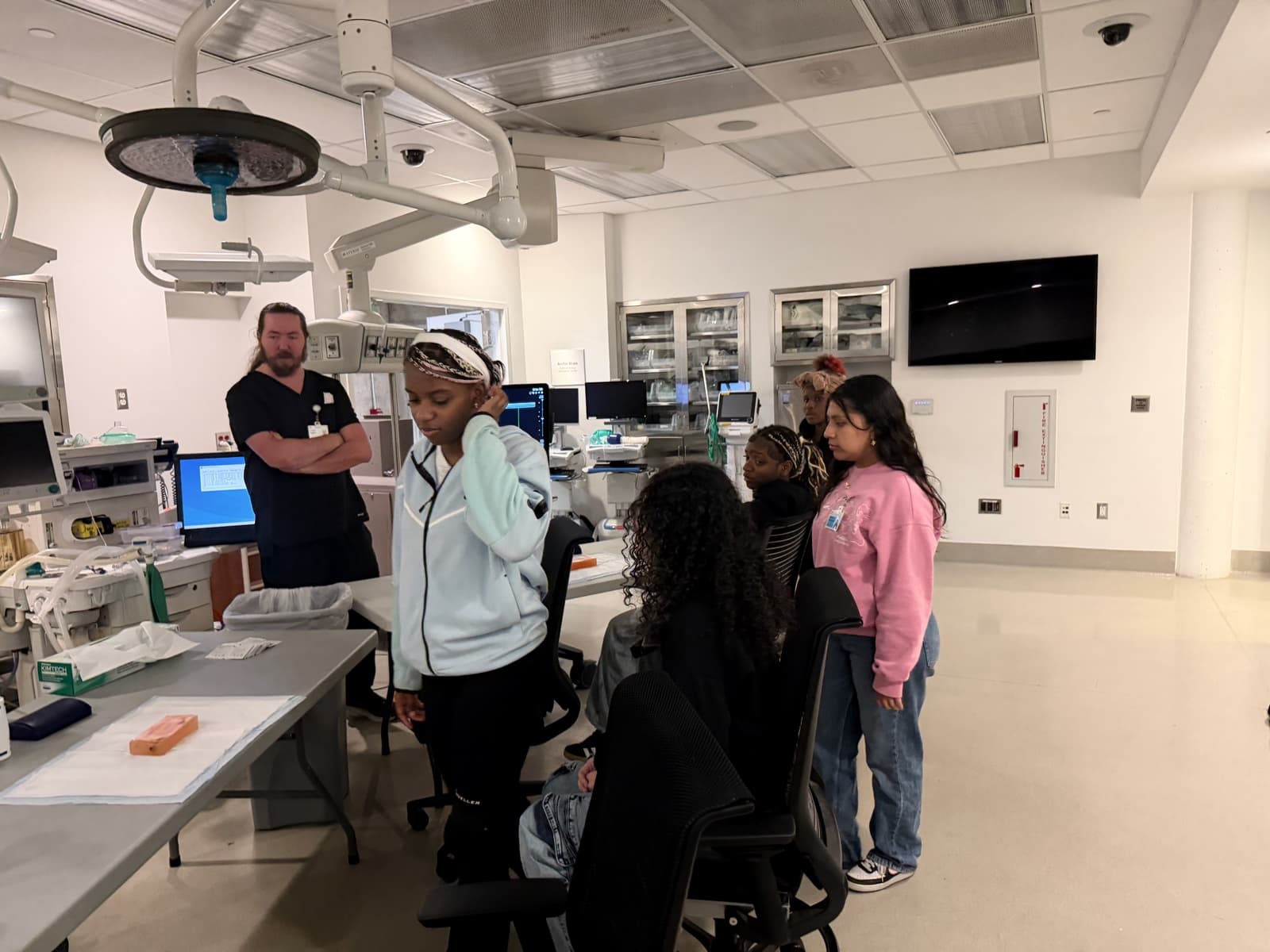
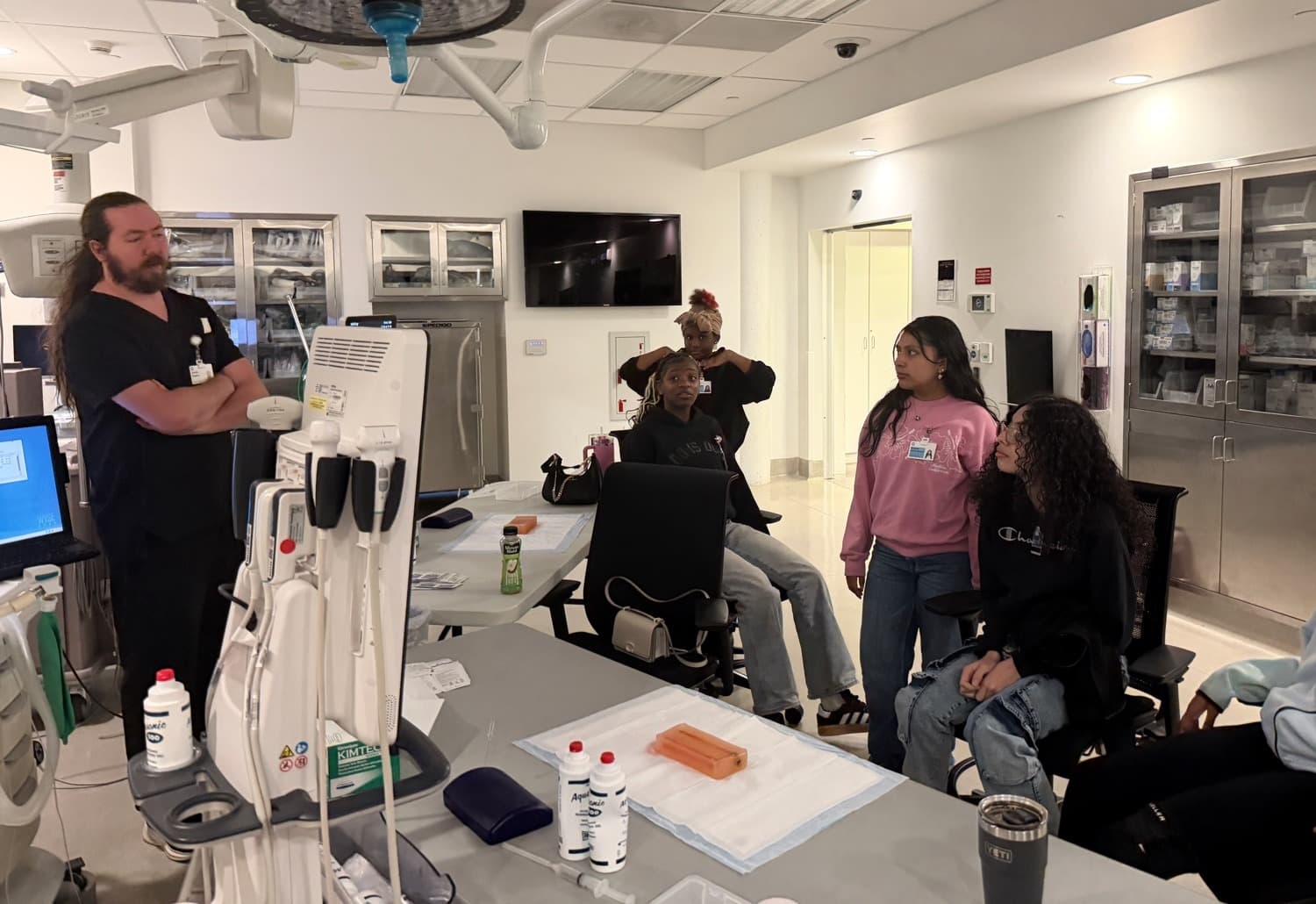
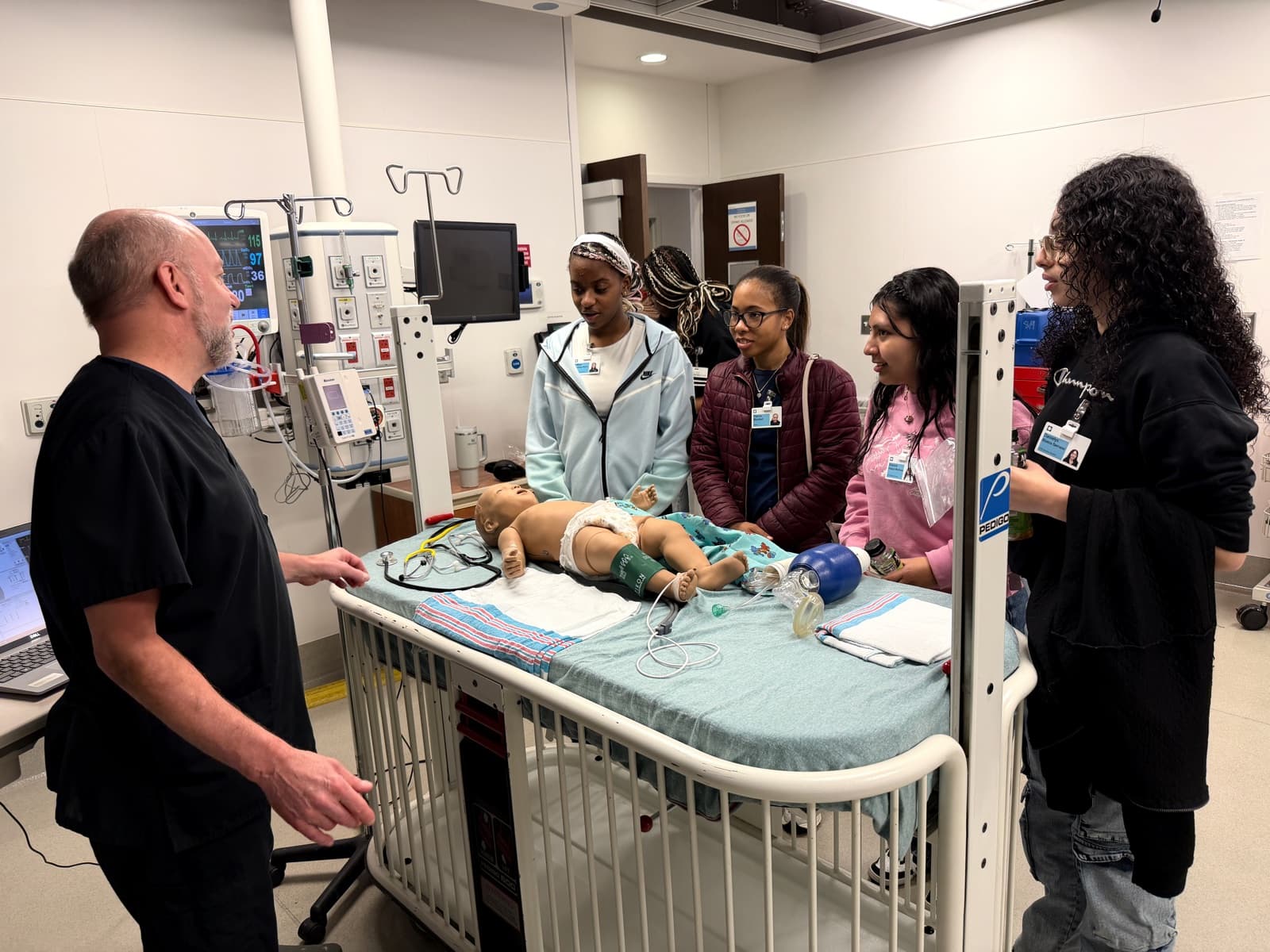
Explore & practice
Every person on Cleveland Clinic property needs a valid badge. This is how you earn it. Do the phases in order and do not skip ahead. No finished onboarding means no badge, which means you cannot participate.
Parents and guardians have a small but blocking role: onboarding cannot finish without you. Here is exactly what you do.
Stuck? Most onboarding problems have a quick, known fix.
See what's happening at the place where you'll do your clinical experience.
How it works
Create an account, choose the student pathway, select "Northeast Ohio Schools" then "HIGH SCHOOL STUDENT," use the rotation link, and click the green Save and Submit Request. It is NOT complete until you click submit: apply by your teacher's deadline.
After approval you get a "Welcome to Nonemployee Onboarding" email from RedCarpetMailer@mail.silkroad.com. Do not treat it as spam: it has your login. Sign in at clevelandclinic-redcarpet.silkroad.com, and reset your password to your school email if needed.
When you get the "tasks available" email, log in and finish every red-asterisk task and the online coursework. Confirm your legal name, personal email, and graduation year. Three weeks of inactivity ends your onboarding, so respond within 24 hours.
Bring your parent permission slip to the nurse or mobile clinic (you can't be seen without it), then upload TB test, MMR, Varicella, Tdap, Hep B, and the seasonal flu shot into SilkRoad. Skip the CPR and background-check tasks: our group does not need them.
Confirm your rotation start (at least two weeks out), end date, and graduation date, and check that your assigned roles appear.
Parking Services: 216-444-2255 or parking@ccf.org.
Bring a photo ID to a badge office before your first day: Main Campus (basement of JJ North, 1956 E 93rd St) or Beachwood (25900 Science Park Dr, Bldg 2). Bring your old badge to exchange, or pay $30 for a replacement. You need a valid badge to be on Cleveland Clinic property.
Clinic Onboarding calendar
Year at a glance
Community boards
- • Celebrate specifically. Shoutouts name the win, not just the person.
- • Ask anything. No question is too basic, and families are welcome.
- • Protect privacy. First names and last initials only. Never post a phone number, address, grade, or health detail.
No bulletin posts yet.
Turn in: Your bulletin post, discussion topic, or reply
Go to Schoology to turn this in.
Submit one PDF. Schoology attaches your name to your upload; on the page itself, write your period and code. Name the file: FirstName LastName - Assignment Title - YYYY-MM-DD.pdf.
Open Schoology PDF upload helpIf you cannot get in, see Mr. Mendoza. Do not skip the work.
Vetted resources
Questions families ask
It is real. The Welcome to Nonemployee Onboarding email from RedCarpetMailer@mail.silkroad.com contains your login. Do not delete it, even if your mail app flags it as external.
Treat onboarding emails like homework due tomorrow: respond within 24 hours. Three weeks of inactivity automatically ends your onboarding and you start over.
Sign the parent permission slip (required before the nurse visit) and help gather vaccine records: TB test, MMR, Varicella, Tdap, Hep B, and a seasonal flu shot between November 1 and March 31.
No. Skip those tasks; our high-school group is exempt. Everything else with a red asterisk is required.
Start step one today, then reply within 24 hours.
Summer wave: July · flu shot window Nov 1 to Mar 31 · reply within 24 hours
Turn in: Clinic Onboarding submission
Go to Schoology to turn this in.
Submit one PDF. Schoology attaches your name to your upload; on the page itself, write your period and code. Name the file: FirstName LastName - Assignment Title - YYYY-MM-DD.pdf.
Open Schoology PDF upload helpIf you cannot get in, see Mr. Mendoza. Do not skip the work.