

Line lists, incidence/prevalence, controls, misinformation, intervention design.
Your PLTW coursework: Biomedical Innovation ▸ Problem 5: Combating a Public Health Issue ▸ "Project 5.1.1 Disease Detectives"
What to do if absent- CER:
- Claim, Evidence, Reasoning: make a claim, back it with evidence, explain your reasoning.
- SOP:
- Standard Operating Procedure, the exact steps to follow (especially in a lab).
- Tracker:
- Your PLTW progress log where you record completed evidence.
- myPLTW:
- The PLTW course site where you do the online activities. Find it in Clever with your Microsoft sign-in, right next to Schoology.
Week overview - Investigating an Outbreak: line lists, incidence, and intervention design
Build an outbreak , calculate incidence and prevalence, and design a control measure to slow the spread.
- 1Open the provided outbreak dataset and set up a with one row per case.
- 2Add columns for onset date, symptoms, and whether the person recovered.
- 3Count new cases over the period and calculate incidence for the population given.
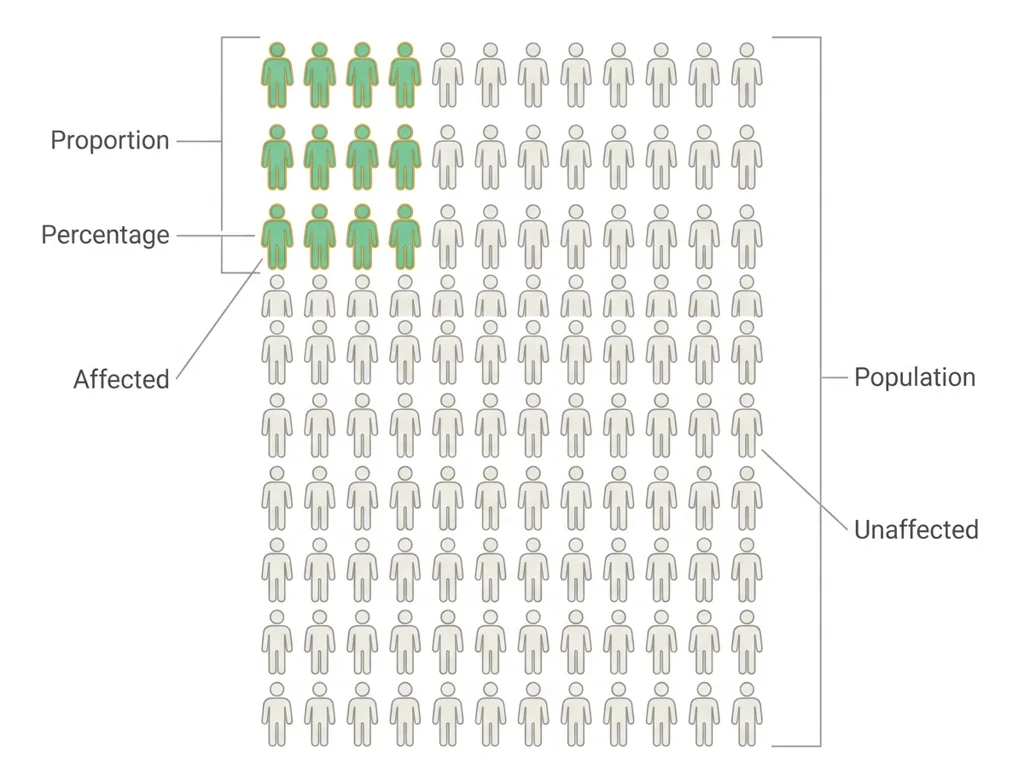
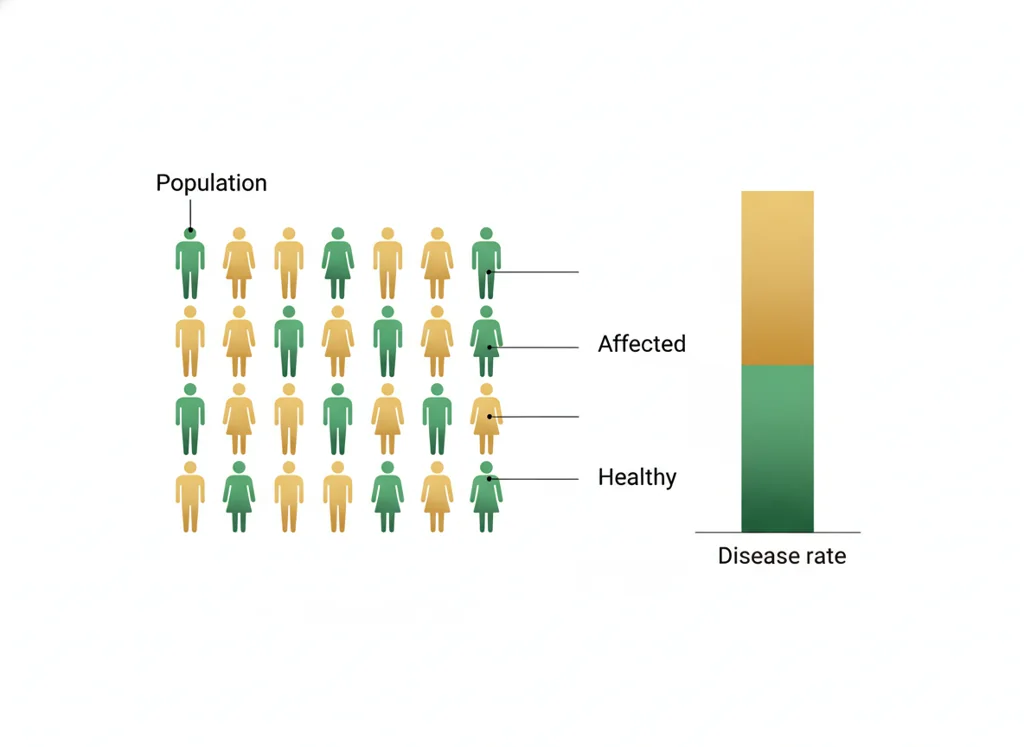
- 4Calculate prevalence and write one sentence on how it differs from incidence.
- 5Identify a likely pattern and propose one control measure to interrupt it.
- 6Write one sentence on how would support your intervention.
- • You will be able to organize cases into a usable .
- • You will be able to calculate and distinguish incidence and prevalence.
- • You will be able to propose a control measure justified by the data.
Open any day for its full lesson, the work due that day, and guided notes.
One sentence citing outbreak data (incidence or prevalence) to support your liberty or protection position.
Outbreak with case ID, onset date, symptoms, and outcome for each case, plus calculated incidence, prevalence, and a written trend observation.
intervention plan combining , incidence and prevalence calculations, intervention model with , data-backed recommendation, one success metric, and citations.
One sentence identifying the main risk of the messaging approach you did NOT argue for.
- Hook: when an outbreak hits, the is the detective's notebook that reveals how disease moves.
- Today's goal: turn raw case data into numbers that drive a real intervention.
- Monday bioethics debate fits: can require people to isolate against their wishes?
- Reminder: your graded outbreak analysis is submitted on the class site.
Do this: Advance your PLTW problem by completing your line-list analysis and intervention proposal in the online course shell.
- • Incidence counts new cases over time while prevalence counts all current cases.
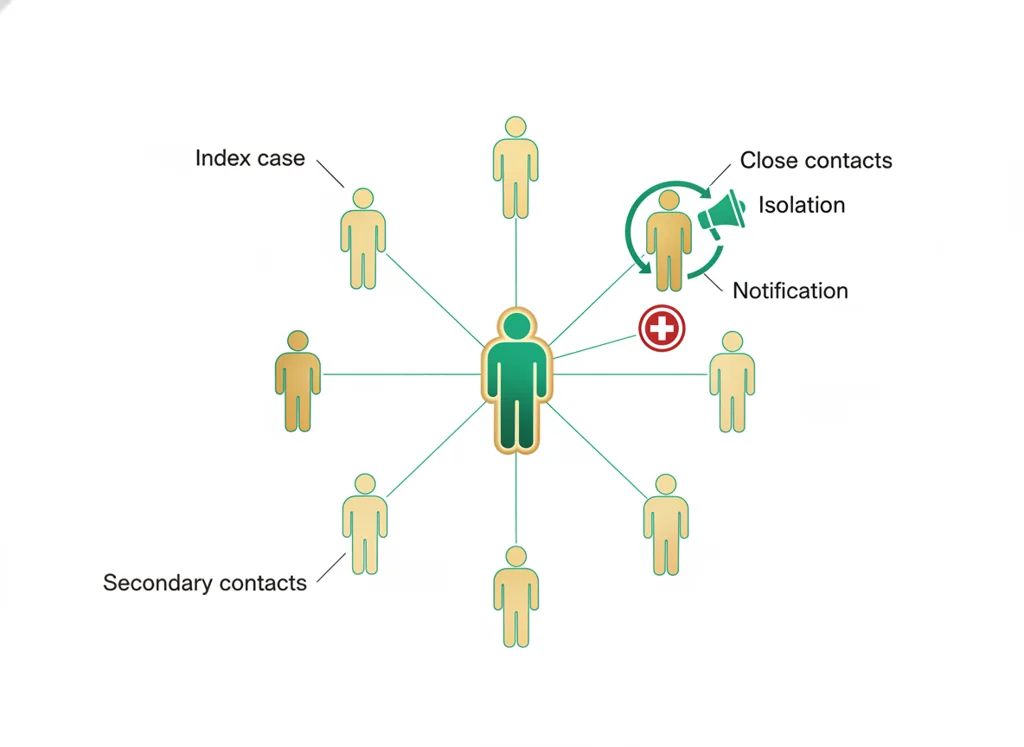
- • identifies and follows up exposed individuals to slow spread.
- • Build a and calculate incidence and prevalence.
- • Propose a control measure justified by outbreak data.
📋 PLTW evidence due: a completed , incidence and prevalence calculations, and an intervention proposal in the course shell.
All PLTW activities are completed inside the PLTW course environment: this page only gives direction.
Use this chart to keep your place. Nothing on it is turned in through the portal.
| Day | Work | Turn in |
|---|---|---|
| Monday · Mon, Apr 19 | Public health debate | One sentence citing outbreak data (incidence or prevalence) to support your liberty or protection position. |
| Tuesday · Tue, Apr 20 | Evidence for | |
| Wednesday · Wed, Apr 21 | Line list | Outbreak line list with case ID, onset date, symptoms, and outcome for each case, plus calculated incidence, prevalence, and a written trend observation. |
| Thursday · Thu, Apr 22 | Intervention plan | Public health intervention plan combining line list, incidence and prevalence calculations, intervention model with epidemic curve, data-backed recommendation, one success metric, and citations. |
| Friday · Fri, Apr 23 | Risk communication debate | One sentence identifying the main risk of the messaging approach you did NOT argue for. |
- M: risk debate
- W: epi graph
- Th: intervention model
- F: plan submit
Turn in: Line lists, incidence/prevalence, controls, misinformation, intervention design. weekly work due Public health intervention plan.
Go to Schoology to turn this in.
Submit one PDF. Schoology attaches your name to your upload; on the page itself, write your period and code. Name the file: FirstName LastName - Assignment Title - YYYY-MM-DD.pdf.
Open Schoology PDF upload helpIf you cannot get in, see Mr. Mendoza. Do not skip the work.
4 panels from the illustrated semester.
Fiction. There is no such student. The lessons, labs and dates are the real planned course; the student, the classmates and the conversations are invented.
This explainer accompanies the PLTW lab protocol: watch it before lab.
Most days, this class is your PLTW coursework: and PLTW is online and individual. So being out usually just means doing exactly what we did in class, from home.
Open Clever, then myPLTWSign in to Clever with your district Microsoft account to open Schoology or myPLTW. Follow today's posted steps. If myPLTW will not open, use the posted alternative and tell Mr. Mendoza. Turn in your completed work through the Schoology assignment.
You can't do those from home: do this instead: Spreadsheet outbreak dataset.
Class still runs. A substitute will post today's plan: complete the online activity above; it's built to be self-guided. Need the concept taught without a teacher? Use this authoritative explainer:
CDC: Principles of Epidemiology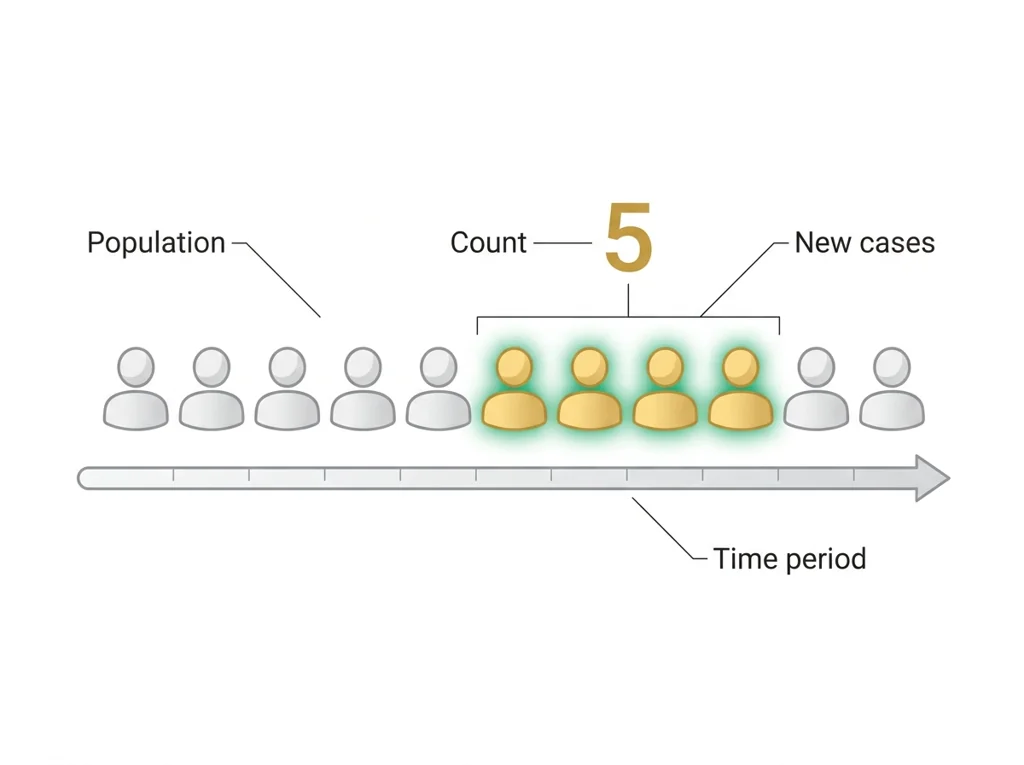
Classroom documents for this lesson are posted in Schoology. Open Clever, then Schoology, and find each one by the name shown on its card.
Open this when the class reaches this activity and use it to complete the required lesson artifact.
Open this when the class reaches this activity and use it to complete the required lesson artifact.
Use this after the required lesson work when you are ready for a harder application or a deeper connection.
Sign in to Clever with your district Microsoft account to open Schoology or myPLTW. Follow today's posted steps. If myPLTW will not open, use the posted alternative and tell Mr. Mendoza. Turn in your completed work through the Schoology assignment.