


Testing season runs on a schedule.
WebXam is the state test for each Career-Tech course. Passing feeds graduation seals and can earn college credit. Here is the schedule and the plan.
Feb pre-tests · Mar testing window · May post-tests · Jun results letter home
Study the published blueprint. It tells you what the test covers and how much each domain weighs.
Study cards and review packets come from class before each window. About 30 minutes a day during testing season.
Missing it the first time is one step in a season that has several. Retakes come with a targeted review plan.
How testing season runs
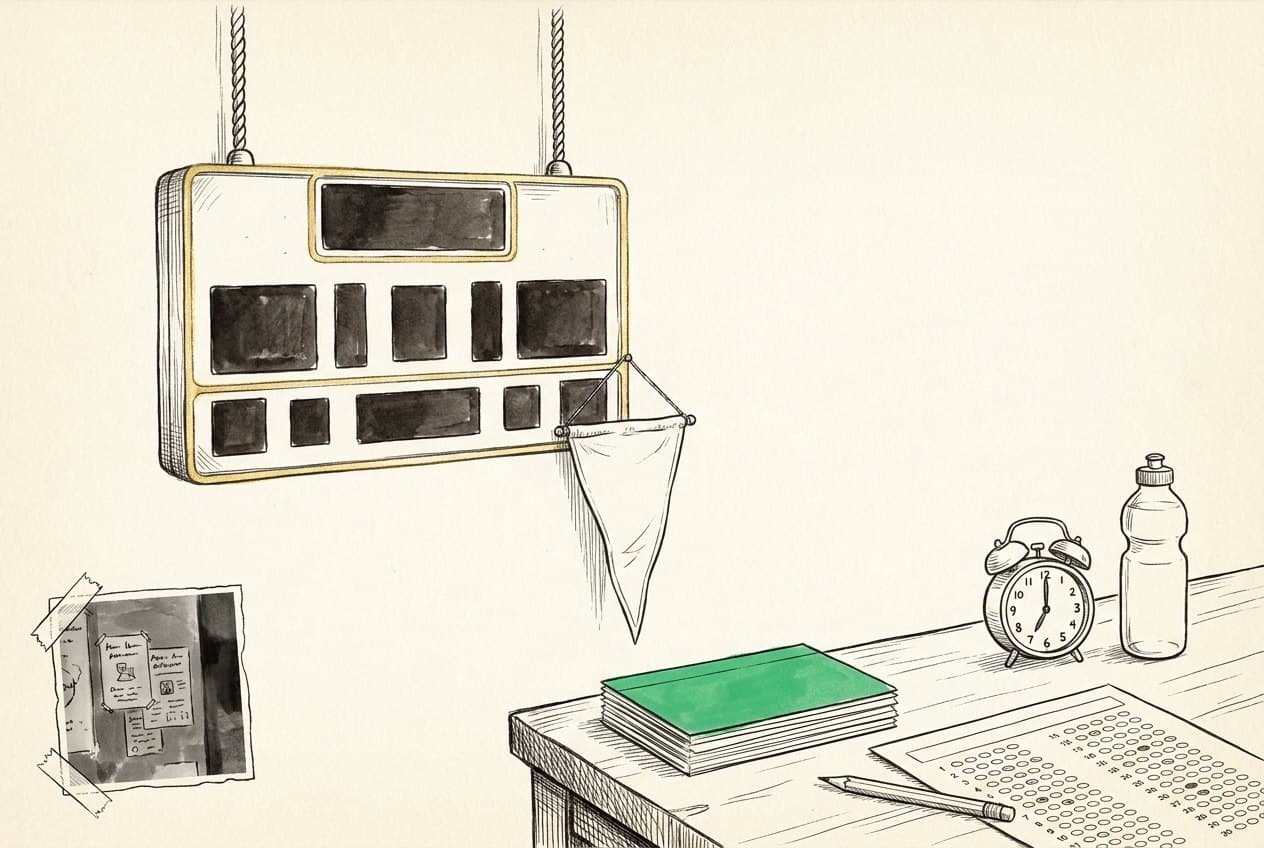
- 01February
Testing training and pre-tests. A pre-test is there to show you where you stand.
- 02March
The spring testing window. Treat it like game day: sleep, breakfast, show up.
- 03May
Post-tests for second-semester courses.
- 04June
Results letter and next-year plan go home to families.
Almost everyone walks into the first pre-test sure they are behind. That is what the pre-test is for, and there is a whole season between it and the real thing.

You
Passing adds points toward Ohio graduation seals and can earn college credit. It is the pathway's version of an AP exam.
John Hay
Every course you pass is another John Hay student leaving with a credential the state recognizes. That is what this pathway is for.
Ohio
WebXam is how the state knows Career-Tech students leave with real technical knowledge. Your own score stays private; what the state publishes is how the program did overall.
Careers
Where this points
The skills you practice here are the same ones these jobs run on. Every card carries pay and outlook read straight from O*NET, the US Department of Labor's occupation site, the schools that train for it, and an honest read on what AI is likely to change.
- Medical Assistant
- Medical Records Specialist
Next meeting
No confirmed date posted yet.
Check this card again after the group calendar is updated.
Inside WebXam

Explore & practice
WebXam calendar
Year at a glance
Community boards
- • Celebrate specifically. Shoutouts name the win, not just the person.
- • Ask anything. No question is too basic, and families are welcome.
- • Protect privacy. First names and last initials only. Never post a phone number, address, grade, or health detail.
No bulletin posts yet.
Turn in: Your bulletin post, discussion topic, or reply
Go to Schoology to turn this in.
Submit one PDF. Schoology attaches your name to your upload; on the page itself, write your period and code. Name the file: FirstName LastName - Assignment Title - YYYY-MM-DD.pdf.
Open Schoology PDF upload helpIf you cannot get in, see Mr. Mendoza. Do not skip the work.
Vetted resources
The testing portal (teacher-issued login).
Ohio DEW: CTE Assessment System may redirectOfficial WebXam policy, retakes, scoring.
Ohio updates this site often. If the page has moved you'll be redirected automatically; if a link ever fails, search the title from the Ohio Department of Education and Workforce home page.
OSU CETE (test developer)The center that builds and administers WebXam.
Ohio graduation seals may redirectHow CTE assessments tie to graduation.
Ohio updates this site often. If the page has moved you'll be redirected automatically; if a link ever fails, search the title from the Ohio Department of Education and Workforce home page.
Questions families ask
The state end-of-course test for each Career-Tech class. Passing counts toward Ohio graduation seals and can earn college credit. Think of it as the pathway's version of an AP exam.
It depends on the course, and a flat number here was wrong for half of them. Principles of Biomedical Technology (072110) and Genetics of Disease (072130) pass at 65%. Human Anatomy and Physiology (072040) and Biotechnology for Health and Disease (072125) pass at 55%. Students who fall short get a retake plan with targeted review; not passing the first try is a setback, not a verdict.
Attendance is the strongest predictor we see, plus about 30 minutes of review a day during testing season. Ask your student to show you their study cards.
Ask for your study cards before the window opens.
Feb pre-tests · Mar testing window · May post-tests · Jun results letter home
Turn in: WebXam submission
Go to Schoology to turn this in.
Submit one PDF. Schoology attaches your name to your upload; on the page itself, write your period and code. Name the file: FirstName LastName - Assignment Title - YYYY-MM-DD.pdf.
Open Schoology PDF upload helpIf you cannot get in, see Mr. Mendoza. Do not skip the work.