


If it is not written down, it did not happen.
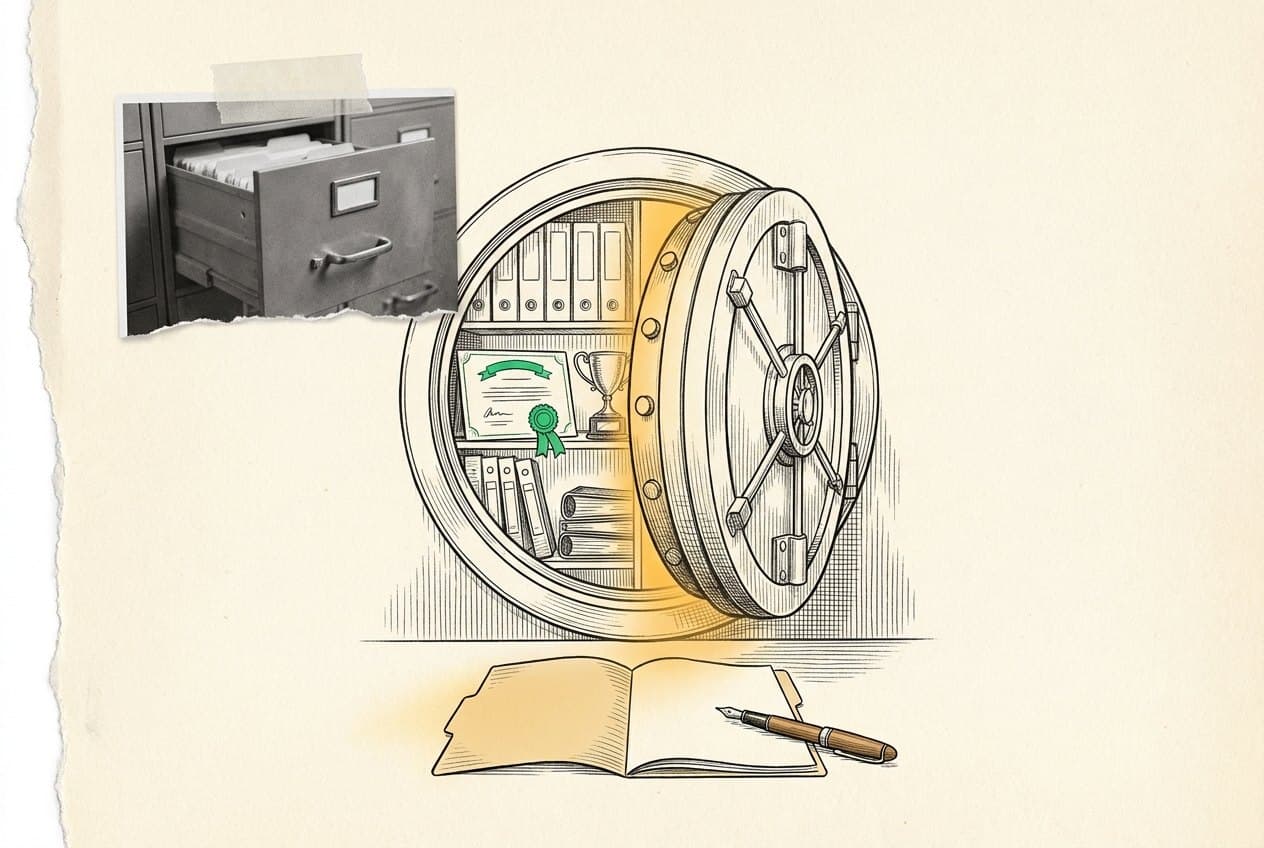
Four years of credentials, hours, letters, and results live here, so nothing your future needs is ever stuck in a backpack.
Letter requests: two weeks minimum · seal and WBL forms due each May
Drop a documentWork-Based Learning agreements, seal validation forms, WebXam results, credential certificates, and clinical onboarding records.
Ask early, two weeks minimum, include the deadline and the program name, then check back that the letter actually arrived.
Scholarships, summer programs, and college applications all ask for proof. You will have it in one place, dated and signed.
The four-year paper trail
- 01Freshman and sophomore
Quarter project documentation and your first credential certificates start the file.
- 02Junior
Work-Based Learning agreements and clinical onboarding records join it.
- 03January
Recommendation letter season peaks for scholarships and summer programs.
- 04Senior spring
Seal validation forms and final WebXam results close the file out.
Nobody is organized about this at first. Drop one document today and the file has started.
You
Scholarships, summer programs, and college applications all ask for proof. You will have it in one place, dated and signed.
John Hay
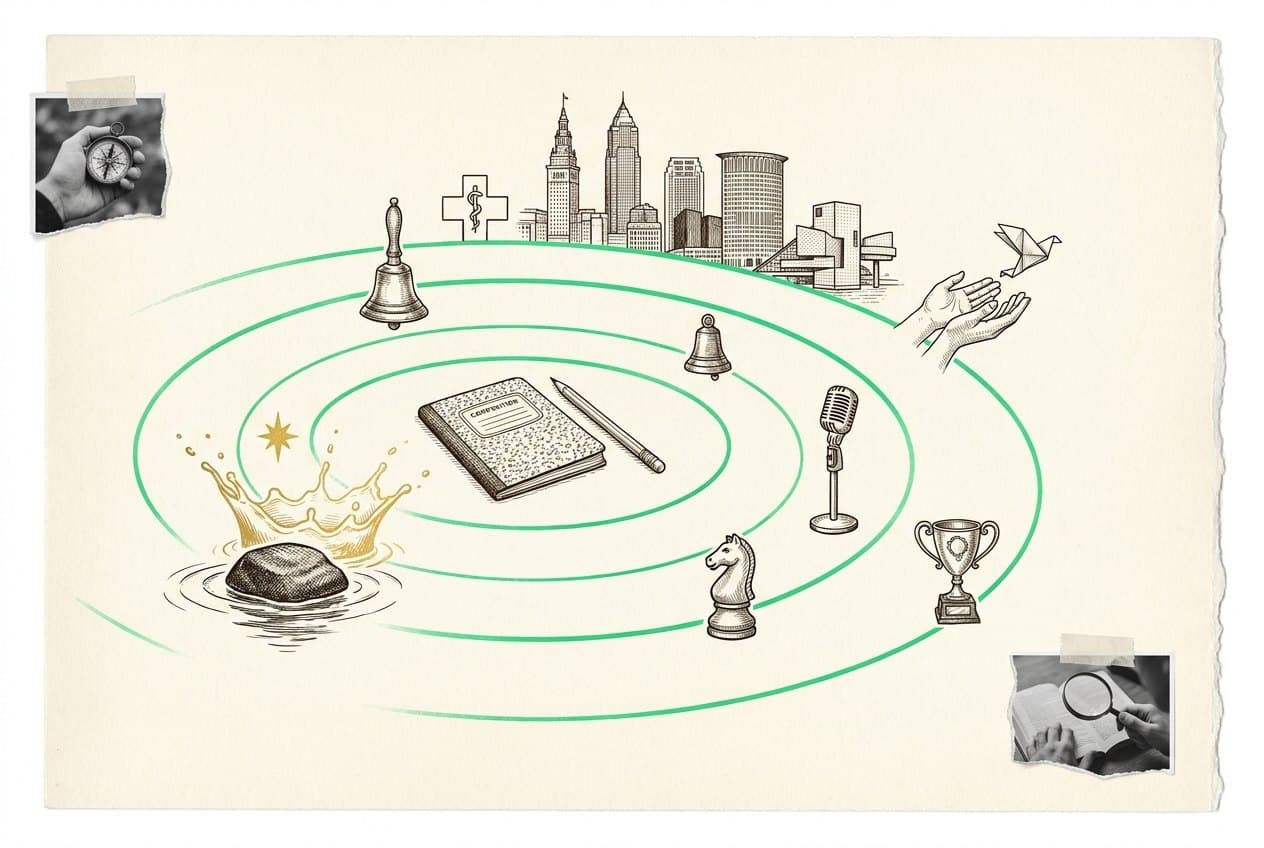
A pathway that keeps clean records can prove what its students earned. Yours is one of those records.
The profession
Health careers run on documentation. Charting starts now, just with your own paperwork instead of a patient's.
Careers
Where this points
The skills you practice here are the same ones these jobs run on. Every card carries pay and outlook read straight from O*NET, the US Department of Labor's occupation site, the schools that train for it, and an honest read on what AI is likely to change.
- Medical Records Specialist
Next meeting
No confirmed date posted yet.
Check this card again after the group calendar is updated.
Inside CTE Docs





CTE Docs calendar
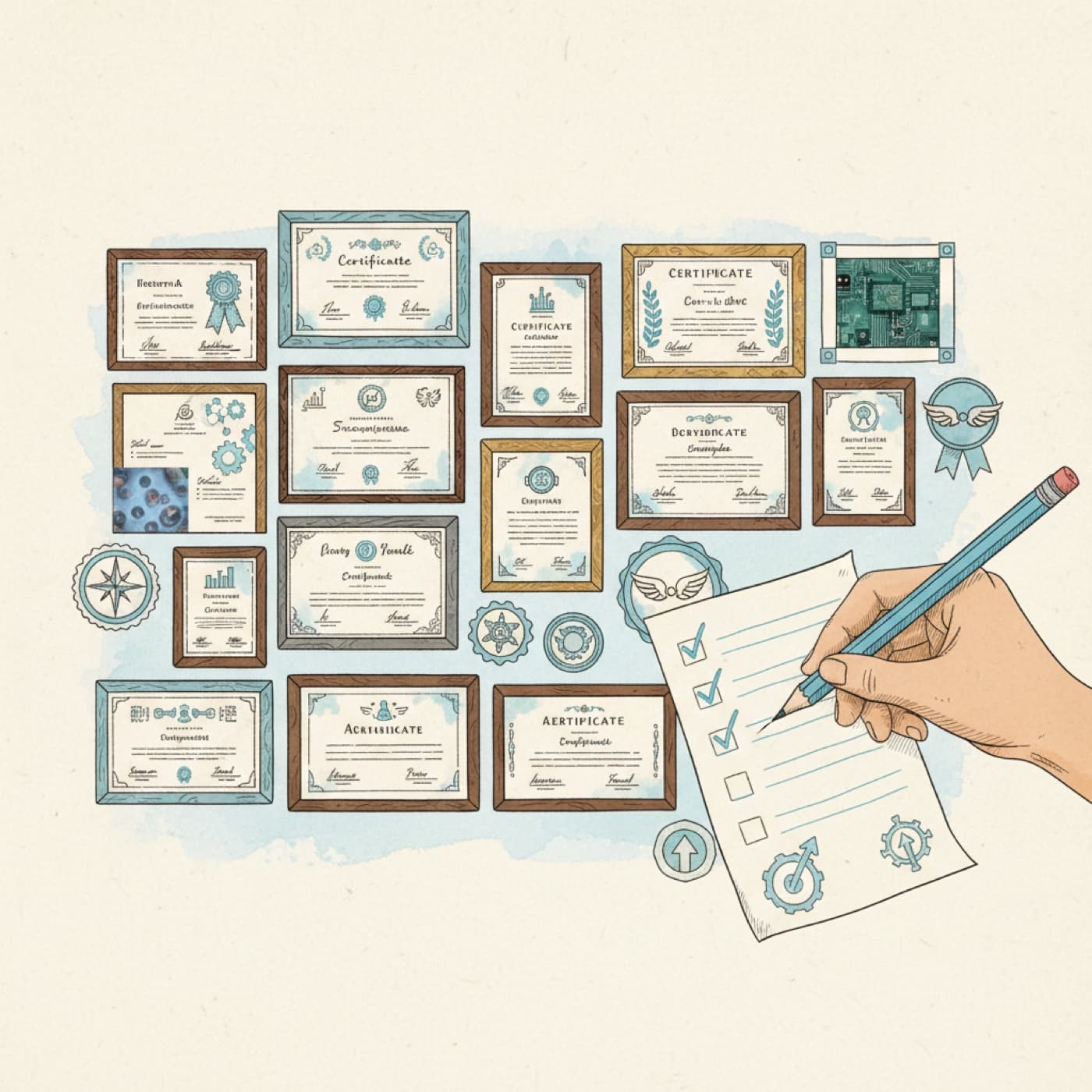
Year at a glance
Community boards
- • Celebrate specifically. Shoutouts name the win, not just the person.
- • Ask anything. No question is too basic, and families are welcome.
- • Protect privacy. First names and last initials only. Never post a phone number, address, grade, or health detail.
No bulletin posts yet.
Turn in: Your bulletin post, discussion topic, or reply
Go to Schoology to turn this in.
Submit one PDF. Schoology attaches your name to your upload; on the page itself, write your period and code. Name the file: FirstName LastName - Assignment Title - YYYY-MM-DD.pdf.
Open Schoology PDF upload helpIf you cannot get in, see Mr. Mendoza. Do not skip the work.
Vetted resources
CTE program landing hub.
Ohio updates this site often. If the page has moved you'll be redirected automatically; if a link ever fails, search the title from the Ohio Department of Education and Workforce home page.
Ohio DEW: CTE Assessment System may redirectWebXam and credential policy.
Ohio updates this site often. If the page has moved you'll be redirected automatically; if a link ever fails, search the title from the Ohio Department of Education and Workforce home page.
WebXamEnd-of-course testing portal.
Industry-Recognized Credentials & WorkKeys may redirectCredential lists and graduation points.
Ohio updates this site often. If the page has moved you'll be redirected automatically; if a link ever fails, search the title from the Ohio Department of Education and Workforce home page.
OhioMeansJobs (student portal) may redirectCareer planning tied to CTE pathways.
Ohio updates this site often. If the page has moved you'll be redirected automatically; if a link ever fails, search the title from the Ohio Department of Education and Workforce home page.
Questions families ask
Over four years: Work-Based Learning agreements, OhioMeansJobs seal validation forms, WebXam results, credential certificates, and any clinical onboarding records. This page is the checklist home for all of it.
Submit a request with the deadline and program. Mr. Mendoza confirms when it is sent, and students should verify the program received it. Automated systems lose letters more often than you would think.
Drop a document today and start the file.
Letter requests: two weeks minimum · seal and WBL forms due each May
Turn in: CTE Docs submission
Go to Schoology to turn this in.
Submit one PDF. Schoology attaches your name to your upload; on the page itself, write your period and code. Name the file: FirstName LastName - Assignment Title - YYYY-MM-DD.pdf.
Open Schoology PDF upload helpIf you cannot get in, see Mr. Mendoza. Do not skip the work.