
Unit 3.1 Nosocomial Nightmare: Hospital-acquired infections, chain of infection, pathogens, immune response, infection control.
Your PLTW coursework: Principles of Biomedical Science ▸ Unit 3: Outbreaks and Emergencies ▸ Lesson 3.1 Nosocomial Nightmare ▸ "Activity 3.1.2 Agents of Disease", "Activity 3.1.3 Modes of Transmission", "Activity 3.1.4 Evidence Evaluation"
What to do if absent- CER:
- Claim, Evidence, Reasoning: make a claim, back it with evidence, explain your reasoning.
- SOP:
- Standard Operating Procedure, the exact steps to follow (especially in a lab).
- Tracker:
- Your PLTW progress log where you record completed evidence.
- myPLTW:
- The PLTW course site where you do the online activities. Find it in Clever with your Microsoft sign-in, right next to Schoology.
Trace the chain of infection for a hospital-acquired case and identify where , , and the break the chain.
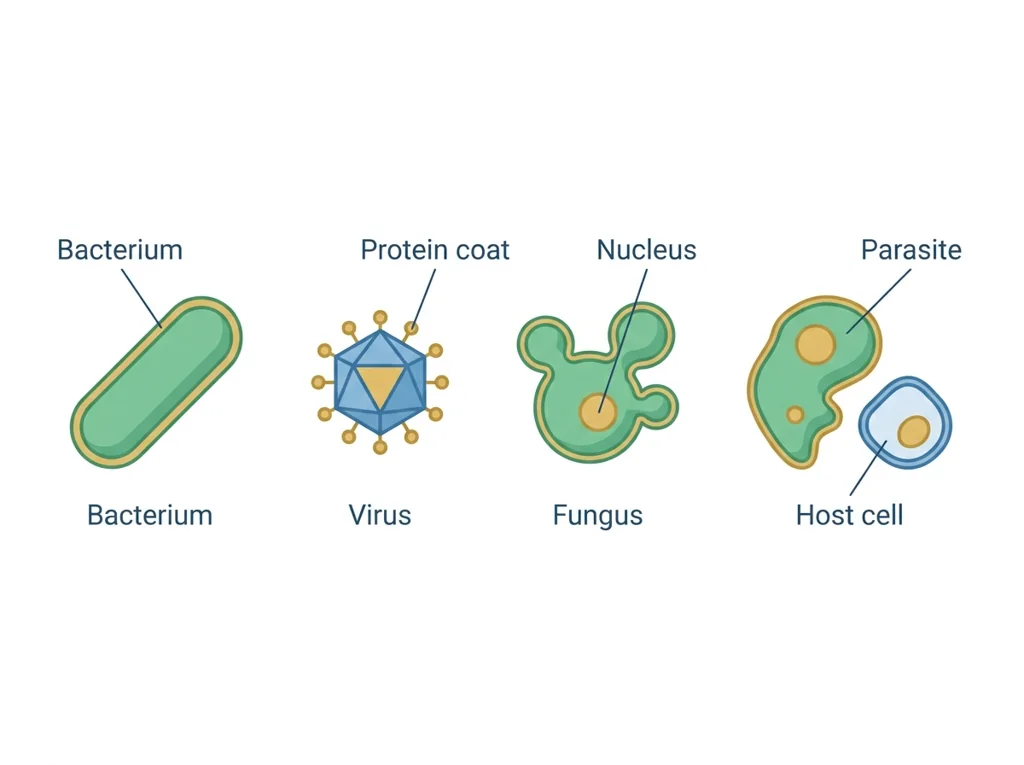
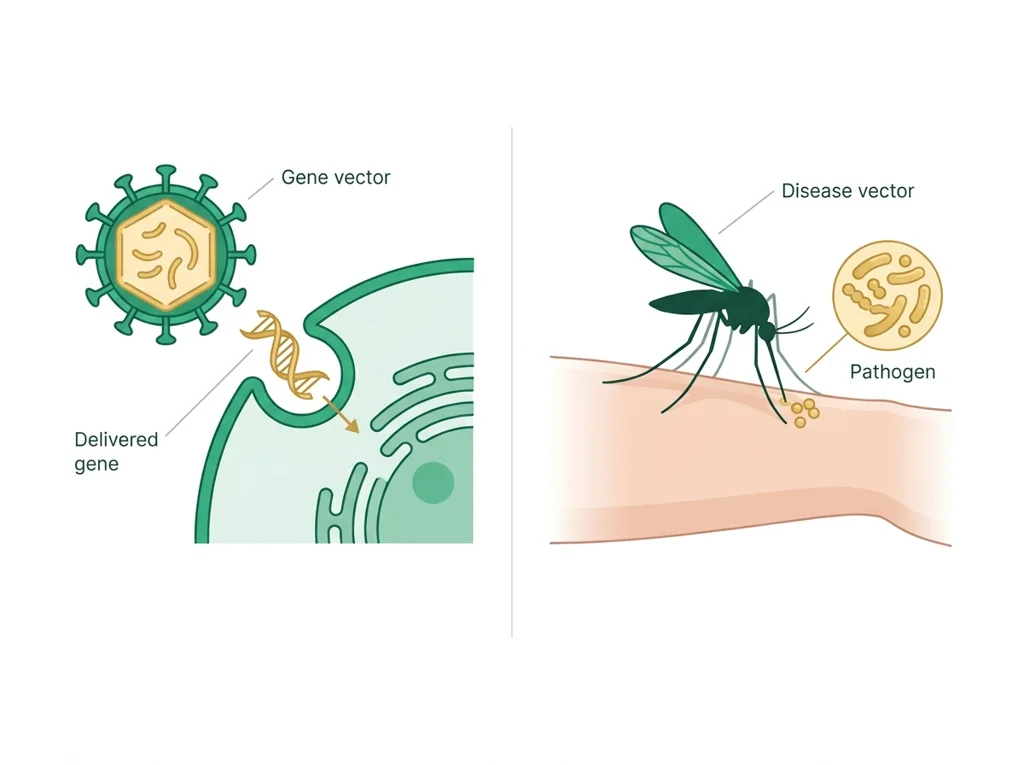
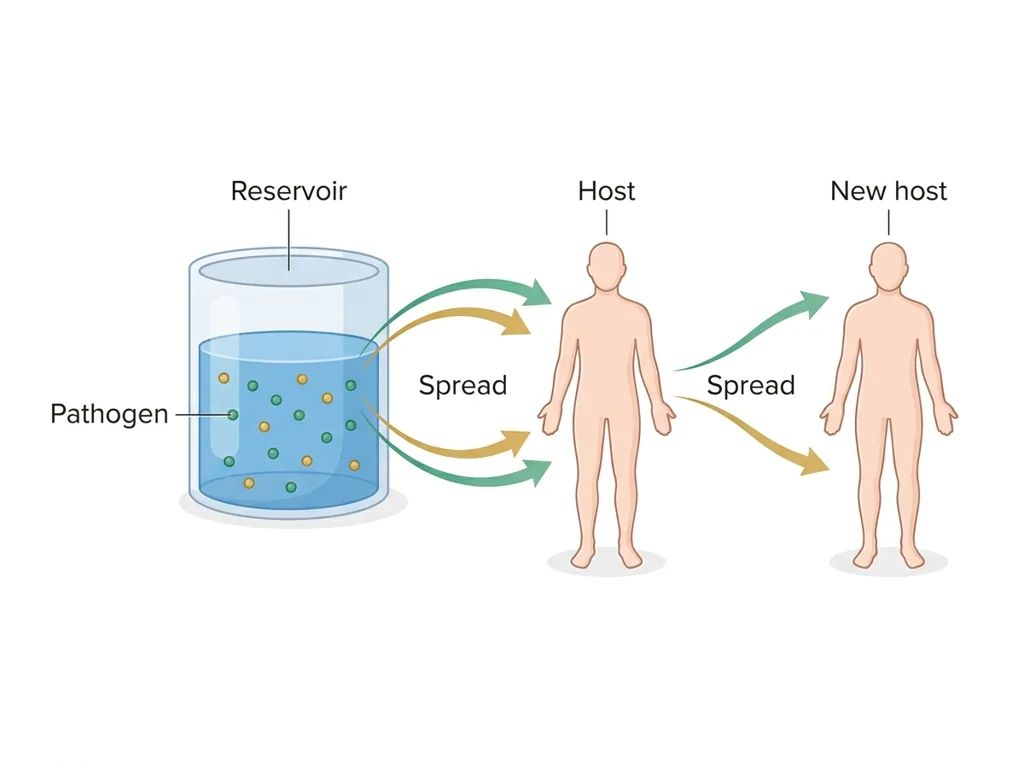
- 1Define , reservoir, vector, and , then give one hospital example of each.
- 2Read the nosocomial case and identify the suspected and where it lived before infecting the patient.
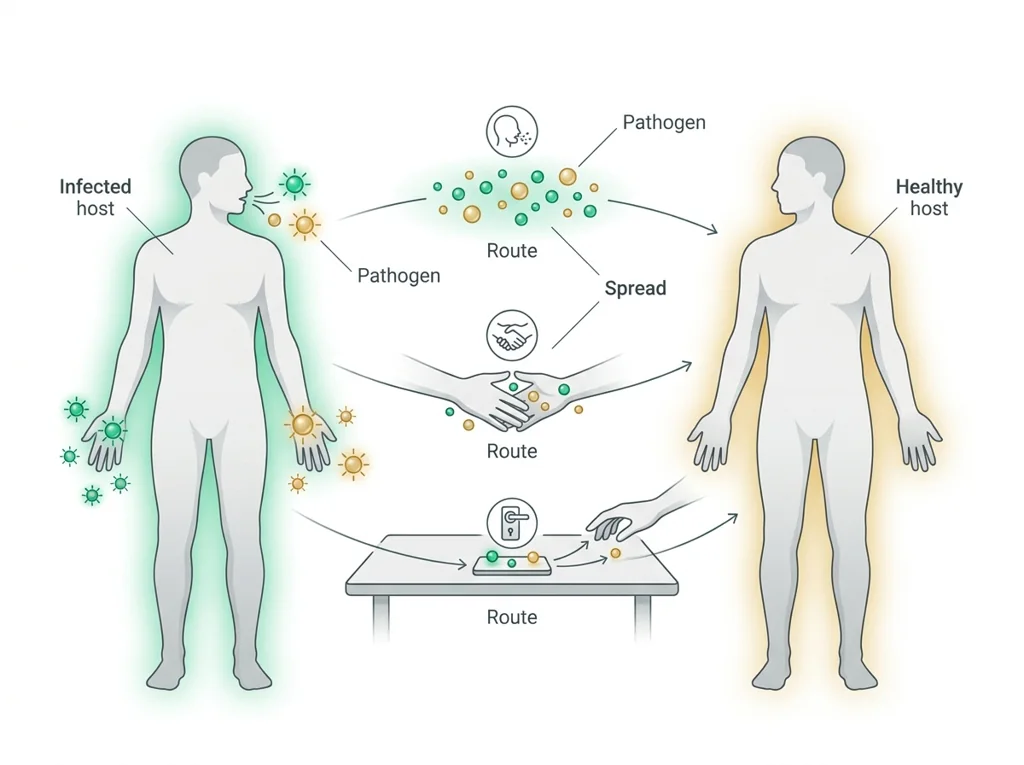
- 3Lay out the chain of infection for the case from reservoir to susceptible host.
- 4Mark each link where or could have stopped .
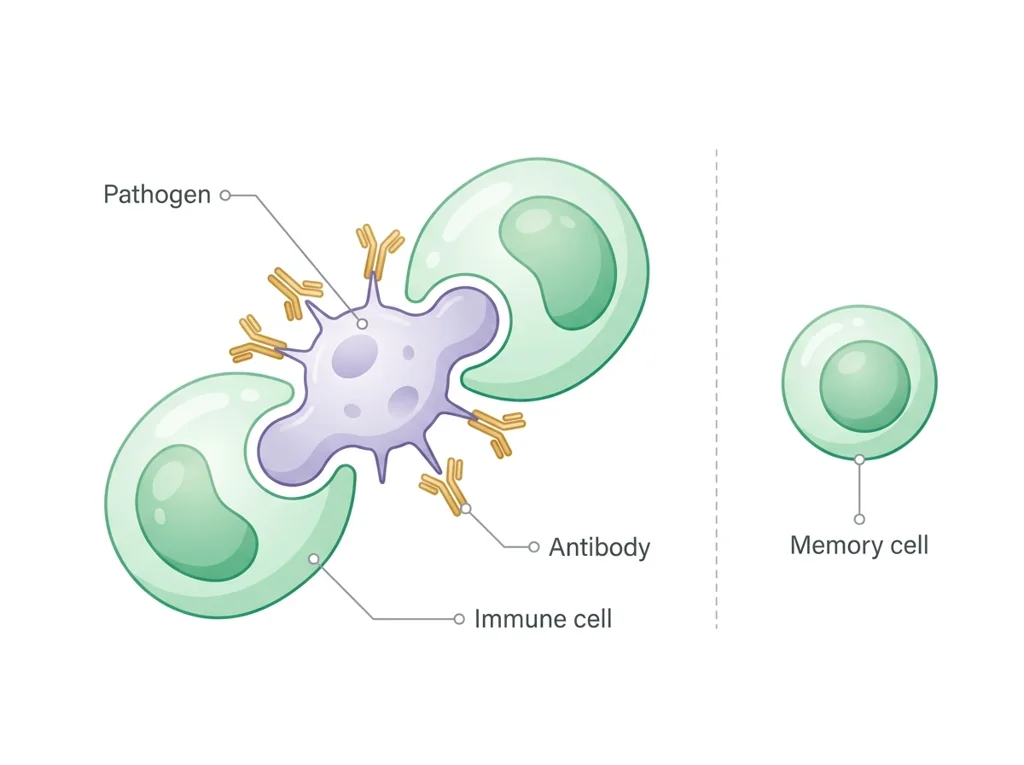
- 5Explain how the patient's fights this once infection begins.
- 6Write two infection-control changes the hospital should make and the link each one breaks.
- • You will be able to name and order the links in the chain of infection.
- • You will be able to explain how and break specific links.
- • You will be able to connect the to infection control in a real case.
Open any day for its full lesson, the work due that day, and guided notes.
CER naming the highest-priority infection-control intervention, citing chain-of-infection and patient-context evidence, predicting the expected effect, and stating assumptions and limitations.
Completed with line-list summary, plotted (labeled with type), spot-map cluster description, agent-ID results, and one stated measurement error.
- Hook: the safest place to heal can also make you sick, and infection control is the difference.
- Today's goal: see the chain of infection clearly enough to point to exactly where it breaks.
- Monday bioethics debate ties in: who is responsible when a patient catches an infection in the hospital?
- Reminder: your graded chain-of-infection analysis is submitted on the class site.
Do this: Advance your PLTW PBS infectious-disease benchmark by completing the nosocomial chain-of-infection analysis in the online course shell.
- • The chain of infection links a , reservoir, , and a susceptible host.
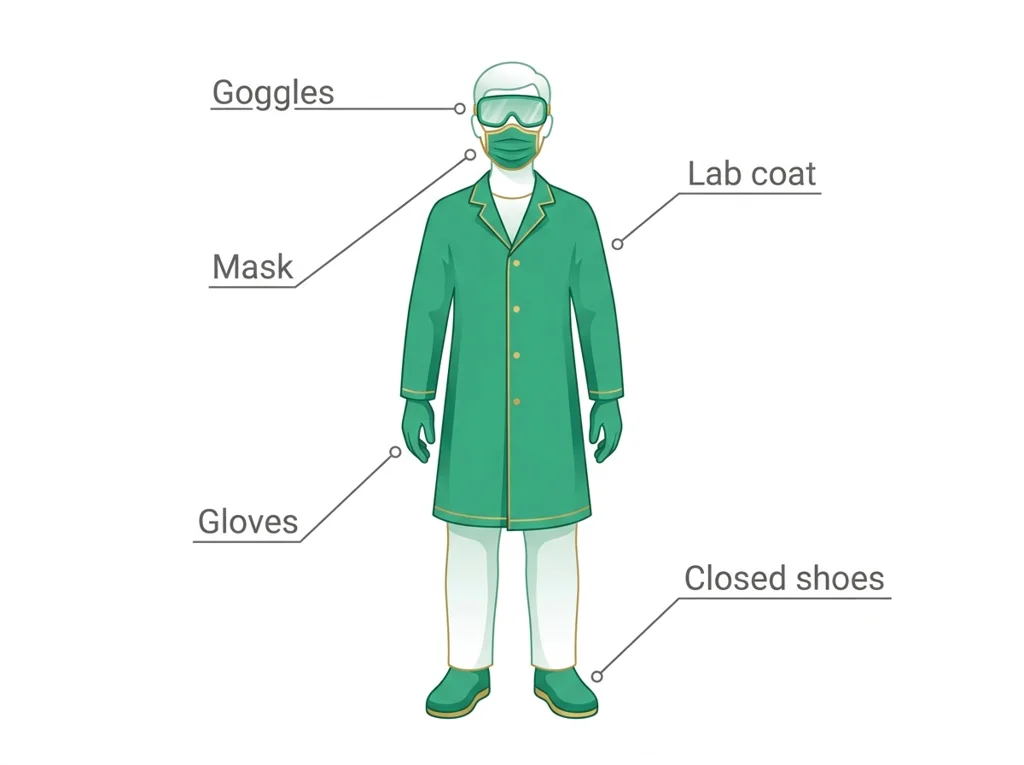
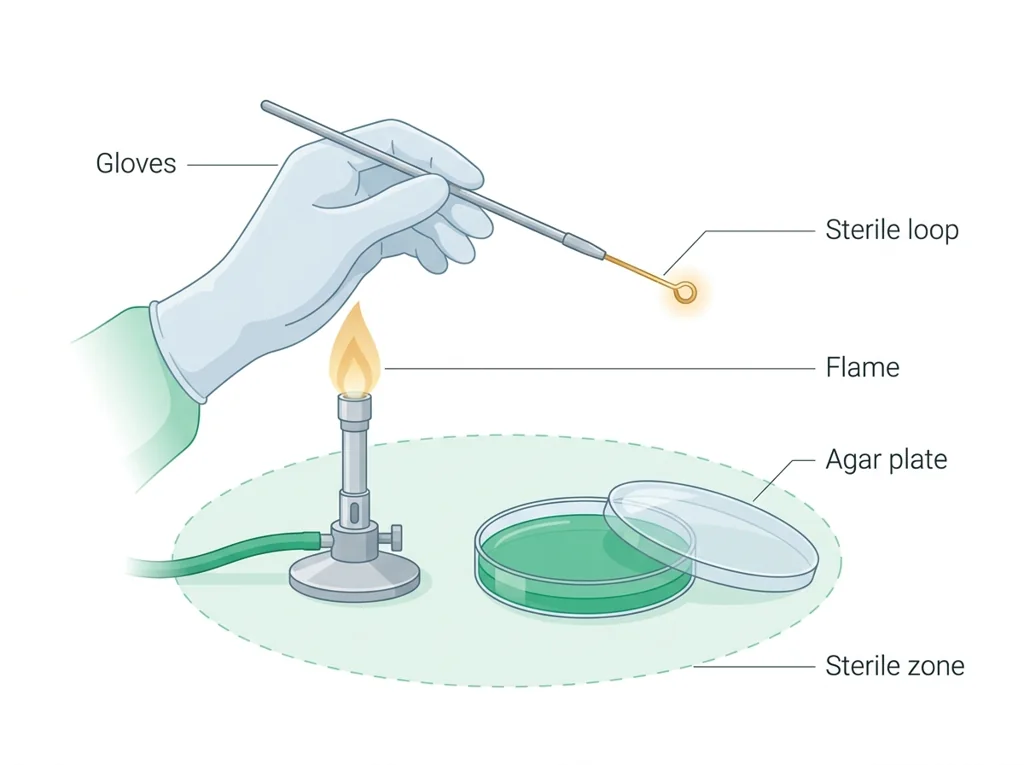
- • and are designed to break specific links in that chain.
- • The is the body's own defense once a enters.
- • Trace a nosocomial infection from reservoir to host.
- • Recommend infection-control steps that break named links in the chain.
📋 PLTW evidence due: the completed chain-of-infection analysis and infection-control recommendations in the course shell.
All PLTW activities are completed inside the PLTW course environment: this page only gives direction.
Use this chart to keep your place. Nothing on it is turned in through the portal.
| Day | Work | Turn in |
|---|---|---|
| Monday · Mon, Nov 23 | Infection-control CER | CER naming the highest-priority infection-control intervention, citing chain-of-infection and patient-context evidence, predicting the expected effect, and stating assumptions and limitations. |
| Tuesday · Tue, Nov 24 | Outbreak data and agent ID lab | Completed data table with line-list summary, plotted epidemic curve (labeled with transmission type), spot-map cluster description, agent-ID results, and one stated measurement error. |
- First class day: bioethical debate (Monday is a closure)
- T: teacher background notes + PLTW launch task
Turn in: Unit 3.1 Nosocomial Nightmare: Hospital-acquired infections, chain of infection, pathogens, immune response, infection control. weekly work due Chain-of-infection diagram.
Go to Schoology to turn this in.
Submit one PDF. Schoology attaches your name to your upload; on the page itself, write your period and code. Name the file: FirstName LastName - Assignment Title - YYYY-MM-DD.pdf.
Open Schoology PDF upload helpIf you cannot get in, see Mr. Mendoza. Do not skip the work.
2 panels from the illustrated semester.
Fiction. There is no such student. The lessons, labs and dates are the real planned course; the student, the classmates and the conversations are invented.
Most days, this class is your PLTW coursework: and PLTW is online and individual. So being out usually just means doing exactly what we did in class, from home.
Open Clever, then myPLTWSign in to Clever with your district Microsoft account to open Schoology or myPLTW. Follow today's posted steps. If myPLTW will not open, use the posted alternative and tell Mr. Mendoza. Turn in your completed work through the Schoology assignment.
You can't do those from home: do this instead: Teacher-posted data/model packet, same objective. Supplemental: CDC: chain of infection/infection control; Khan: immune system.
Class still runs. A substitute will post today's plan: complete the online activity above; it's built to be self-guided. Need the concept taught without a teacher? Use this authoritative explainer:
CDC: infection control basics and the chain of infection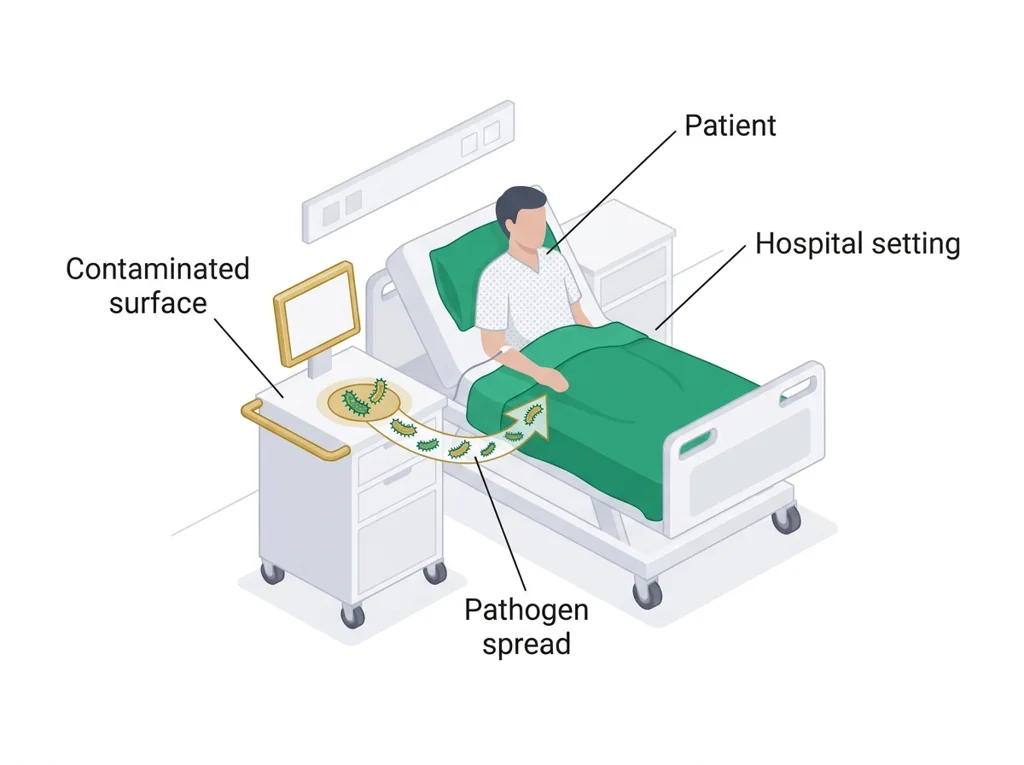
Hand-picked readings and interactives for this lesson, from authoritative open organizations and PLTW's own public course outline.