
Write the report CER
This page has four parts, in the order you use them. Part 1 is what you need to know. Part 2 says what to do, in plain English. Part 3 shows the work done once on a case that is not yours. Part 4 is your own work and where to turn it in.
Open your materials, follow the steps, then turn in your work.
Write a full investigative CER report integrating all evidence and acknowledging limitations.
Case background, evidence, and file details▸
How today connects to the case
Where: Statik Sound, a neighborhood recording studio. Who: Marcus Bell, 34, owner and producer of Statik Sound, found on the studio floor behind the mixing console on a Monday morning by his business partner.
The scene in our room is the scene in the case: tape at the door, the outline and torso behind the console, the lower body beneath a fallen speaker cabinet and an acoustic moving blanket. Responders left the scene as found, pending investigation.
Your job: By Day 18 your team names the manner and cause of death and backs each one with at least four exhibits across three different evidence types. Every claim stops where the evidence stops.
Today you will write your individual case report: the full CER, signed by you as its author, closing the case your unit worked for eighteen days.
Remember: You now own a transferable discipline: claims sized to evidence, limits stated, independence demanded. It works on lab reports, news feeds, and big decisions, not just death cases.
- Project 1.2.6 Case Closed
This John Hay case practices skills connected to the PLTW activity above. Follow today's directions for the assigned work.
Missed class? Open today's worksheet and briefing. Use simulated data only if the worksheet or Mr. Mendoza provides it, and label it "Simulated data." If a required measurement or file is missing, ask Mr. Mendoza. Do not invent results.
Evidence released today
No new exhibits today. Work with what the case file already holds.
Exhibit means one numbered piece of evidence. Thread means the team lane it belongs to (Scene, Trace, Serology and DNA, Toxicology, Medical Examiner, Records). Exhibits are handed out on paper in class on the day they are released, and the same files are attached to that day's Schoology assignment.
Notebook reminders
- Investigation Day 18 pack (paper in class; the PDF is above and on the Schoology assignment)
- Investigative Notebook: Final CER planner
- Investigative Notebook: Day 18 Cornell page
- Investigative Notebook: Case closed signature line
Daily Evidence Sheet, Day 18: the worksheet linked at the top of this page, every Part complete.
Submit one PDF of your Daily Evidence Sheet to Wk7 D18 · Case Closed (PLTW 1.2.6).
Schoology assignment: Wk7 D18 · Case Closed (PLTW 1.2.6)
What the evidence can and cannot prove
- Classroom evidence supports a classroom finding. It cannot convict a real person or diagnose a real patient.
- A hair consistent with a person proves a hair like theirs was present, not that the person was, and never when.
- A fingerprint proves touch, not when or why. A pattern class narrows a crowd; only minutiae can name one finger.
- A presumptive test says maybe. Only a confirmatory test says blood, and only DNA says whose.
- One value outside its reference range is a flag, not a verdict.
Make only the claims your evidence supports. Explain what you still cannot tell.
Optional: listen or watch a unit review▸
Part 1 of 4 · Background and definitions▸
💡 Big idea: A CER report turns an evidence board into a written argument that others can challenge, because naming and handling the conflicting evidence, rather than hiding it, is what makes the conclusion credible.
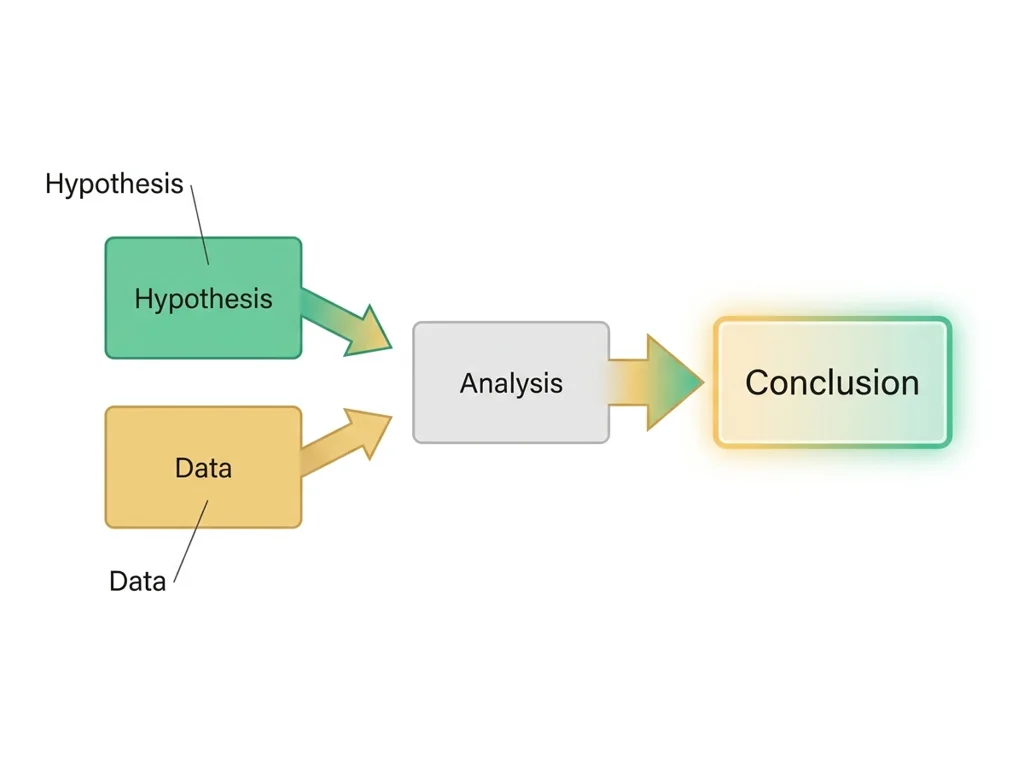
- • A strong CER report opens with the claim, then provides one piece of evidence from each stream, then reasons through how the streams converge.
- • Conflicting evidence must be addressed and either explained (with a reason) or acknowledged as an unresolved limitation.
- • Limitations that qualify a conclusion are not weaknesses in the argument; they are signs of scientific honesty and increase the credibility of the report.
An evidence board makes an investigation's logic visible so that converging evidence and dangerous gaps both stand out, because a conclusion is only as strong as the gap it cannot yet explain.
A CER report turns an evidence board into a written argument that others can challenge, because naming and handling the conflicting evidence, rather than hiding it, is what makes the conclusion credible.
Driving question: How do you turn your team's board into a written report that opens with your cause-of-death claim, backs it with one piece of evidence from each of the four streams, and still admits, out loud, the evidence that fights your conclusion?
What you already know: An evidence board makes an investigation's logic visible so that converging evidence and dangerous gaps both stand out, because a conclusion is only as strong as the gap it cannot yet explain.
New idea: A CER report turns an evidence board into a written argument that others can challenge, because naming and handling the conflicting evidence, rather than hiding it, is what makes the conclusion credible.
Visual or model: No figure is attached to this lesson. The readings, the worked example and E1 to E3 carry the evidence.
- Observe or measure the relevant feature in write the report CER.
- Organize the observation with a stable evidence ID.
- Apply this rule: Keep observations separate from explanations, then collect the evidence that can distinguish the options.
- Choose the option the evidence supports and state the limit of the conclusion.
Real biomedical example: How do you turn your team's board into a written report that opens with your cause-of-death claim, backs it with one piece of evidence from each of the four streams, and still admits, out loud, the evidence that fights your conclusion?
What the evidence supports: E1 to E3 support the daily take-home when the response meets the stated success criteria.
What it cannot prove: The package does not support claims beyond this lesson's or any real patient diagnosis.
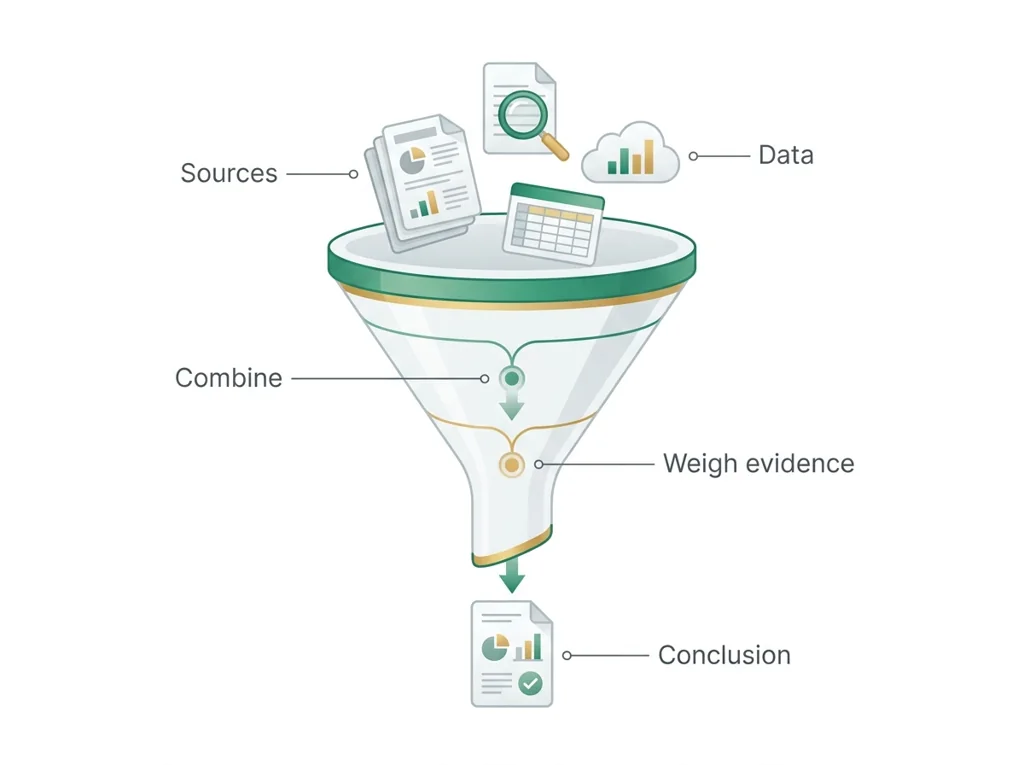
- • : Combining findings from many separate sources into one organized conclusion, weighing how strong and consistent the evidence is overall.
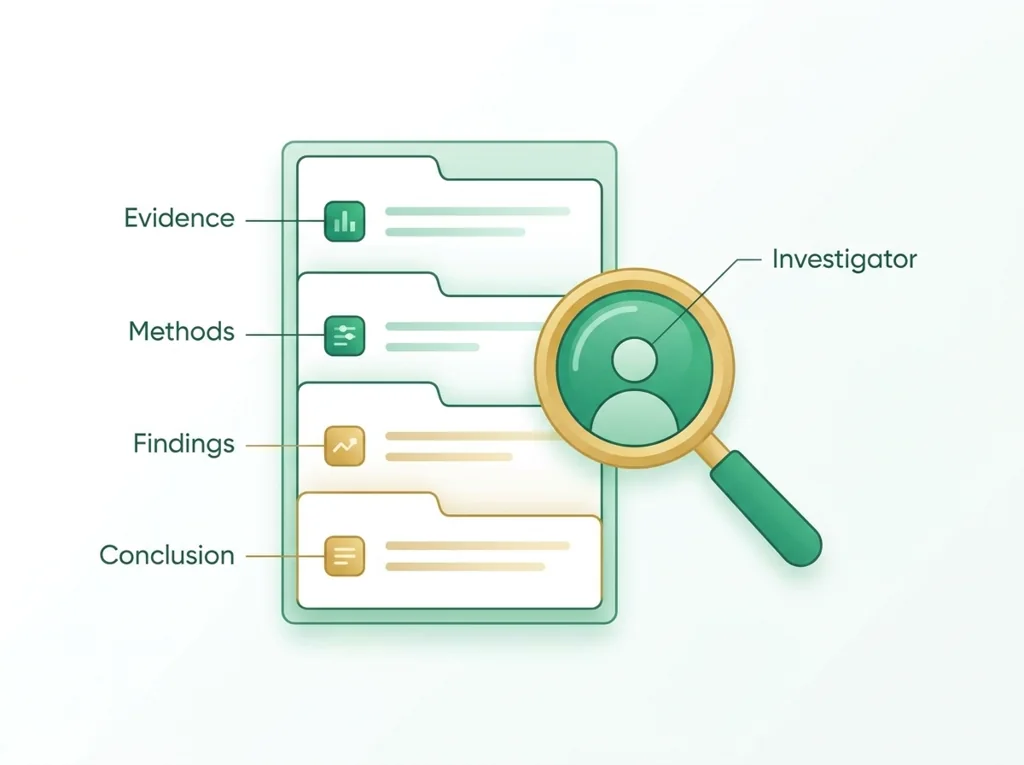
- • : A formal written document presenting the evidence, methods, and conclusions of a scientific investigation, often used to support legal cases.
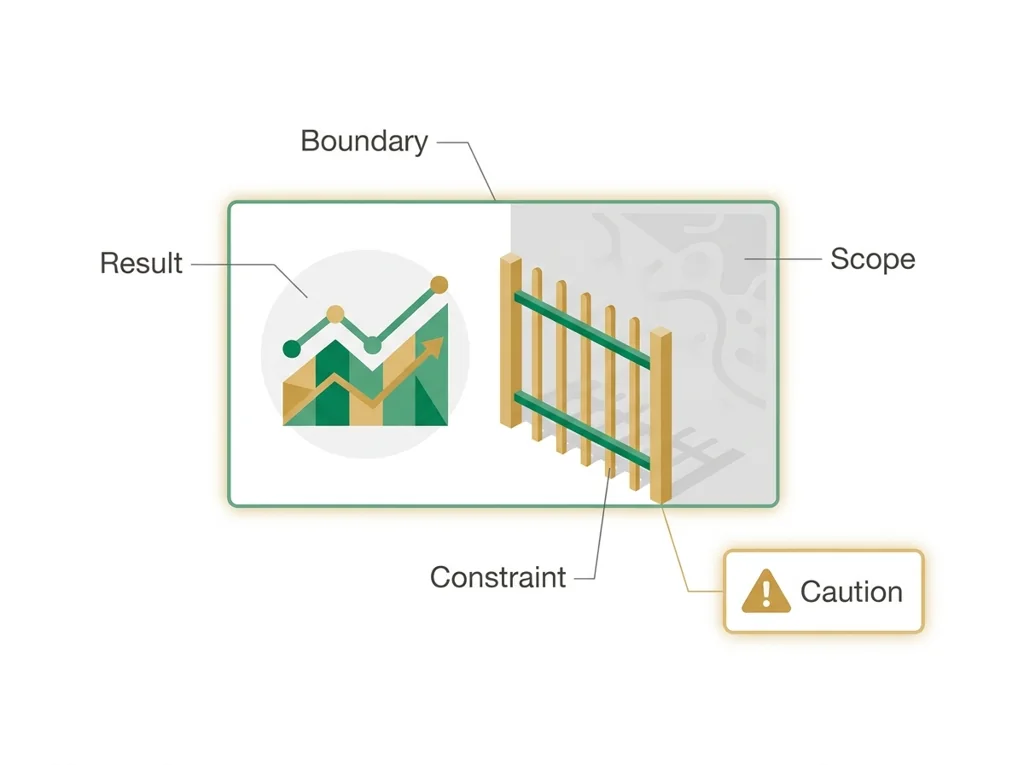
- • limitation: A weakness or boundary of a study, design, or method that restricts how far its results can be trusted or applied.
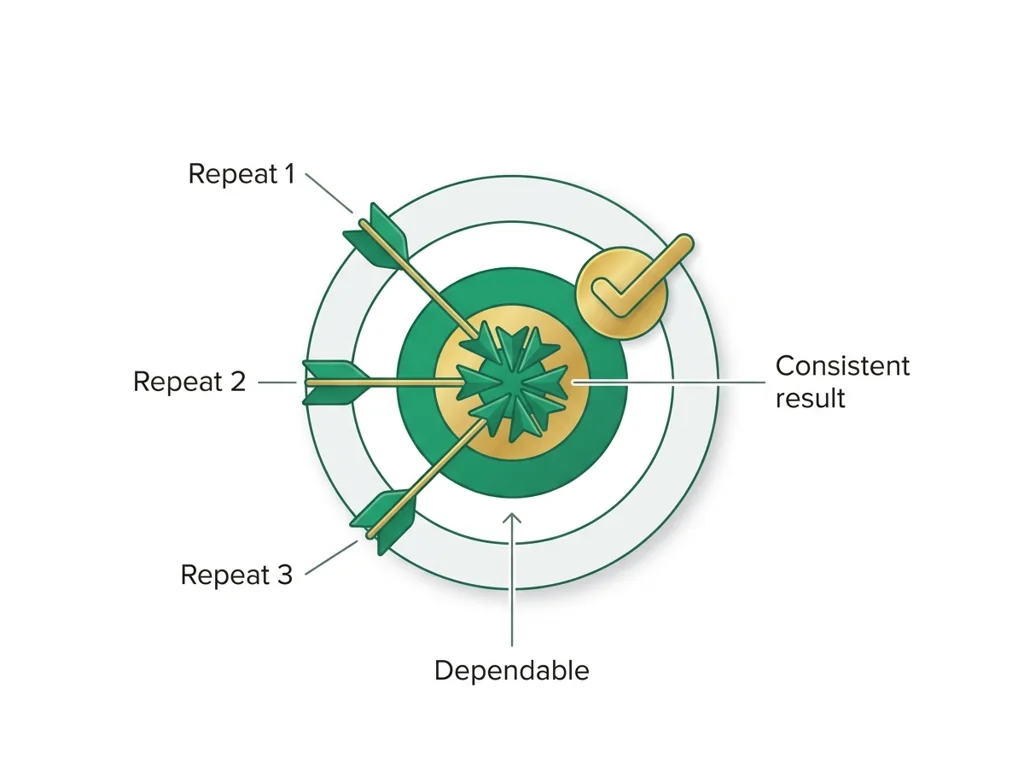
- • reliability: The degree to which a measurement, method, or person produces the same dependable result each time under the same conditions.
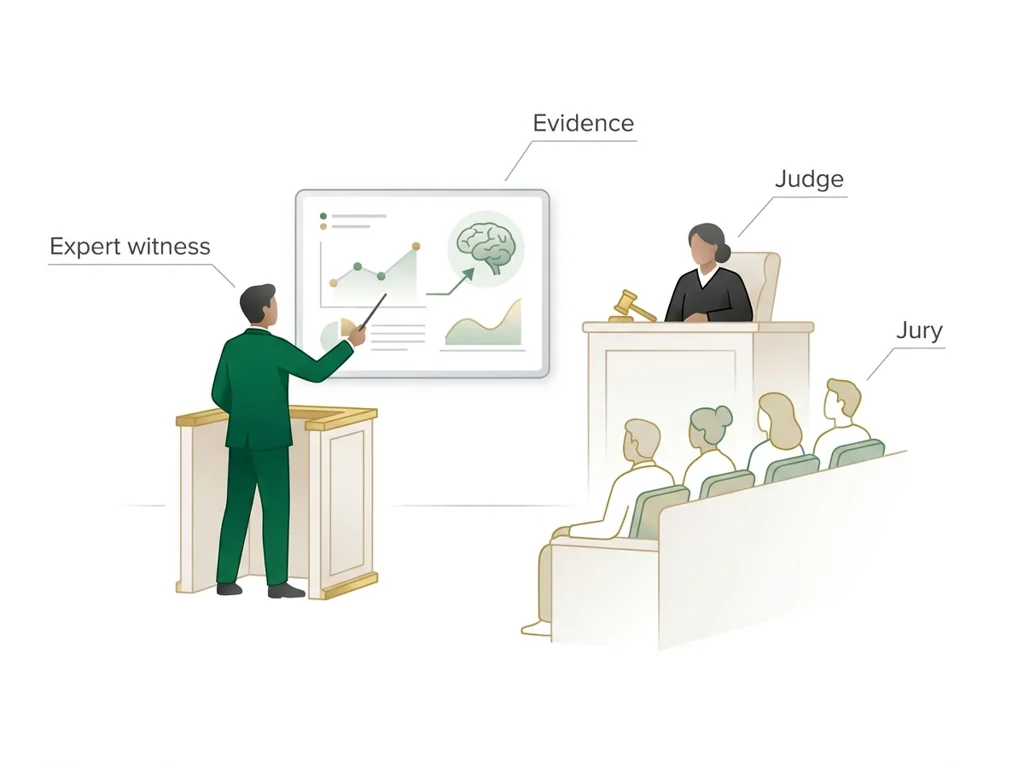
- • : Evidence given in court by a qualified specialist who explains technical findings, such as or results, to help the jury understand.
- • conclusion: The closing part of an investigation where you state whether the evidence supported your hypothesis and explain what the results mean.
Use it now: Choose one decision option. Cite E1 and E3, then explain how the rule connects the evidence to your choice. This is thinking practice for the one turn-in named under Turn in, not a second submission.
Go further, optional: The source links below are optional enrichment. Every fact required for today's local evidence decision appears in this lesson package.
Biomedical evidence supports a conclusion only to the level allowed by the measurement, comparison, controls, source quality, and uncertainty in the investigation.
Limit: The classroom evidence supports the stated learning decision, not a real clinical diagnosis, causal conclusion, or treatment recommendation.
Keep observations separate from explanations, then collect the evidence that can distinguish the options.
Limit: Biomedical investigations use controlled procedures and validated measurements, not intuition alone.
You can write a CER integrating multiple evidence streams.
Limit: E3 defines the classroom product or success criterion. It is not independent scientific evidence and cannot justify a clinical or causal claim.
Today's decision · Simulated classroom evidence scenario
Your role: biomedical investigator
Decision: Your team must decide what the evidence from write the report CER supports before submitting the claim-evidence-reasoning response named on today's page.
- • Hold the report until each of the four streams has one usable piece, because a claim missing a stream cannot be defended.
- • State my claim, back it with one piece from each stream, and write out the evidence that fights my conclusion.
- • Leave the conflicting result out of the report, since naming a weakness only gives a reviewer a reason to doubt my conclusion.
Response: State one choice, cite at least two evidence IDs, explain the rule that connects them, and add one limitation. Use it inside the one turn-in named under Turn in; it is not a separate submission.
Claim ceiling: Today's evidence supports a classroom claim about write the report CER. It cannot prove causation, diagnose a real patient, or justify action outside this room.
Reason for review: Your team must decide what the evidence from write the report CER supports before submitting the claim-evidence-reasoning response named on today's page.
Context: A written CER report translates an evidence board into an argument anyone can read and challenge, because a conclusion no one else can check is not yet science.
- • T1: State your cause-of-death claim clearly.
- • T2: Cite evidence from each of the four streams that supports the claim.
- • T3: Reason through how the evidence fits together to support the conclusion.
- • T4: Address conflicting evidence and explain how you resolved it.
- • T5: List the limitations that qualify your conclusion.
- • E1: Biomedical evidence supports a conclusion only to the level allowed by the measurement, comparison, controls, source quality, and uncertainty in the investigation.
- • E2: Keep observations separate from explanations, then collect the evidence that can distinguish the options.
- • E3: You can write a CER integrating multiple evidence streams.
Measurements: No patient measurement is supplied unless it appears explicitly in E1-E3. Do not invent a value.
Uncertainty: This is a composite classroom scenario. Missing history, measurements, or confirmation tests remain unknown and limit the conclusion.
Students often think admitting a limitation or a conflicting result makes their report look weak, so they leave the contradicting evidence out. The trap: That is backwards, and it is a trap: a limitation you name and explain shows scientific honesty and raises the report's credibility, while a contradiction you hide is the exact thing a reviewer or attorney will find and use to discredit you, so addressing it protects your conclusion.
- CER:
- Claim, Evidence, Reasoning: make a claim, back it with evidence, explain your reasoning.
- SOP:
- Standard Operating Procedure, the exact steps to follow (especially in a lab).
- Tracker:
- Your PLTW progress log where you record completed evidence.
- myPLTW:
- The PLTW course site where you do the online activities. Find it in Clever with your Microsoft sign-in, right next to Schoology.
Tap the speaker to hear a term. Add two of these to your notebook glossary with a definition and an example in your own words.
Pick just 2 or 3 words from today and make them yours: write what each one means in your own words, name the context clue or evidence that helped, then give one example from what you actually did in Write the report CER. Try your own words first; the glossary is there if you get stuck. This is voluntary and counts as extra credit, so keep it short.
Saved on this device. Show Mr. Mendoza or add these to your notebook glossary to claim the extra credit.
Part 2 of 4 · Directions in plain English▸
2.1 Open your materials
2.2 Start the work
State your cause-of-death claim clearly.
Show all 5 required steps
- State your cause-of-death claim clearly.
- Cite evidence from each of the four streams that supports the claim.
- Reason through how the evidence fits together to support the conclusion.
- Address conflicting evidence and explain how you resolved it.
- List the limitations that qualify your conclusion.
Lost your place? Your report should already state the claim (step 1) and cite one piece of evidence from each of the four streams (step 2). If the claim and four citations are down, move to reasoning how they converge (step 3), then address the conflicting evidence (step 4) and list limitations (step 5).
- 0:00Review the CER report structure with a class example; annotate what goes in each section
- 0:12Students draft the claim sentence; teacher circulates and gives rapid feedback
- 0:22Draft the evidence section: one item per stream, specific and attributed to the correct collection method
- 0:42Draft the reasoning section: how the evidence fits together and how you resolved any conflicts.
- 1:02Draft the limitations paragraph: at least two limitations that qualify the conclusion
- 1:05: swap reports, check that all four streams are cited and at least one limitation is stated
- 1:15Revise based on peer feedback; preview the final submission
- • Today is writing day. Your evidence board is done; now you translate it into a report that can stand on its own. Someone who was not in this room should be able to read your CER and understand exactly what you concluded and why.
- • Start with the claim. One sentence. Clear and specific. Then go through each of the four streams and pull the strongest piece of evidence from each.
- • In the reasoning section you explain why all four streams point in the same direction. If one of them conflicts, you address it here. You do not pretend it does not exist.
- • End with your limitations. These are the things your evidence cannot tell you. The best reports end with honest limitations, not false certainty.
PLTW connection and today's work
Submit your investigative CER report draft the way Part 4 says; it is the John Hay version of the Project 1.2.6 report and counts the same.
Today's stopping point: You built the evidence board last class. By the end of today a complete draft (claim, evidence, reasoning, limitations) should be finished.
PLTW activity titles identify the course connection. If your account will not open, use the posted materials for today and tell Mr. Mendoza. Do not mark an online activity complete unless you completed it.
Use the turn-in directions in Part 4 of this page. Do not create a second submission unless your teacher asks for one.
Show another explanation or a smaller first step
Need help? Choose a starting point
Part 3 of 4 · Worked example▸
This is a parallel case, not your own. Read it for the order of the work, then do your own in Part 4.
Parallel case: A sudden fish die-off in a neighborhood pond. A student team investigated why hundreds of fish died overnight, pulling evidence from four independent streams.
Claim: The most likely cause of the fish die-off is oxygen depletion triggered by an algae bloom, not direct chemical poisoning.
Evidence by stream: Field, a dissolved-oxygen meter read far below the level fish need to survive at dawn. Lab, water samples showed nitrate and phosphate concentrations high enough to feed a large algae bloom. Biological, a thick mat of decaying algae covered the surface, and decay consumes oxygen. Records, the weather log showed several hot, still, cloudy days with no wind to mix the water.
Reasoning (convergence): These four independent streams point to the same explanation. Low oxygen, bloom-feeding nutrients, decaying algae, and calm warm weather each describe one part of the same chain, and when separate methods agree on one story the conclusion is strong.
Conflict resolution: One water test flagged a trace of a lawn chemical, which hinted at poisoning instead. I resolved this by trusting the repeated oxygen readings and the visible algae mat over a single trace measurement that was near the detection limit.
Limitations: 1) I did not test the water on the days before the die-off, so I am inferring the bloom timeline rather than observing it directly. 2) Oxygen and nutrient data show a strong pattern but cannot by themselves rule out every other stressor, so the conclusion stays a reasonable-certainty finding, not a certainty.
This model shows the level of evidence and organization needed to complete: A complete investigative report in CER form for a parallel scenario: a cause claim, one piece of evidence from each of four streams, a convergence paragraph, a conflict-resolution sentence, and at least two limitations. Structure mirrors the report students must write, but the case is different so it guides without revealing today's answer.
- Write one defensible claim.
- Choose specific evidence that supports the claim.
- Explain the scientific rule that connects the evidence to the claim.
Keep the structure. Replace the question, facts, measurements, and evidence. Then recheck units, vocabulary, and whether the conclusion goes beyond the evidence.
Also due today: Submit one PDF of your Daily Evidence Sheet, Day 18 to Wk7 D18 · Case Closed (PLTW 1.2.6).
A detective board holds observations, possible explanations, and one next question.
- Which notes are direct observations?
- Which notes are explanations?
- What new evidence would separate the explanations?
Keep observations separate from explanations, then collect the evidence that can distinguish the options.
Biomedical investigations use controlled procedures and validated measurements, not intuition alone.
- • Board notes map to the signs, results and measurements you recorded.
- • Possible explanations map to the competing biological causes.
- • The next question maps to the test or observation that would separate them.
Part 4 of 4 · Your work▸
Check your work before submitting
- I can write a CER integrating multiple evidence streams.
- I can acknowledge limitations that qualify a conclusion.
4.1 Turn in your work
DueCheck the Schoology assignment for this day- Hand in
- Daily Evidence Sheet, Day 18: the worksheet linked at the top of this page, every Part complete.
How to submit and name your file
Submit one PDF of your Daily Evidence Sheet to Wk7 D18 · Case Closed (PLTW 1.2.6).
In Schoology, open your course and the assignment for this lesson. Attach your file, select Submit, and check that it appears in the submission.
PDF upload helpYou get two school days for every day you were absent, so this deadline moves with you.
Find this lesson's Schoology assignments
These are existing assignments for your section. Follow the directions in the assignment you are working on; this list does not add new work. A PLTW Work row repeats on every day of its lesson; submit it once. Check Schoology for each deadline.
- Wk7 D18 · Case Closed (PLTW 1.2.6)(today's case-day record)
Link will not open? Open Schoology, choose your course and section, and find the title shown above.
- CompleteEvery required part of the artifact is present, nothing left blank.
- AccurateThe science and the data are correct and match the evidence.
- Scientific reasoningYou explain your claim with evidence and reasoning (CER), not just an answer.
- Professional communicationClear, organized, labeled, and written the way a clinician or scientist would.
- SubmittedGo to Schoology to turn this in. Submit one PDF. Schoology attaches your name to your upload; on the page itself, write your period and code. Name the file: FirstName LastName - Assignment Title - YYYY-MM-DD.pdf. If you cannot get in, see Mr. Mendoza. Do not skip the work.
How this lesson connects
Keep using what you learned last class: An evidence board makes an investigation's logic visible so that converging evidence and dangerous gaps both stand out, because a conclusion is only as strong as the gap it cannot yet explain. Today: A forensic CER report turns an evidence board into a written argument that others can challenge, because naming and handling the conflicting evidence, rather than hiding it, is what makes the conclusion credible.
Practice: try a question, then check your answer▸
Claim ceiling for this check: Today's evidence supports a classroom claim about write the report CER. It cannot prove causation, diagnose a real patient, or justify action outside this room.
In a different case, not yours: a report claims death by drug overdose, but the autopsy also noted a partly blocked coronary artery that could point somewhere else. What must your report do with that coronary finding?
Write an answer and pick a confidence to unlock the key.
Fast retrieval with instant answers, not the commit-then-reveal check above. Try each from memory first: write what you remember about the earlier units, then check yourself here.
Missed class or ready for more?▸
What today's skills lead to. These are real health-science careers this course builds toward. Tap one to see, on the US Department of Labor's O*NET site, what the job actually involves, what it pays, and how fast it is growing.
Today is individual work you can do from home: complete the same target above, then submit your CER.
Go to Schoology to turn this in. Submit one PDF. Schoology attaches your name to your upload; on the page itself, write your period and code. Name the file: FirstName LastName - Assignment Title - YYYY-MM-DD.pdf. If you cannot get in, see Mr. Mendoza. Do not skip the work.
Class still runs. Complete today's work as this page describes (it is self-guided). Need the concept taught without a teacher? Use this authoritative explainer:
Khan Academy Biology LibrarySources: slides, readings, and resources▸
The deck carries the prior idea forward, lets you inspect an analogy, maps the rule to biology, and ends with the same evidence decision and exit ticket used on this page.
Hand-picked readings and interactives for this lesson, from authoritative open organizations and PLTW's own public course outline.
This week
My Progress dashboard