
Course launch, safety, Smith family case, intervention categories, and the daily submission routine.
Your PLTW coursework: Medical Interventions ▸ Preparation for Unit 1: How to Fight Infection ▸ Preparation for Lesson 1.1 The Mystery Infection
What to do if absent- CER:
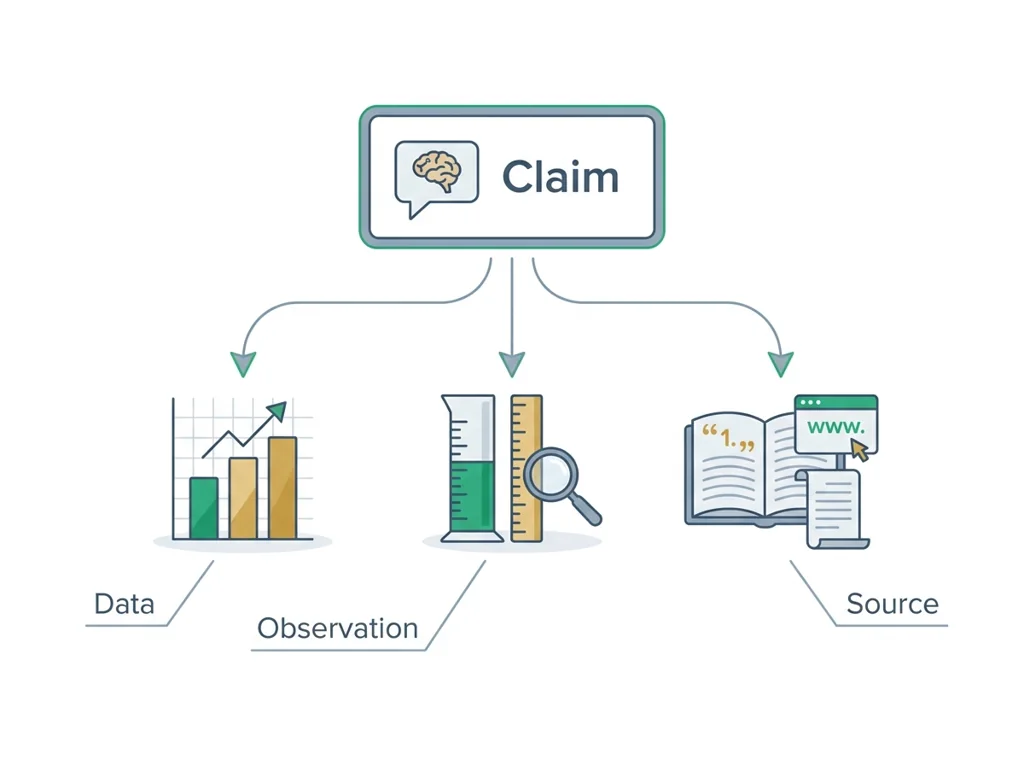
- Claim, Evidence, Reasoning: make a claim, back it with evidence, explain your reasoning.
- SOP:
- Standard Operating Procedure, the exact steps to follow (especially in a lab).
- Tracker:
- Your PLTW progress log where you record completed evidence.
- myPLTW:
- The PLTW course site where you do the online activities. Find it in Clever with your Microsoft sign-in, right next to Schoology.
Work safely in a biomedical lab and use a Data Sheet to identify hazards before you ever touch a chemical.
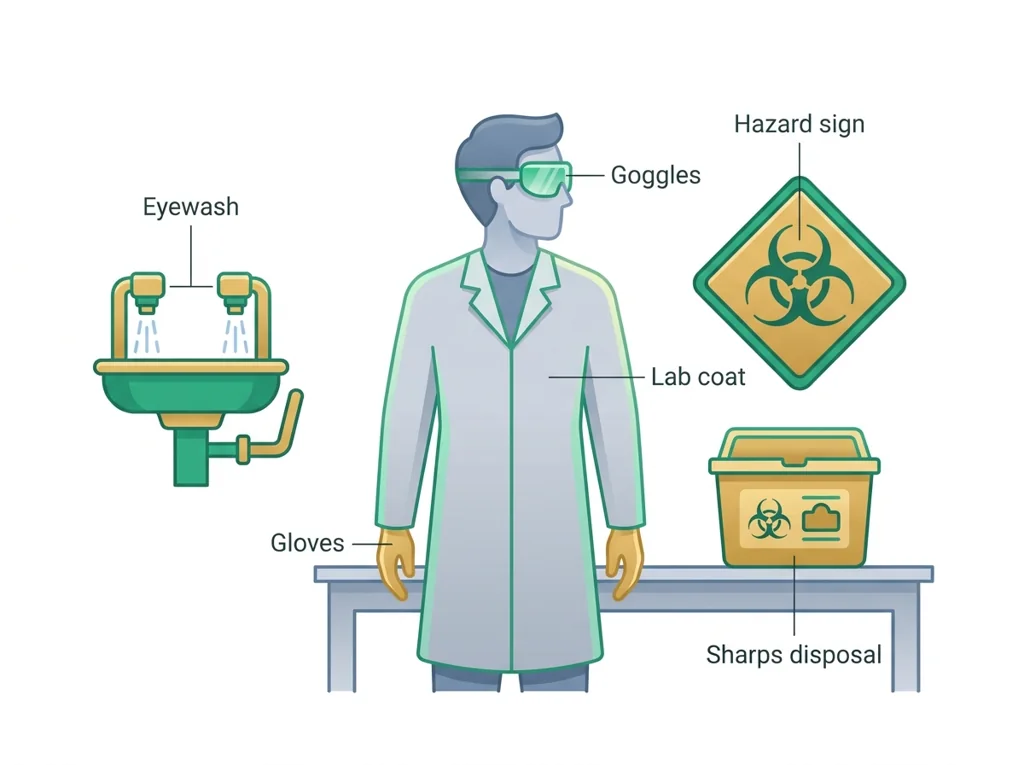
- 1Read the room. Walk to and physically point out the eyewash station, shower, fire extinguisher, first-aid kit, and the sharps/biohazard container. Write each location in your notebook.
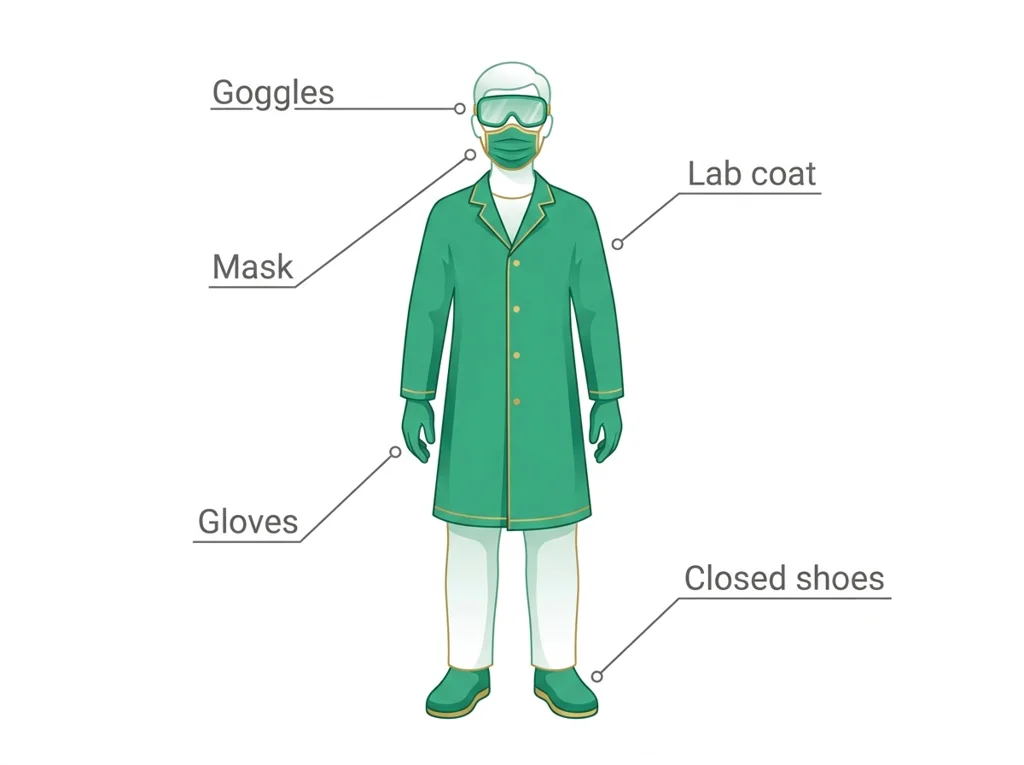
- 2Gear up. Put on splash goggles, gloves, and an apron correctly. Have a partner check your fit using the checklist.
- 3Open an SDS. Pull the SDS for a chemical your teacher assigns (e.g., bleach/sodium hypochlorite). Find Section 2 (Hazards) and Section 4 (First-aid).
- 4Decode the pictograms. Match each GHS hazard pictogram on the label to its meaning. Record what to do if it contacts skin or eyes.
- 5Make a plan. In one sentence each, write: the hazard, the you'll wear, and the first response if exposed.
- 6Sign & log. Sign the contract and log it as your first PLTW evidence entry.
- • Locate all emergency equipment in the room without looking it up.
- • Find a chemical's hazards and first-aid steps in an SDS in under two minutes.
- • Explain why a specific piece of is required for a specific task.
Open any day for its full lesson, the work due that day, and guided notes.
Name two rules and locate one piece of emergency equipment from memory; written on an index card or typed.
First complete six-part notebook entry documenting the lesson; submit a readable photo or scan and keep the original notebook page.
Written CER on mandatory : claim, evidence, reasoning, and a rebuttal addressing one opposing point.
Take-home exam, 100 points, Assessments category: the completed WebXam Pretest Debrief and Study Plan with your baseline, three priority concepts with evidence, a weekly routine, your graphs and growth line, and two checkpoints with proof of learning. It is an assessment grade, and the criterion is a coherent plan, never your pretest score. Your individual pretest report is posted to you alone in the Schoology Materials folder named Your WebXam pretest report (visible only to you).
Completed Genetics of Disease WebXam Baseline Graphing Activity: reported-score table and bars, class histogram with median bin, growth line with two checkpoints, and a claim-evidence-reasoning paragraph. Calculate exact median and range only when raw scores are available.
- Why this matters: every intervention in this course starts with you staying safe: clinicians who cut corners on put patients and themselves at risk.
- The one rule: if you don't know the hazard, you don't touch it. The SDS tells you the hazard.
- Today's exit goal: a signed contract + the locations of all emergency equipment in your notebook.
- Where the work lives: your evidence is logged in the PLTW course shell: this page just tells you what to capture.
Do this: Open the PLTW MI course shell, complete the orientation, and start your Unit 1 / intervention inventory evidence.
- • The location and use of all lab equipment.
- • How an SDS is organized and which sections cover hazards and first-aid.
- • What counts as 'evidence' in your PLTW tracker.
- • Set up your PLTW notebook and portfolio.
- • Read an SDS to plan safe handling of a chemical.
- • Log your first piece of tracker evidence.
📋 PLTW evidence to log this week: signed contract, notebook/portfolio setup, and your intervention inventory entry. This is your first tracker audit checkpoint.
All PLTW activities are completed inside the PLTW course environment: this page only gives direction.
Use this chart to keep your place. Nothing on it is turned in through the portal.
| Day | Work | Turn in |
|---|---|---|
| Monday · Mon, Aug 31 | Lab safety and SDS practical | Name two safety rules and locate one piece of emergency equipment from memory; written on an index card or typed. |
| Tuesday · Tue, Sep 1 | Lab notebook and portfolio | First complete six-part notebook entry documenting the safety lesson; submit a readable photo or scan and keep the original notebook page. |
| Wednesday · Wed, Sep 2 | Bioethics debate: isolation vs autonomy | Written CER on mandatory isolation: claim, evidence, reasoning, and a rebuttal addressing one opposing point. |
| Thursday · Thu, Sep 3 | WebXam Pretest Debrief and Study Plan | Take-home exam, 100 points, Assessments category: the completed WebXam Pretest Debrief and Study Plan with your baseline, three priority concepts with evidence, a weekly 6 Rs routine, your graphs and growth line, and two checkpoints with proof of learning. It is an assessment grade, and the criterion is a coherent plan, never your pretest score. Your individual pretest report is posted to you alone in the Schoology Materials folder named Your WebXam pretest report (visible only to you). |
| Friday · Fri, Sep 4 | WebXam baseline graphing and growth projection | Completed Genetics of Disease WebXam Baseline Graphing Activity: reported-score table and bars, class histogram with median bin, growth line with two checkpoints, and a claim-evidence-reasoning paragraph. Calculate exact median and range only when raw scores are available. |
- M 8/24: syllabus + PLTW login check
- T: / SDS
- W: notebook + portfolio setup
- Th: first MI evidence entry
- F: submit setup check
Turn in: Course launch, safety, Smith family case, intervention categories, and the daily submission routine. weekly work due Safety contract, notebook setup, intervention inventory.
Go to Schoology to turn this in.
Submit one PDF. Schoology attaches your name to your upload; on the page itself, write your period and code. Name the file: FirstName LastName - Assignment Title - YYYY-MM-DD.pdf.
Open Schoology PDF upload helpIf you cannot get in, see Mr. Mendoza. Do not skip the work.
3 panels from the illustrated semester.
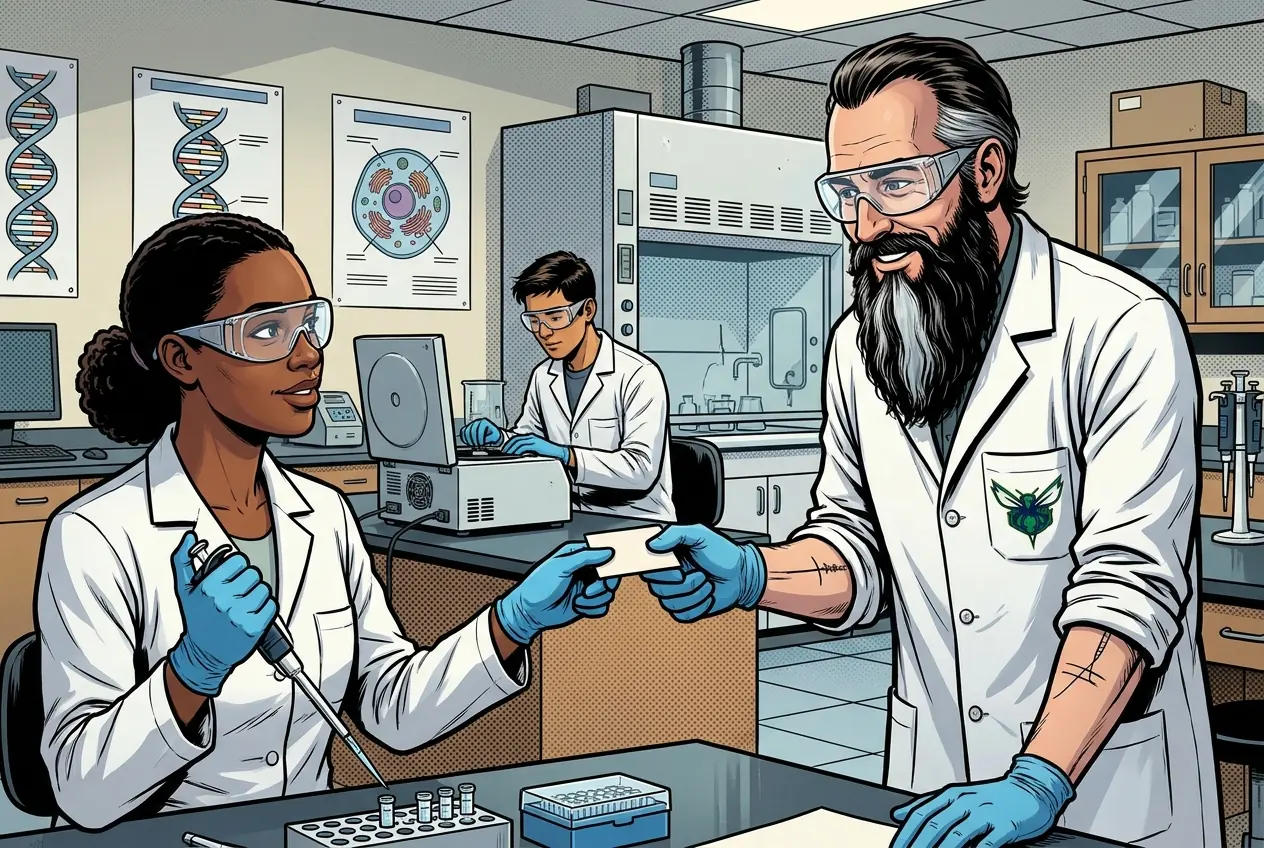
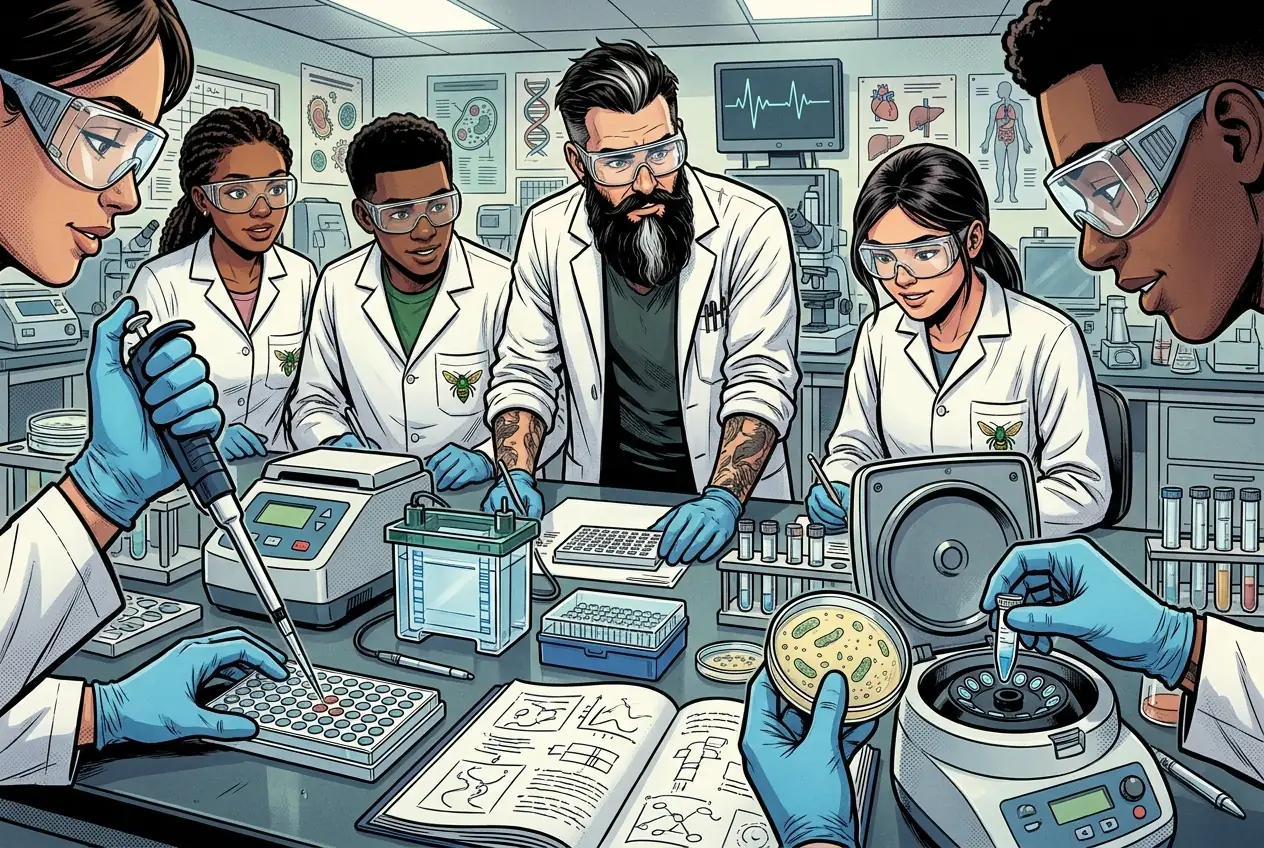
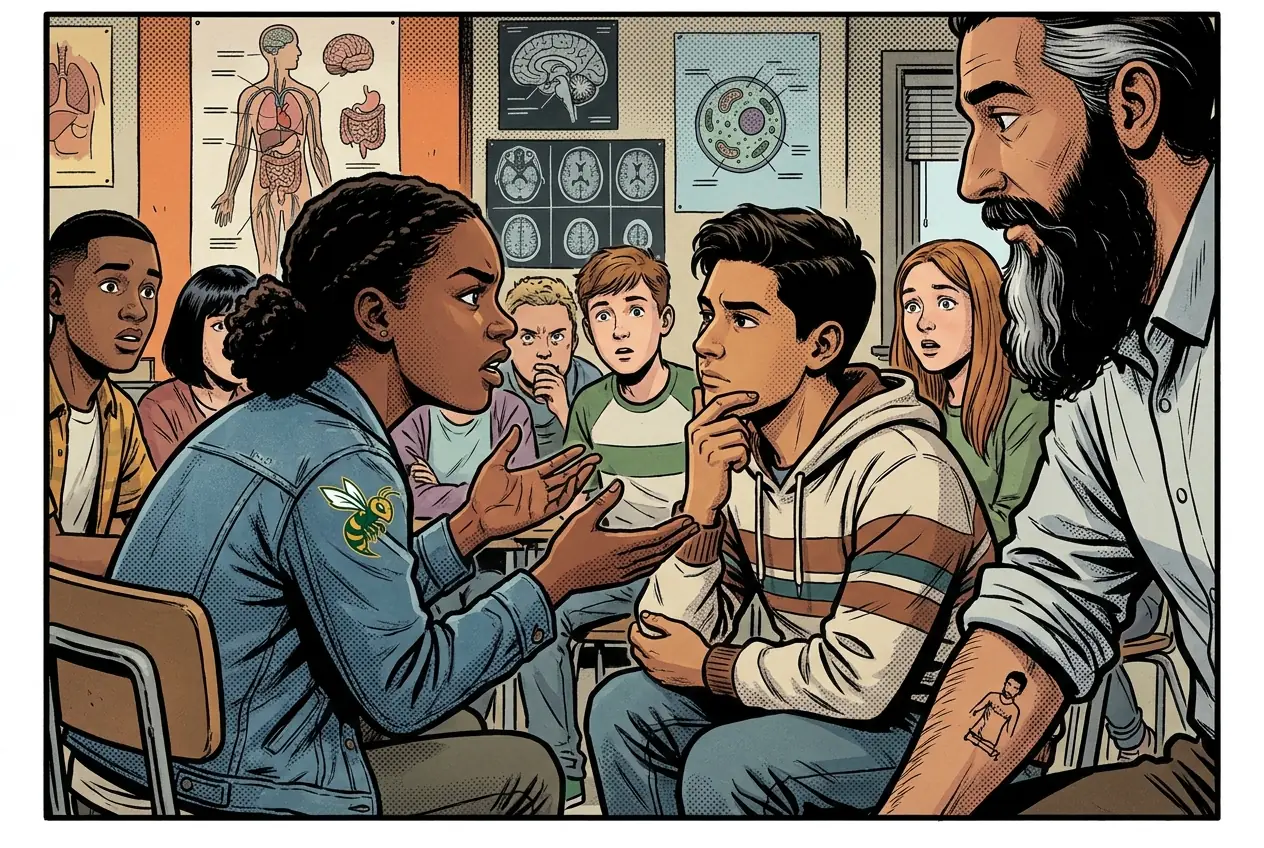
Fiction. There is no such student. The lessons, labs and dates are the real planned course; the student, the classmates and the conversations are invented.
This explainer accompanies the PLTW lab protocol: watch it before lab.
Most days, this class is your PLTW coursework: and PLTW is online and individual. So being out usually just means doing exactly what we did in class, from home.
Open Clever, then myPLTWSign in to Clever with your district Microsoft account to open Schoology or myPLTW. Follow today's posted steps. If myPLTW will not open, use the posted alternative and tell Mr. Mendoza. Turn in your completed work through the Schoology assignment.
You can't do those from home: do this instead: SDS scavenger hunt and a CER.
Class still runs. A substitute will post today's plan: complete the online activity above; it's built to be self-guided. Need the concept taught without a teacher? Use this authoritative explainer:
OSHA: Hazard Communication & Safety Data Sheets (authoritative)
Classroom documents for this lesson are posted in Schoology. Open Clever, then Schoology, and find each one by the name shown on its card.
Open this when the class reaches this activity and use it to complete the required lesson artifact.
Use this after the required lesson work when you are ready for a harder application or a deeper connection.
Sign in to Clever with your district Microsoft account to open Schoology or myPLTW. Follow today's posted steps. If myPLTW will not open, use the posted alternative and tell Mr. Mendoza. Turn in your completed work through the Schoology assignment.